Texas is tightening the front door to Medicaid provider portals. Effective August 3, 2026, the Texas Medicaid & Healthcare Partnership (TMHP) will move more online applications onto TMHP IAMOnline — a single sign-on platform that requires multi-factor authentication (MFA) for Texas Medicaid providers.
TMHP’s June 12 notice (last updated July 3, 2026) frames Release 3 as the next step in making IAMOnline the secure entry point for apps on tmhp.com. For clinics and billing offices, this is a security upgrade — and a phishing risk window, because account activation depends on official emails and time-limited links.
Official source: New Login Process for All Texas Medicaid Providers Through TMHP IAMOnline
At a Glance
| Fact | Detail |
|---|---|
| What changes | More TMHP apps move to IAMOnline SSO |
| Effective | August 3, 2026 (Release 3) |
| Who | All Texas Medicaid providers using TMHP portals |
| MFA | Required on IAMOnline login |
| Default MFA | Email-based (automatic enrollment) |
| Optional MFA apps | Okta Verify or Google Authenticator |
| Activation emails | Sent June 8 and June 15, 2026 (7-day window) |
| Missed activation? | Call EDI Help Desk 888-863-3638 to resend |
Apps Moving in Release 3 (August 3, 2026)
| Application | Notes |
|---|---|
| Custom Reports | Transitions to IAMOnline |
| Medicaid Client Portal (MCP) | Transitions to IAMOnline |
| Document Uploads | Transitions to IAMOnline |
| Provider Message Dashboard | Transitions to IAMOnline |
| My Account | Transitions to IAMOnline |
TMHP says later articles will announce dates for remaining portal apps. Until an app is integrated, the new login process applies only to apps already on IAMOnline.
What Providers Must Do
| Step | Action | Deadline |
|---|---|---|
| 1 | Open the official TMHP IAMOnline activation email | Within 7 days of receipt |
| 2 | Activate the account, set a password, and register MFA | Same 7-day window |
| 3 | Use the My Apps dashboard for transitioned applications | After activation |
| 4 | If both June emails were missed | Call EDI Help Desk 888-863-3638 for a resend |
Important: Providers who already have HHSC IAMOnline access for STEPS still must activate a separate TMHP IAMOnline account to reach TMHP applications.
Apps not yet on IAMOnline
Use the existing login process with your current My Account username and the new password created during TMHP IAMOnline activation.
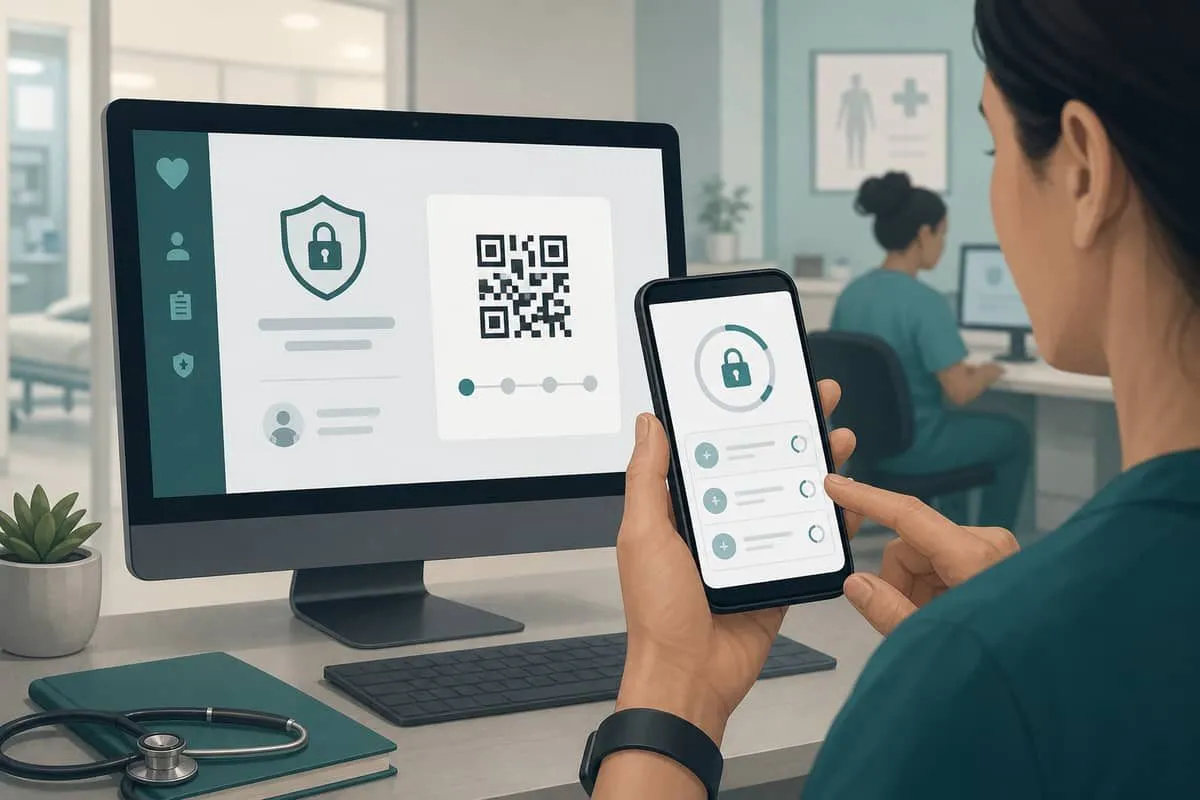
MFA Options TMHP Supports
| Method | How it works |
|---|---|
| Email MFA | Automatic enrollment when you activate |
| Okta Verify | Optional app from Apple App Store / Google Play |
| Google Authenticator | Optional app; set up via QR code or sign-in URL |
Email-only MFA is better than passwords alone, but authenticator apps are generally stronger against inbox takeover. Prefer adding Okta Verify or Google Authenticator when staff phones are managed.
Why This Matters for Cybersecurity
Requiring MFA on Medicaid portals closes a long-standing gap: stolen passwords alone should no longer open billing, client, and document tools. The flip side is operational and social-engineering risk during the cutover.
| Risk | Why it spikes now |
|---|---|
| Fake “TMHP activation” email | Criminals copy official MFA enrollment language |
| Lookalike IAMOnline login pages | Credential + MFA prompt harvesting |
| Help-desk impersonation | Attackers pose as EDI support after missed June emails |
| Shared clinic passwords | MFA breaks shared logins — plan named accounts now |
| Dual portals (TMHP + HHSC STEPS) | Staff confuse which IAMOnline account to use |
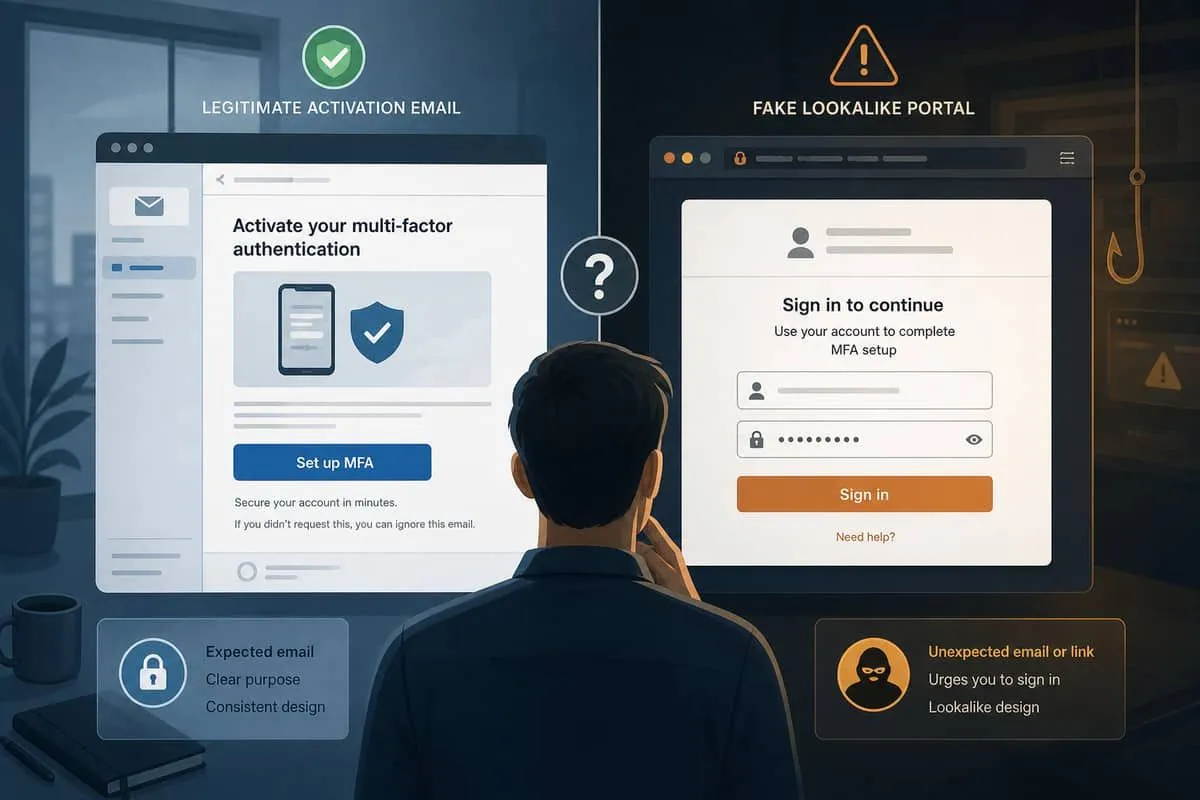
Practical rule: Bookmark the official TMHP site from a known good source. Do not click activation links from unexpected forwards. If unsure, call the EDI Help Desk number published by TMHP — not a number in a cold email.
Independent Domain Security Audits — July 12, 2026
We scanned domains providers will touch during this transition. 100% is the ideal score for domain security.
| Organization | Domain | Overall | Identity | Transport | Website | Risk |
|---|---|---|---|---|---|---|
| TMHP | tmhp.com | 74% | 65% | 15% | 92% | Good |
| Texas.gov | texas.gov | 61% | 75% | 45% | 45% | Above Average |
| Okta (MFA vendor) | okta.com | 60% | 65% | 15% | 45% | Above Average |
| HHSC | hhs.texas.gov | 58% | 25% | 15% | 92% | Average |
Key findings:
- tmhp.com leads this set at 74% with strong Website (92%) and Email Infrastructure (100%), but Transport stays at 15% — a recurring gap that makes spoofed “official” mail easier to deliver.
- hhs.texas.gov scores 58% with only 25% Identity — relevant because STEPS/HHSC IAMOnline users must still activate a separate TMHP account and may receive mixed government emails.
- okta.com at 60% is still below the 100% ideal; treat MFA-app download prompts carefully and use only Apple App Store / Google Play.
Audit links:
Website Stack Probe — July 12, 2026
Passive stack checks of the same domains:
| Domain | Platform | Notable finding |
|---|---|---|
| tmhp.com | Drupal 10 | Major version behind current Drupal 11; TLS valid (~41 days remaining at check time) |
| hhs.texas.gov | Drupal 11 | On Drupal 11 but behind latest patch line (11.4.2) |
| texas.gov | Not publicly fingerprintable | TLS valid |
| okta.com | Not publicly fingerprintable | TLS valid |
Drupal 10 on tmhp.com is not the same as unsupported PHP end-of-life, but it is a public signal that the Medicaid portal stack is not on the newest major CMS line — worth tracking alongside the MFA rollout.
Priority Actions for Texas Providers
- Confirm every billing/admin user has an activated TMHP IAMOnline account before August 3, 2026.
- Add Okta Verify or Google Authenticator on top of email MFA where possible.
- Train staff to verify TMHP emails — activation and MFA prompts are high-value phishing bait.
- Separate TMHP IAMOnline from HHSC/STEPS IAMOnline credentials in password managers.
- Call 888-863-3638 only from TMHP’s published number if activation emails were missed.
Related Reading
- East Texas Family Medicine / Genesis ransomware
- San Antonio Gentlemen clinic ransomware
- Texas healthcare AG breach tracker
- Top Texas healthcare systems email security
Sources: TMHP — New Login Process / IAMOnline MFA (Release 3) · EDI Help Desk 888-863-3638