Your name plus a home address, mobile number, or work email in a search result is not just awkward. For Texas small business owners, home-office professionals, landlords, law firms, and financial advisors, that snippet becomes fuel for phishing, business email compromise (BEC), SIM-swap social engineering, and impersonation.
Google’s Results about you hub is the main self-service path to find, monitor, and request removal of Search results that show contact details tied to you. It does not delete the underlying web page. It changes what appears on Google Search after Google reviews your request.
Features roll out by country, language, and account type (Google documents some options for users 18+ in select markets). If a control is missing in your account, use the alternate flows below.

What Results about you does (and does not do)
| Does | Does not |
|---|---|
| Stores the name, phone, email, and home address (plus optional variants) you choose to monitor | Remove content from the publisher’s website |
| Surfaces Search results that may show that contact info | Guarantee removal (Google may deny public-interest or policy exceptions) |
| Sends notifications when new matching results appear | Replace opt-outs at data brokers or court records at the source |
| Lets you request removal and track In progress / Approved / Denied | Remove results from Bing, DuckDuckGo, or other search engines |
As of February 2026, Google also expanded monitoring to certain government ID numbers (for example passport, driver’s license, or Social Security numbers) in supported regions. Treat ID numbers like any other sensitive field: only enter what you are willing to store in the tool, and prefer removal at the source site when a broker published the scan.
Related reading: How to stop Gmail and Google Calendar phishing scams and where to monitor data breaches in 2026.
Step 1: Set up monitoring
Use a desktop browser or the Google app while signed into the Google Account you want to protect.
On the web
- Open Results about you.
- Choose Get started (first visit) or Settings (returning visit).
- Enter your name and each phone number, email, and home address you want monitored. Google’s help docs also allow nicknames, maiden names, and multiple phones, emails, or addresses in one profile.
- If offered in your region, add government ID numbers you want monitored (optional).
- Turn on notifications (email and/or in-product alerts, depending on your settings).
In the Google app (Android / iOS)
- Sign in to the Google app.
- Open the Menu (profile picture or initial).
- Select Results about you and complete the same profile and notification steps.
Google uses what you enter to match Search results. It does not automatically scan every variant of your name across the open web.

Step 2: Review matches and request removal
When the hub lists a result you want suppressed:
- Expand the result.
- Choose Request to remove (wording may vary slightly by locale).
- Confirm the contact info shown on the page matches what you entered (nickname, old address, etc.).
- Submit and watch for email updates tied to your Google Account.
You can also Mark as reviewed if you decide to leave a listing alone.
Request status (from Google’s help docs): In progress, Approved, Denied, or Undone. Approved removals can take hours to reflect in Search; check again after Google confirms approval.
When Remove may be unavailable: Google notes that some government, educational, newspaper, or business sites may be treated as public interest. Those rows may not offer a one-click Remove result button even when your phone or address appears.
Step 3: Report a single result from Search (About this result)
You can start a contact-info removal without opening the hub first:
- Sign in to Google Search on desktop or mobile.
- Search your name (try name + city or name + street if you are looking for address hits).
- Next to a result, open About this result (often via More on the result).
- Choose the path such as Remove result → It shows my personal info → Contact info.
- Enter your name and the exact contact info shown on the landing page (match nicknames or old addresses precisely).
- Submit and choose I’m done when finished.
Use one request per URL even if multiple data types appear on the same page.
Other Google Search removal routes
| Route | Best for | Where to start |
|---|---|---|
| Results about you | Ongoing monitoring for address, phone, email (and supported ID numbers) | Results about you hub |
| Private info removal form | Doxxing, confidential government IDs, bank/card numbers, medical records, signatures, passwords | Remove my private info from Google Search (Start removal request) |
| Personal content policies | Non-consensual intimate imagery, certain minors’ images, other policy-covered harms | Request personal content removal |
| Refresh Outdated Content tool | A page you do not control where the live page no longer shows the sensitive snippet (or the page is gone) | Remove outdated content · Help |
| Search Console Removals | URLs on a site you verify in Search Console (temporary blocks, snippet clears) | Removals tool |
Doxxing (private info paired with threats or large aggregated dumps meant to harm you) is called out in Google’s private-info help; use the Start removal request flow and cite the URL.
Remember: Google Search removal ≠ deletion at the source. If a people-search site still hosts the record, request opt-out or deletion with that publisher too.
Remove it at the source: people-search and data brokers
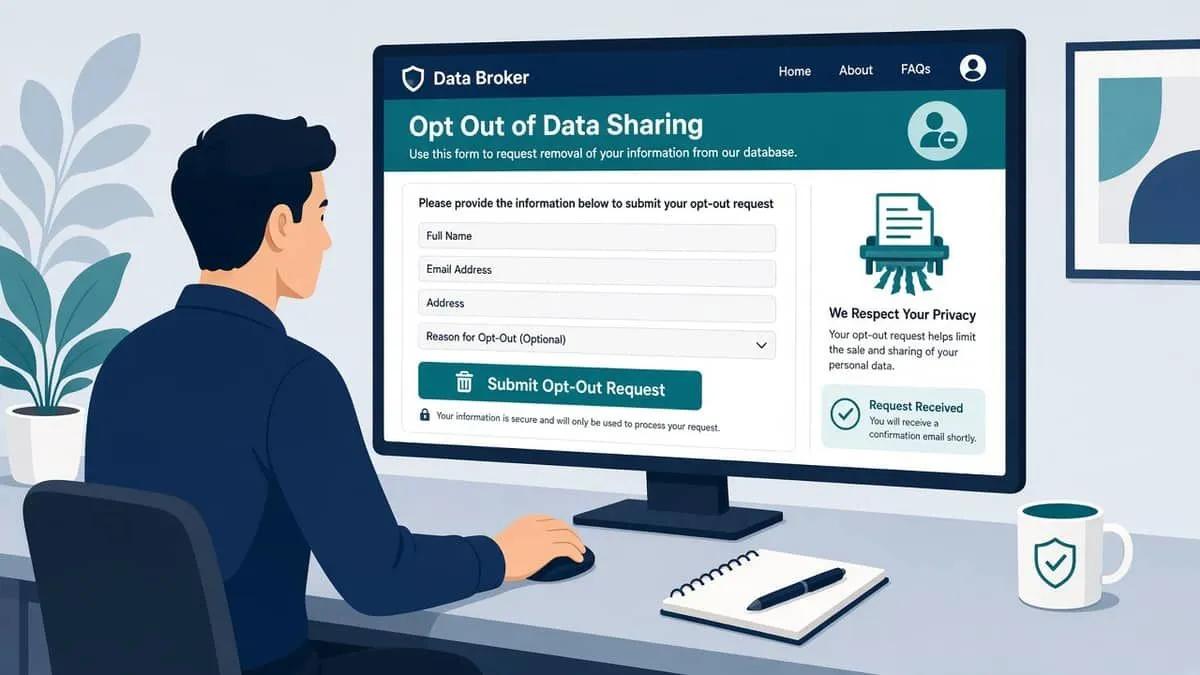
People-search sites repackage public records, marketing lists, and user-submitted data. Opt-outs vary by vendor, may require email verification or ID checks, and often expire when new records arrive.
General opt-out pattern
- Search the site for your listing (use a VPN or alternate browser if you prefer not to tip off fingerprinting).
- Open the site’s Privacy, Do Not Sell/Share, or Opt out page (often linked from the footer).
- Submit the profile URL or internal ID the site shows on your listing.
- Complete email or phone verification if required.
- Re-check Search in a few weeks; repeat for sibling brands owned by the same parent company.
Opt-out pages verified reachable Nov 1, 2026 (human browsers may still see bot challenges our server checks cannot pass):
| Site | Opt-out or privacy URL |
|---|---|
| Spokeo | spokeo.com/optout |
| Radaris | radaris.com/control/privacy |
For Whitepages, BeenVerified, Intelius, and similar brands, use each publisher’s current suppression / opt-out page (URLs and flows change; some block automated probes). If an opt-out fails, note the publisher name in a removal letter to the site and keep your Google Results about you request open in parallel.
Texas data broker registration (context only)
Texas requires many data brokers to register with the Secretary of State, post conspicuous notices, and link to consumer rights instructions (Business & Commerce Code Chapter 510, with threshold updates effective September 1, 2025). Registration does not automatically remove your listing, but it can help you identify who sells data and where they publish opt-out steps.
Paid removal services
Some companies offer to bundle opt-outs or monitor brokers for a fee. EmailMeNow does not endorse a vendor. If you hire help, keep your Google Account, email aliases, and MFA under your own control, and verify they use documented publisher opt-outs rather than questionable “black hat” tactics.
Bing and other search engines
Microsoft documents a narrow set of Bing removals. For many personal-info concerns, the durable fix is still publisher deletion plus Google/Bing requests in parallel.
| Action | Link |
|---|---|
| Report a concern to Bing (global starting point) | microsoft.com/concern/bing |
| EU Right to be Forgotten (European residents) | Privacy support — block Bing results in Europe |
Bing’s help center states it cannot remove most URLs unless they meet specific conditions, and that blocking in Bing does not remove the live page.
Why Texas professionals should care
| Exposed data | Typical abuse |
|---|---|
| Home address on a broker site | Swatting threats, deed-fraud reconnaissance, targeted mail fraud |
| Mobile number in Search | SIM-swap prep, smishing, “callback” vishing |
| Work email + role | BEC wire fraud, fake invoice threads, client impersonation |
| Name + city on old breach dumps | Personalized scams (see Facebook Marketplace name lure pattern) |
Practical next steps beyond removals
- Use unique email aliases per vendor or public listing so one leak does not expose your primary inbox.
- Set a carrier port-out PIN or equivalent lock on mobile accounts tied to SMS recovery.
- Enroll phishing-resistant MFA on email, banking, and social accounts (see below).
- After major breaches, check addresses against Have I Been Pwned and your monitoring stack from the breach resources guide.
Lock down the Google Account that controls Results about you
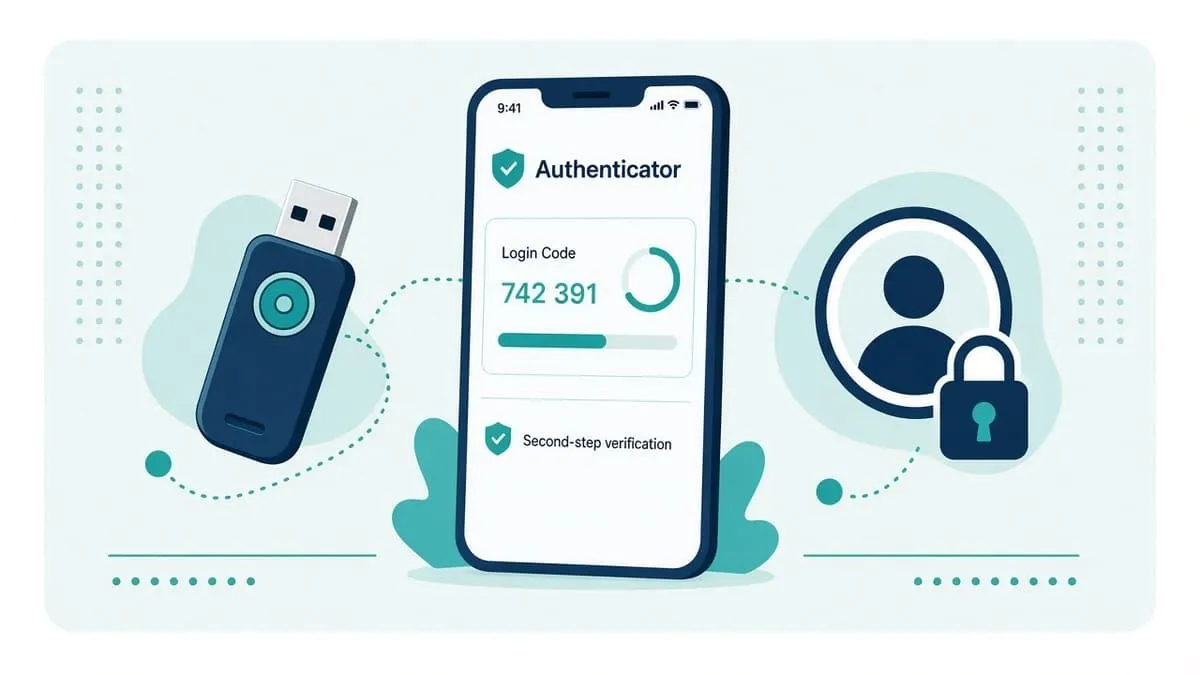
Anyone who can sign into your Google Account can change monitoring settings or interfere with removal email. Secure that account before you rely on Results about you long term.
- Open Google Account → Security.
- Enroll 2-Step Verification with an authenticator app or passkey before SMS if possible.
- Add a hardware security key (FIDO) for high-risk accounts when Google offers it on your profile.
- Review Recovery phone/email; remove stale numbers you no longer control.
- Periodically check Your devices and Third-party access.
For vendor-by-vendor MFA documentation (including Google Account Strong paths), use the living MFA support directory.
Checklist (save or print)
| Step | Done? |
|---|---|
| Enable Results about you monitoring for every phone, email, and address you care about | ☐ |
| Turn on notifications | ☐ |
| Request removal for current hits; note Denied items for source-site follow-up | ☐ |
| File private-info or doxxing forms for IDs, financial, or medical leaks | ☐ |
| Opt out at people-search publishers (repeat quarterly) | ☐ |
| Submit Bing concerns if results persist outside Google | ☐ |
| Secure Google Account MFA and recovery options | ☐ |
| Set a calendar reminder to re-check Search and brokers every 3–6 months | ☐ |
Re-check every few months
Brokers refresh records. New court filings, marketing lists, and breach dumps re-create old problems. After any move, marriage name change, or new business phone, update your monitoring profile the same week.
Check your domain free at audit.emailmenow.com or see automated reports and monitoring.
Sources (checked Nov 1, 2026): Google Search Help — Find and remove personal info (Results about you) · Google Search Help — Remove my private info · Google Search Help — Request personal content removal · Google Search Console — Refresh Outdated Content · Google Search Console — Removals tool · Google blog — Results about you government ID numbers, Feb 10, 2026 · Results about you hub · Microsoft — Report a concern to Bing · Microsoft — Privacy support requests · Texas SOS — Data Brokers · Texas Attorney General — Texas Data Broker Act · Texas Business & Commerce Code Ch. 510 (registration) · Spokeo opt-out · Radaris privacy control