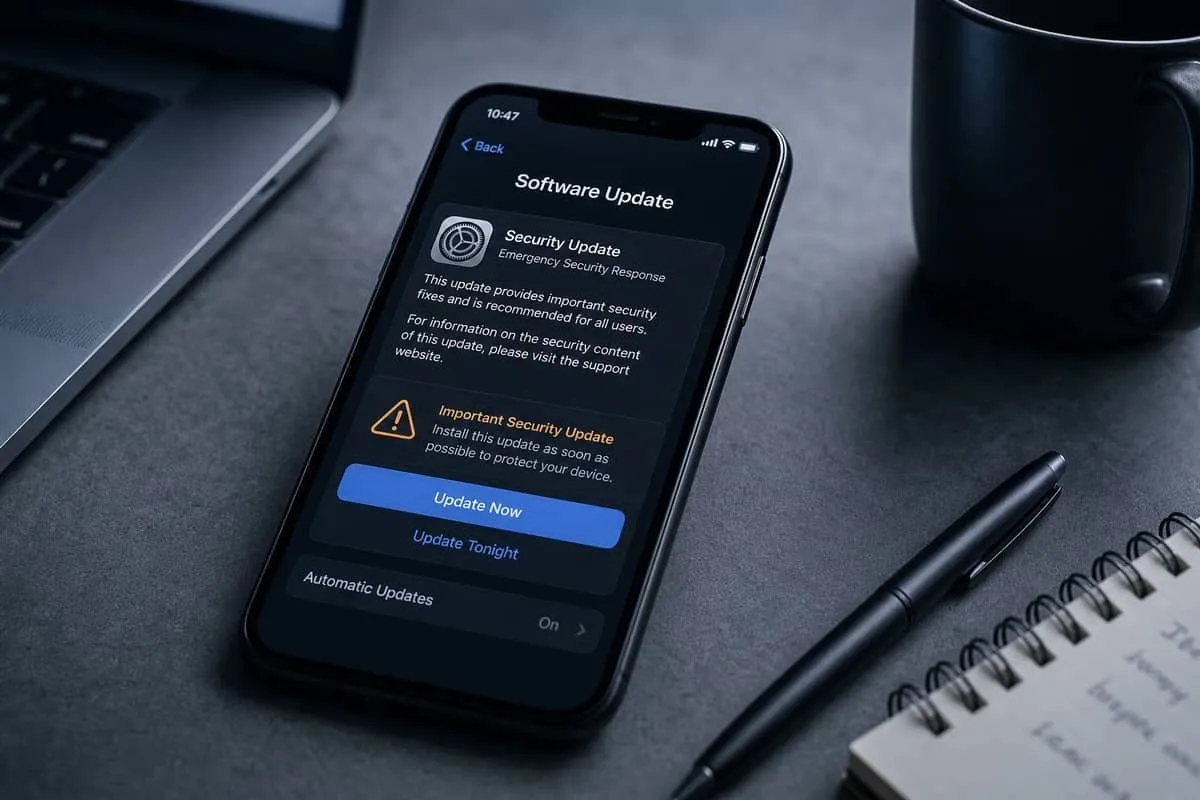
Apple pushed an emergency iPhone update — iOS 26.3 (and matching iPadOS 26.3) on February 11, 2026 — after reports of an actively exploited flaw in the phone’s app loader. Press coverage described roughly 39 security issues fixed in the release; Apple’s bulletin centers on CVE-2026-20700, a dyld memory-corruption bug that can lead to arbitrary code execution.
Apple says it is aware the issue “may have been exploited in an extremely sophisticated attack against specific targeted individuals” on versions of iOS before iOS 26. Google’s Threat Analysis Group is credited with the finding. Related WebKit flaws from late 2025 (CVE-2025-14174, CVE-2025-43529) were also issued in response to the same reporting chain.
This is not the same story as Apple’s later June 29, 2026 WebKit-heavy 26.5.2 wave — that release patched dozens of browser bugs with no reported in-the-wild exploitation. iOS 26.3 is the spyware / zero-day emergency.
Official security content: About the security content of iOS 26.3 and iPadOS 26.3
At a Glance
| Fact | Detail |
|---|---|
| Update | iOS 26.3 / iPadOS 26.3 |
| Shipped | February 11, 2026 |
| Issues (press tally) | About 39 security fixes |
| Headline CVE | CVE-2026-20700 (dyld) |
| Impact | Attacker with memory-write capability may execute arbitrary code |
| Exploitation | Yes — targeted, “extremely sophisticated” attacks (per Apple) |
| Credited | Google Threat Analysis Group |
| Also patched | macOS Tahoe 26.3, watchOS / tvOS / visionOS 26.3 lines |
If your iPhone is already on 26.5.2 or newer, you already include the 26.3 dyld fix — still verify MDM fleets are not stuck on pre-26.3 builds.
How to Update Your iPhone
| Step | Action |
|---|---|
| 1 | Open Settings |
| 2 | Tap General → Software Update |
| 3 | Install the latest available iOS (at minimum 26.3; prefer current 26.5.x) |
| 4 | Stay on Wi‑Fi and keep the phone plugged in during install |
| 5 | Confirm version under Settings → General → About |
Automatic Updates: Settings → General → Software Update → Automatic Updates — enable download and install so security releases do not wait for a manual tap.
Why dyld Matters
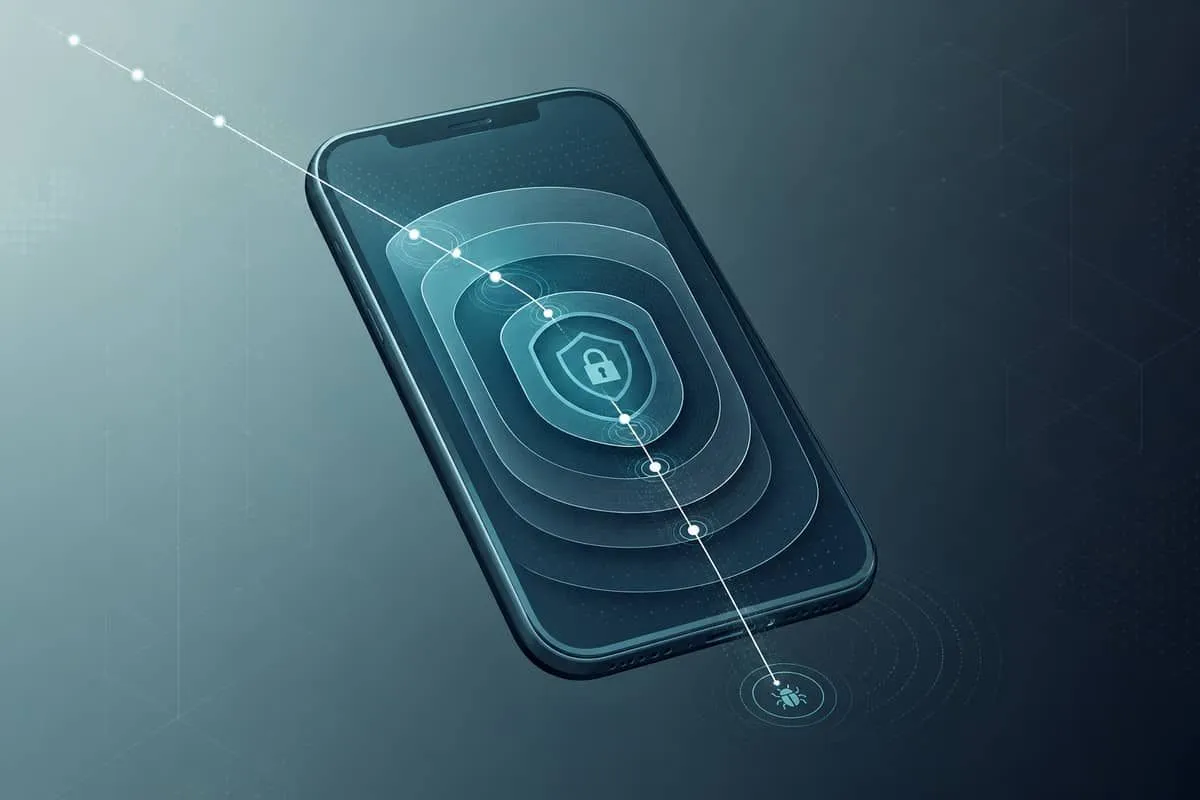
dyld (Dynamic Link Editor) is the component that loads and links apps before they run. Security researchers describe it as the “doorman” for every process on the phone. A memory-corruption bug there is not a routine Safari crash — it sits on the path to full device compromise when chained with other flaws.
| Attack step | What it means |
|---|---|
| Memory write foothold | Attacker already influenced process memory (often via browser/WebKit bugs) |
| CVE-2026-20700 (dyld) | Turns that foothold into arbitrary code execution |
| Spyware payload | Stealth implant aimed at specific targets (journalists, executives, high-value staff) |
| Collateral risk | Unpatched phones remain exposed even if you were never the original target |
Apple’s wording — targeted individuals, extremely sophisticated — matches historical mercenary-spyware campaigns, not mass phishing alone.
What Else 26.3 Touched
Beyond dyld, Apple’s bulletin spans kernel, WebKit, networking, Bluetooth, Photos, Messages, Wallet, and many framework components. Example themes:
| Area | Why it matters |
|---|---|
| Kernel | System-level crashes or privilege issues |
| WebKit | Malicious web content / Safari attack surface |
| Networking / Wi‑Fi / CFNetwork | Network-path abuse |
| Sandbox / Managed Configuration | Escape or policy bypass risks |
| dyld (CVE-2026-20700) | Actively exploited code-execution path |
Why Businesses Should Care
| Scenario | Risk if unpatched |
|---|---|
| Attorney / partner BYOD iPhone | Spyware on a device that reads client email and MFA prompts |
| Healthcare clinician phone | PHI screenshots, messages, and portal sessions at risk |
| Executive travel device | Classic high-value spyware target profile |
| MDM deferral windows | Security-critical releases should not sit behind feature-update delays |
Pair phone patching with domain hygiene: fake “Apple Security Update” emails spike after emergency releases. Bookmark support.apple.com — do not trust search ads or unexpected SMS links.

Independent Domain Security Audits — July 12, 2026
We scanned domains users rely on for Apple updates and account recovery. 100% is the ideal score for domain security.
| Organization | Domain | Overall | Identity | Transport | Website | Risk |
|---|---|---|---|---|---|---|
| Apple Inc. | apple.com | 70% | 50% | 15% | 100% | Good |
| iCloud | icloud.com | 68% | 50% | 15% | 100% | Above Average |
| Apple Support | support.apple.com | 52% | 0% | 45% | 100% | Average |
| WebKit project | webkit.org | 70% | 90% | 15% | 45% | Good |
Key findings:
- apple.com and icloud.com hit 100% Website Security but only 15% Transport — strong public web headers do not equal hardened mail transport for security-announcement email.
- support.apple.com shows 0% Identity on our probe — after emergency updates, phishing pages impersonating Apple Support are common; save the official URL, do not click from cold email.
- webkit.org leads identity (90%) but lags website headers (45%) and transport (15%).
Audit links:
Website Stack Probe — July 12, 2026
Passive stack checks of the same domains (Admin website-tech tool):
| Domain | Platform | Notable finding |
|---|---|---|
| apple.com | Not publicly fingerprintable | TLS valid (Apple-issued); stack hidden behind hardened edge |
| support.apple.com | Not publicly fingerprintable | TLS valid; expected for Apple Support |
| icloud.com | Not publicly fingerprintable | TLS valid |
| webkit.org | WordPress 7.0 | Behind current — wordpress.org lists 7.0.1 |
Apple properties correctly hide CMS details. The open WebKit project site is the one public CMS signal in this set — a small core-version lag, not an EOL runtime.
Priority Actions
- Confirm every managed iPhone/iPad is on iOS/iPadOS 26.3 or newer (prefer current 26.5.x).
- Turn on Automatic Updates for security releases.
- Treat unexpected “Apple security update” links as phishing until verified on a bookmarked Support URL.
- For high-risk staff, review device compromise indicators after any spyware-class advisory.
- Document patch status for cyber insurance and incident-response playbooks.
Related Reading
- ShieldBreak + Apple ImageIO (iOS 26.6.1 / Tahoe 26.6.2)
- Apple macOS Tahoe / iOS / Safari 26.5.2 WebKit update
- Chrome 150 patches 382 vulnerabilities
- Five Eyes warning on AI-accelerated cyberattacks
Sources: Apple — iOS 26.3 / iPadOS 26.3 security content · Inc. · SOC Prime — CVE-2026-20700 · Economic Times