Apple has released a security-only update wave for iOS 26.5.2, iPadOS 26.5.2, macOS Tahoe 26.5.2, and Safari 26.5.2 — patching dozens of browser-related vulnerabilities that had been public knowledge for weeks before the fixes shipped on June 29, 2026.
TidBITS describes the release as focused on WebKit and related technologies, with fixes also backported to Safari 26.5.2 on macOS Sequoia and Sonoma. The Zero Day Initiative counted 37 unique CVEs across the platform updates — 31 of 37 reachable through malicious web content.
Four WebKit flaws were discovered using AI security tools including Anthropic Claude and OpenAI Codex, per Security Affairs — a signal that both defenders and attackers are accelerating browser bug discovery.
Official security content: macOS Tahoe 26.5.2
What Apple Shipped
| Update | Release date | Primary focus |
|---|---|---|
| iOS 26.5.2 | June 29, 2026 | WebKit, kernel, GPU drivers |
| iPadOS 26.5.2 | June 29, 2026 | Same security content as iOS |
| macOS Tahoe 26.5.2 | June 29, 2026 | WebKit + kernel + system libraries |
| Safari 26.5.2 | June 29, 2026 | WebKit for macOS Sequoia & Sonoma users |
Apple notes these fixes were first available in the macOS Tahoe 26.6 / iOS 26.6 betas before landing in the 26.5.2 security backports — meaning beta testers received patches before general-release users on 26.5.x.
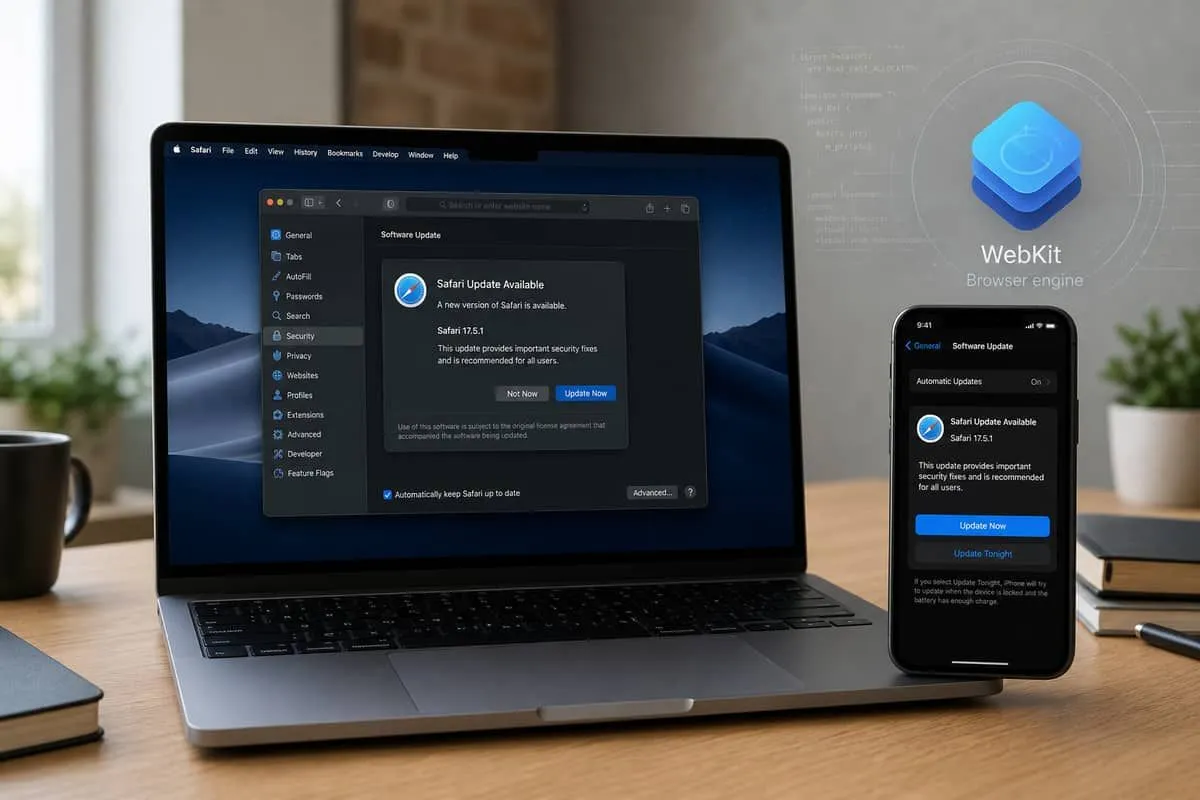
How to Update Your Mac, iPhone, and iPad
These are security-only releases — install them even if you are not ready for a major feature upgrade.
macOS Tahoe → 26.5.2
| Step | Action |
|---|---|
| 1 | Click the Apple menu → System Settings |
| 2 | Open General → Software Update |
| 3 | If macOS Tahoe 26.5.2 appears, click Update Now (or Upgrade Now if labeled) |
| 4 | Enter your Mac password when prompted and allow the Mac to restart |
| 5 | After reboot, return to System Settings → General → Software Update — it should report “macOS Tahoe 26.5.2” and “Your Mac is up to date” |
Apple menu shortcut: System Settings → General → About shows the current macOS version.
macOS Sequoia or Sonoma → Safari 26.5.2 only
If you are not on macOS Tahoe, you still need the Safari security update:
| Step | Action |
|---|---|
| 1 | Apple menu → System Settings → General → Software Update |
| 2 | Install Safari 26.5.2 when offered |
| 3 | Open Safari → menu bar Safari → About Safari — confirm version 26.5.2 |
Safari updates on older macOS releases are delivered through Software Update, not the Mac App Store.
iPhone and iPad → iOS / iPadOS 26.5.2
| Step | Action |
|---|---|
| 1 | Open Settings |
| 2 | Tap General → Software Update |
| 3 | Tap Update Now on iOS 26.5.2 or iPadOS 26.5.2 |
| 4 | Connect to Wi‑Fi and keep the device plugged in if the download is large |
| 5 | After restart, go back to Settings → General → About — Software Version should read 26.5.2 |
Automatic Updates (recommended): Settings → General → Software Update → Automatic Updates → turn on Download iOS Updates and Install iOS Updates so security-only releases apply overnight on Wi‑Fi.
Verify Safari and WebKit are patched
| Device | How to check |
|---|---|
| Mac | Safari → About Safari → version 26.5.2 |
| iPhone / iPad | Safari version tracks the OS — confirm 26.5.2 under Settings → General → About |
| MDM-managed fleet | Jamf / Intune compliance policy should flag any device below 26.5.2 |
If no update appears
| Situation | What to try |
|---|---|
| ”Up to date” but version is older than 26.5.2 | Restart the device, confirm Settings → General → Date & Time → Set Automatically, then check again in 24 hours |
| MDM deferral | Ask IT to release the security update — 26.5.2 should not sit in a 30-day deferral window |
| Low storage | Free several GB — iOS/macOS updates fail silently when disk space is tight |
| Beta enrolled | Settings → General → Software Update → Beta Updates — you may already have fixes via the 26.6 beta; confirm with IT before switching channels |
Bookmark Apple Security Updates for official release notes — not third-party download sites.
Vulnerability Breakdown
| Category | Approx. count | Example impacts |
|---|---|---|
| WebKit / WebRTC / Canvas | 31 | Safari crashes, memory corruption, sandbox escapes, clipboard leaks |
| Kernel / IOGPUFamily | 6 | Unexpected termination, kernel memory write or corruption |
| libxslt / Web Extensions | Included above | Parser and extension-surface bugs |
| Unique CVEs (ZDI tally) | 37 | Across iOS, macOS Tahoe, Safari |
| AI-discovered WebKit bugs | 4 | CVE-2026-43707, 43715, 43716, 43745 |
Apple states no evidence of active exploitation for the patched issues at release — but several WebKit bugs had been public for weeks, widening the window for targeted attacks against unpatched Macs and iPhones.
Notable CVEs
| CVE | Component | Impact |
|---|---|---|
| CVE-2026-43701 | WebKit | Malicious site may process restricted web content outside the sandbox |
| CVE-2026-43724 | Kernel | App may cause termination or write kernel memory |
| CVE-2026-39868 | Kernel | Unexpected termination or kernel memory corruption |
| CVE-2026-43743 | IOGPUFamily | App may cause unexpected system termination |
| CVE-2026-43707 | WebKit | Memory corruption → process crash (AI-discovered) |
| CVE-2026-43715 | WebKit | Use-after-free → memory corruption (AI-discovered) |
| CVE-2026-43745 | WebKit | Out-of-bounds write → Safari crash (AI-discovered) |
Most remaining WebKit entries are crash/DoS-class bugs triggered by malicious pages — still urgent for firms whose staff live in Safari, iCloud web apps, and WebKit-embedded views.
Why “Public for a While” Matters
| Scenario | Business risk |
|---|---|
| Attorney iPhone on 26.5.1 | Visiting a crafted filing-portal or discovery link can crash Safari or corrupt renderer memory |
| Executive MacBook delaying updates | Kernel-class bugs (CVE-2026-43724) raise stakes beyond browser tabs |
| MDM deferring security-only releases | 26.5.2 is not a feature upgrade — deferral buys little, risk buys a lot |
| WebKit in non-Safari apps | Mail previews, embedded browsers, and PWAs inherit the same engine |
Pair this patch cycle with Chrome 150’s 382-fix release — both major browser engines patched the same week.

Independent Domain Security Audits — July 8, 2026
We scanned Apple domains users trust for update guidance. 100% is the ideal score for domain security.
| Organization | Domain | Overall | Identity | Transport | Website | Risk |
|---|---|---|---|---|---|---|
| Apple Inc. | apple.com | 70% | 50% | 15% | 100% | Good |
| Apple Support | support.apple.com | 52% | 0% | 45% | 100% | Average |
| WebKit project | webkit.org | 70% | 90% | 15% | 45% | Good |
Key findings:
- apple.com scores 100% Website Security but only 15% Transport — strong public web headers do not automatically mean hardened SMTP transport for security-announcement email.
- support.apple.com — 0% Identity on our probe; users should bookmark official support URLs rather than trusting search-result links after security news cycles.
- webkit.org — 90% Identity but 45% Website and 15% Transport; open-source project sites are still phishing targets during patch urgency.
Audit links:
Priority Actions
- Install iOS/iPadOS 26.5.2 and macOS Tahoe 26.5.2 on every managed Apple device immediately.
- Update Safari 26.5.2 on macOS Sequoia and Sonoma even if you are not on Tahoe yet.
- Verify MDM compliance — security-only releases should not sit in a 30-day deferral window.
- Retest critical web apps in Safari after patching; WebKit changes can affect legacy portals.
- Document patch status for cyber insurance renewals alongside endpoint baseline controls.
See How to Update Your Mac, iPhone, and iPad above for step-by-step instructions.
Related Reading
- ShieldBreak + Apple ImageIO (iOS 26.6.1 / Tahoe 26.6.2)
- Chrome 150 patches 382 vulnerabilities
- Chrome 148 vulnerability roundup
- Secure Boot certificate expiry
- Seventh Circuit cyber insurance denial after BEC
Sources: Apple — macOS Tahoe 26.5.2 · TidBITS · Zero Day Initiative · Security Affairs · Cybernoz