KnowBe4 Threat Lab published on September 4, 2026 that an active campaign sends work-looking mail — shared documents, mailbox expiry, deliveries, bills, voicemail — then routes the click through real Google services before a harmful sign-in page. Paubox summarized the same trust-proxy pattern. Google is not reported hacked. The first hops inherit Google’s reputation, so mailbox filters and people both see a familiar hostname.
This is feature abuse, not a Google outage. It is not a duplicate of Gmail recovery-contact injection (a real Google-authenticated message with a fake review link). It is also not ChatGPT share-link malware or Chameleon search-result phishing. Those are different delivery paths.
Snapshot
| Field | Detail |
|---|---|
| Pattern | Real Google hops, then a fake work sign-in or remote-access lure |
| Who is at risk | Anyone who uses email for work — especially shared docs, account alerts, deliveries, bills, voicemail |
| Google status | Not reported breached |
| CourtListener | No matching campaign dockets as of Sept 8, 2026 |
Who is at risk
Anyone who uses email for work. KnowBe4 says the observed templates hit manufacturing, government, finance, and non-profits. The subject lines look like everyday office mail.
What to watch for
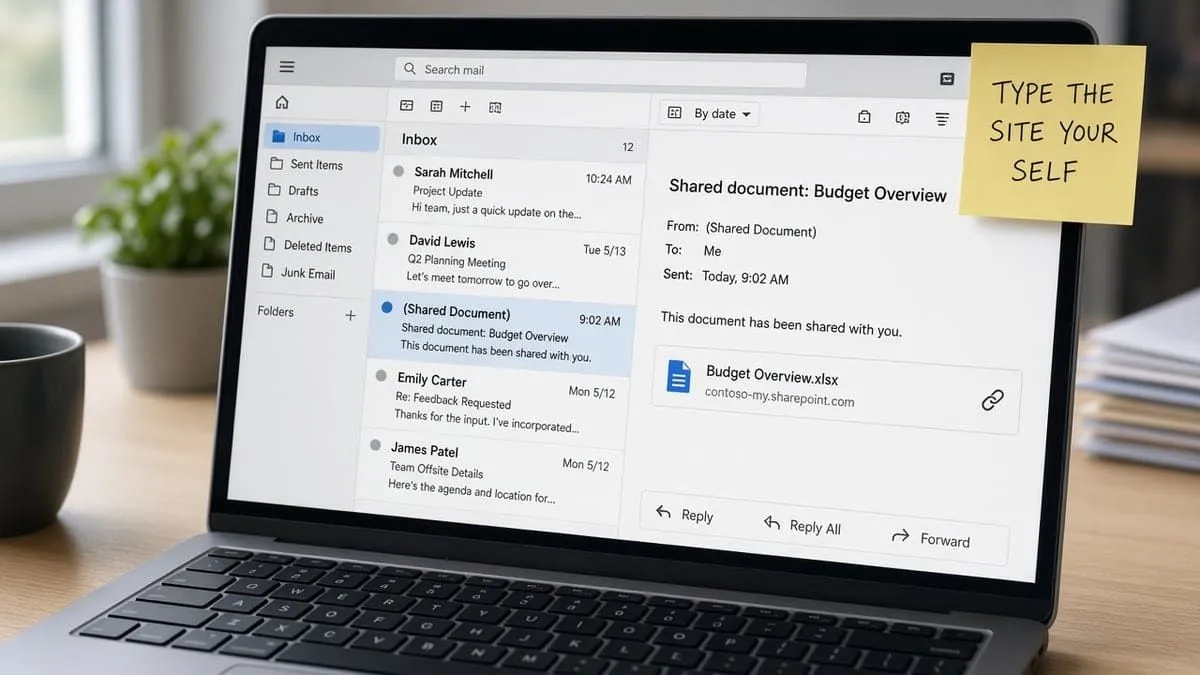
- An unexpected “review this document,” “mailbox expires today,” “package waiting,” “payment received,” “benefit update,” or “new voicemail” message.
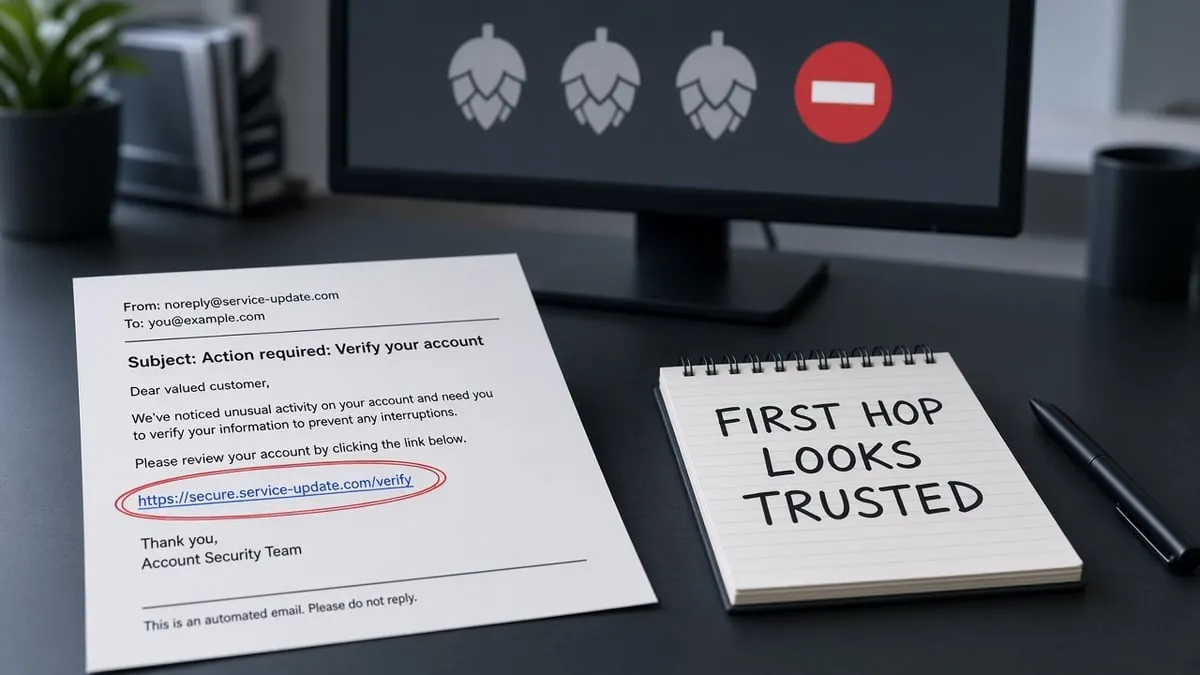
- A link that starts on a Google property (Meet, Search, ads, Custom Search, Tag Manager, or Analytics) and then leaves Google.
- A sign-in page that already shows your work email, your company name, or a live screenshot of your own website.
- A first password attempt that “fails,” then asks you to type it again.
- A fake identity verification prompt that wants you to run or install software.
Hover is not enough. The first hop is supposed to look clean. Type google.com, workspace.google.com, or your own Microsoft 365 / document host yourself.
What the researchers described
KnowBe4 says every URL in this wave starts on legitimate Google-owned infrastructure. Mail gateways that inspect hop-by-hop therefore see trusted names until a person finishes the chain. Mimecast treats Google redirect abuse as a durable class of phishing, not a one-off kit.
After the last Google hop, KnowBe4 says the page can:
- Pull a live company logo and website screenshot from the address in the link
- Check that the email domain has real mail records (to skip sandboxes)
- Show a Microsoft-styled sign-in, sometimes with a device pairing code instead of a password
- Or show a fake identity check that installs ScreenConnect, a legitimate remote-access tool, on the PC
We are not publishing attacker hostnames, sample links, hashes, or install steps. Report a suspicious message to your IT team or mail provider and let them hunt.
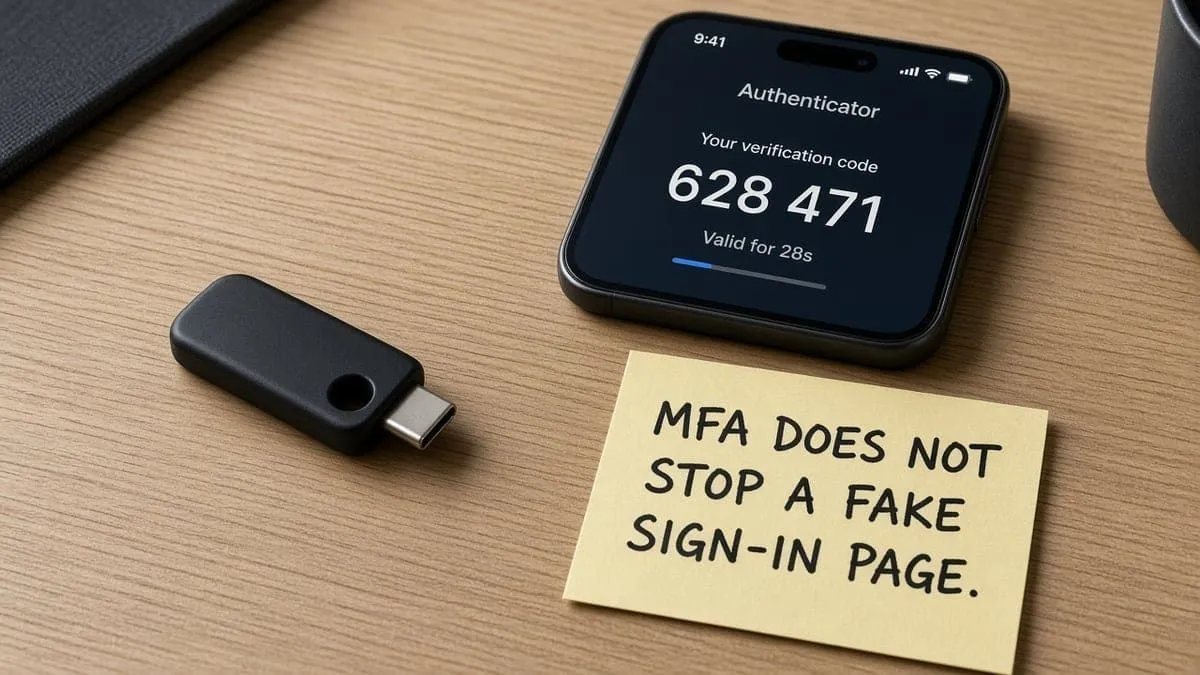
A hardware key does not save you if you type the password on the fake page, approve a device code, or install the remote-access prompt. MFA still cuts a lot of follow-on reuse against the real Google or Microsoft login.
What to do
- Do not click the link. Open the real app or type the company site yourself.
- If you already clicked: do not enter a password or a device code. Close the tab.
- If you typed a password: change it on the host you typed, revoke sessions, and tell IT.
- If you ran an “identity verification” installer: disconnect, call IT, and treat it as a possible remote-access foothold. KnowBe4 says that path can survive a later password reset.
- Report the message. Do not forward the raw link in a way that invites a colleague to click it.
MFA: YubiKey and Google Authenticator
Grades match our MFA directory. Strong MFA on the real account does not stop a paste-in password on a lookalike page.
| Grade | Meaning |
|---|---|
| Fail | Documented second factor is SMS, voice, or email OTP — or no public path |
| Pass | Self-serve Google Authenticator-style open TOTP |
| Strong | FIDO2 / YubiKey-class security key for sign-in |
| Platform | Grade | YubiKey | Authenticator |
|---|---|---|---|
| Google Account | Strong | Yes | Yes |
| Microsoft Account | Strong | Yes | Yes |
| KnowBe4 | Pass | No | Yes |
| ScreenConnect | Strong | Yes | Yes |
Google documents security keys, Google Authenticator / 2-Step, and passkeys. Microsoft documents a security key. KnowBe4 names Google Authenticator (and Authy / LastPass) — Pass, not Strong. ConnectWise ScreenConnect names YubiKey and Google Authenticator. That protects the admin console. It does not stop a user from installing a rogue ScreenConnect agent from a fake prompt.
Directory: MFA support directory · Category → Email & Identity and Business Apps.
Recommended MFA tools
| Product | Best for | Get it |
|---|---|---|
| YubiKey 5C NFC | USB-C laptops + NFC phones | Amazon |
| YubiKey 5 NFC | USB-A desktops + NFC phones | Amazon |
| Proton Pass | Passkeys + authenticator-style TOTP | Proton Pass |
We may earn a commission if you buy a YubiKey or sign up for Proton Pass through the links above.
Independent cybersecurity audits
We audited the official Google, Microsoft, KnowBe4, and ConnectWise hosts on September 8, 2026. 100% is the ideal — none reach it. These scores are public email / transport / website posture. They do not mean Google was breached.
| Organization | Domain | Overall | vs 100% |
|---|---|---|---|
| ConnectWise | connectwise.com | 77% | −23 |
| KnowBe4 | knowbe4.com | 73% | −27 |
| Microsoft | microsoft.com | 71% | −29 |
| google.com | 55% | −45 |
| Domain | Identity | Transport | Website |
|---|---|---|---|
| connectwise.com | 75% | 15% | 87% |
| knowbe4.com | 75% | 45% | 68% |
| microsoft.com | 90% | 70% | 37% |
| google.com | 50% | 70% | 37% |
Audit links: connectwise.com · knowbe4.com · microsoft.com · google.com
google.com at 55% is the product host, not proof the campaign used a spoofed Google From line. KnowBe4 says the first hops are Google. connectwise.com Transport 15% is mail-transport posture on the ScreenConnect vendor — not a finding that ScreenConnect itself was hacked.
Website stack note
Passive website-tech probes on September 8, 2026:
| Domain | Stack signal |
|---|---|
| google.com | Stack undetected; Google Trust TLS expires 2026-10-09 (30d); HTTP→HTTPS redirect not confirmed |
| knowbe4.com | HubSpot (vendor-managed); Amazon Trust TLS expires 2027-03-14 |
| microsoft.com | Stack undetected; Microsoft TLS expires 2027-01-17 |
| connectwise.com | Stack undetected; Google Trust TLS expires 2026-12-01 |
Point-in-time only. A live marketing homepage is not a forensic finding on the redirect hops.
Blacklist and lookalike domains
Email blacklist checks (public DoH, September 8, 2026): google.com, knowbe4.com, microsoft.com, and connectwise.com were clear on mail/domain lists we can query. Microsoft and ConnectWise web/CDN IPs showed informational SPFBL notes — not mail-reputation hits. Do not lead as “Microsoft is blacklisted.”
DNS lookalike scans (BEC profile, registered signals only):
| Brand scanned | To review | Likely owned | BEC staging |
|---|---|---|---|
| google.com | 111 | 10 | 3 |
| microsoft.com | 134 | 17 | 0 |
| knowbe4.com | 35 | 1 | 2 |
| connectwise.com | 26 | 0 | 1 |
High-interest registered names (investigate; not proof this campaign used them):
| Lookalike | Technique | Note |
|---|---|---|
| logingoogle.com | phishing-host | BEC staging (NS + MX) |
| googl3.com | homoglyph | BEC staging (NS + MX) |
| knoowbe4.com | insertion | BEC staging (NS + MX) |
| connectwise.net | tld-swap | BEC staging (NS + MX) |
| login-microsoft.com | affix | Live NS + A + MX |
Type google.com and your real Microsoft 365 host, not a one-letter swap. Continuous monitoring: Cybersquat Domain Monitoring.
Related coverage
- Gmail recovery-contact injection (real Google mail; different gap)
- ChatGPT share-link malware
- Chameleon SEO poisoning
- FBI NCII lookalike support phishing
- MFA support directory
Check your domain free at audit.emailmenow.com, or see automated reports and monitoring.
Sources: KnowBe4 Threat Lab, Sept 4, 2026 · Paubox · Mimecast — Google redirect abuse · Google security keys / Authenticator / passkeys · KnowBe4 MFA apps · ConnectWise account security. Independent EmailMeNow audits, website-tech, blacklist, cybersquat, and CourtListener searches September 8, 2026. Domain scores: audit.emailmenow.com only. No IoC dump.