Password-manager customers are being hunted with fake “security policy” emails — not a vault-vendor breach. On July 13, 2026, LastPass Threat Intelligence warned of an active phishing campaign using lookalike domains. Coverage from TechRadar and independent analysis also describes a parallel Bitwarden-themed lure. LastPass systems were not affected; the goal is to steal master passwords and push a malicious download via a fake DocuSign-style portal.
This is separate from our earlier June 2026 LastPass / Klue supply-chain report, which involved stolen CRM/support metadata — not this lookalike-domain compliance scam.
We scanned lastpass.com, bitwarden.com, and docusign.com (the brand being impersonated on the landing page) to assess public email and domain security posture while this campaign is active.
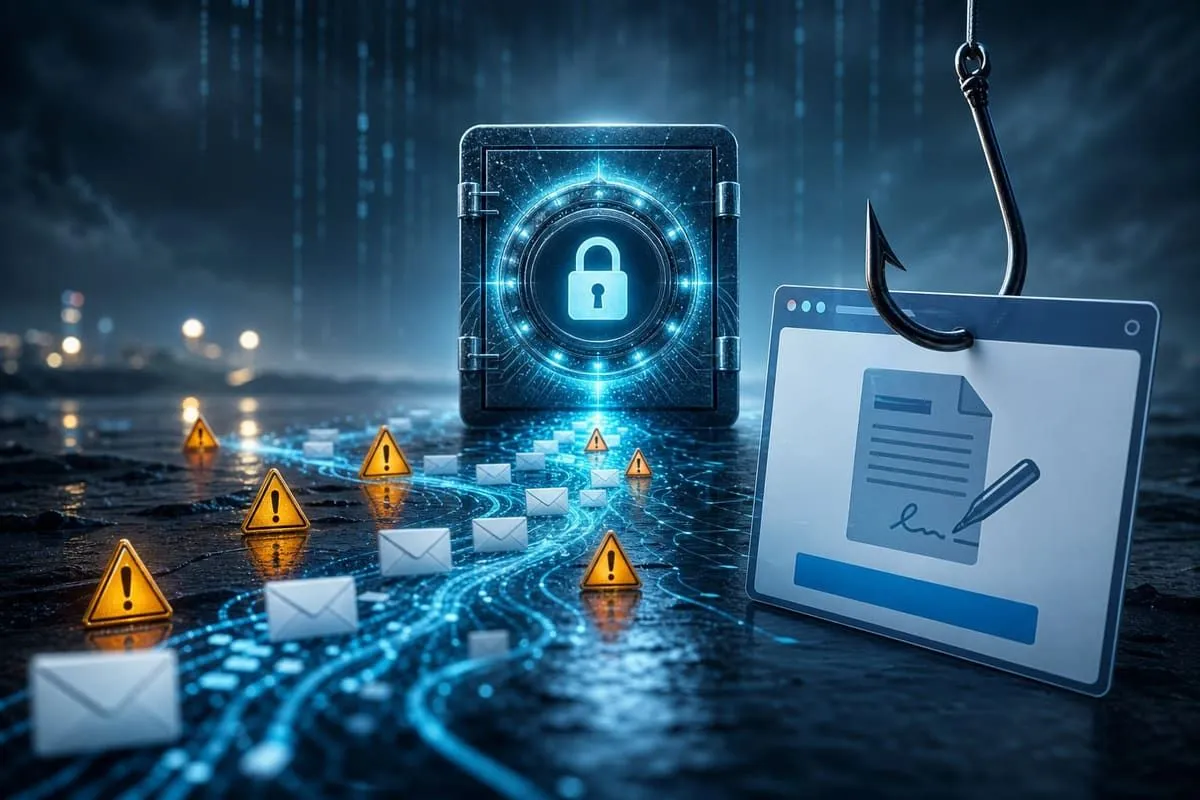
What Happened
According to the LastPass TIME advisory and corroborating reporting:
| Field | Detail |
|---|---|
| Identified | July 13, 2026 (LastPass TIME) |
| Targets | LastPass users; parallel Bitwarden-themed lure reported |
| Vendor systems | Not compromised (LastPass explicitly; campaign is phishing, not a product breach) |
| LastPass lure sender | hello@lastpassnewsletter.com |
| LastPass subject | Action Required: Review Updated LastPass Security Policies |
| Lookalike mail domain | lastpassnewsletter.com (Amazon SES sending IP cited by LastPass) |
| Fake landing | lastpasscompliance.com — DocuSign-style page prompting a software download |
| Bitwarden parallel | hello@bitwardennewsletter.com → bitwardencompliance.com (per campaign analysis) |
| Defenses that flagged it | Microsoft Defender for Office 365 SafeLinks; Cloudflare “Suspected Phishing” |
| Artifact (SHA-256) | 8ae49ed3cb1e076fd12eb1f5489f1be0c9be4264731b3afd4175cf3284bc1b79 |
Attack flow
- Urgency email — “review updated security policies” from a lookalike newsletter domain.
- Brand handoff — button leads to a password-manager-themed compliance host.
- Fake DocuSign screen — pressure to download a “desktop application” to review or sign.
- Master-password / malware risk — entering the vault master password or running the download can expose every credential the vault protects.
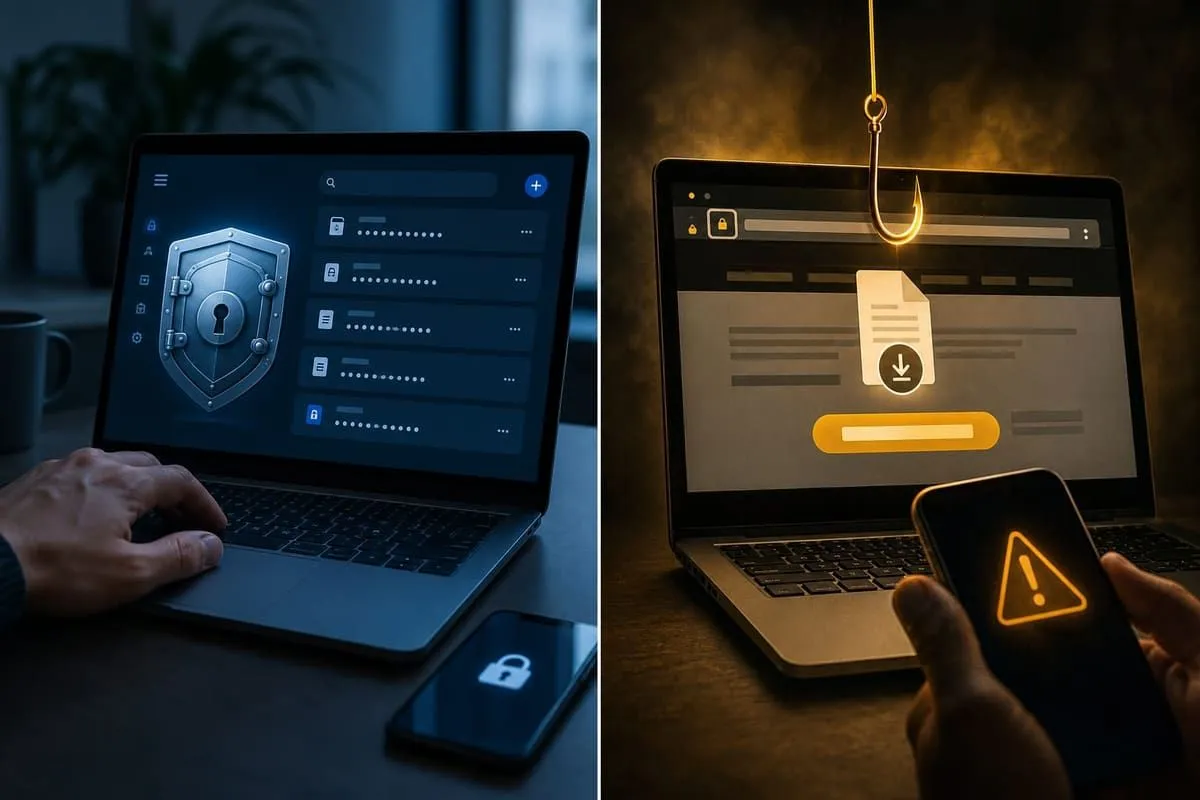
Real vs fake — quick checks
| Check | What to verify |
|---|---|
| Sender domain | Official LastPass mail uses LastPass domains — not *newsletter.com / *compliance.com. Bitwarden automated mail is documented from official Bitwarden senders (e.g. no-reply@bitwarden.com), not lookalike newsletter hosts. |
| Destination | Preview the real host before clicking; prefer the saved app or a typed bookmark. |
| Master password | Password managers should not autofill the master password on lookalike domains. Never type it from an unexpected email. |
| Download request | A policy notice should not require an unknown “DocuSign desktop app.” Stop before downloading. |
LastPass will never ask for your master password. Forward suspicious LastPass-branded mail to abuse@lastpass.com.
Campaign pattern in 2026
| Wave | Focus | Method |
|---|---|---|
| January 2026 | LastPass | Fake vault-backup / deadline alerts |
| March 2026 | LastPass | Impersonated unauthorized-access warnings |
| July 2026 | LastPass and Bitwarden | Fake compliance + DocuSign download lure |
Independent Cybersecurity Audit
We ran an EmailMeNow Cybersecurity Audit of the legitimate brand domains on July 19, 2026 (ideal score = 100%):
| Domain | Overall | Identity | Transport | Website | Risk |
|---|---|---|---|---|---|
| bitwarden.com | 78% | 65% | 45% | 100% | Good |
| docusign.com | 72% | 95% | 45% | 40% | Good |
| lastpass.com | 66% | 50% | 15% | 100% | Above Average |
Key findings:
- None reach the 100% ideal. Bitwarden leads overall at 78% (Good); LastPass sits at 66% (Above Average) despite a perfect Website score.
- lastpass.com shows 50% Identity and 15% Transport — gaps that make spoofed or weakly authenticated “security notice” mail easier to deliver into the same inboxes attackers are already targeting with lookalike domains.
- bitwarden.com (65% Identity / 45% Transport) is stronger on transport than LastPass in this pass, but still below the ideal for a vault vendor whose customers are high-value phishing targets.
- docusign.com scores 95% Identity — strong public spoofing controls on the real brand, while attackers abuse unrelated lookalike hosts to fake a DocuSign experience. Impersonation of a well-hardened brand does not require compromising that brand’s DNS.
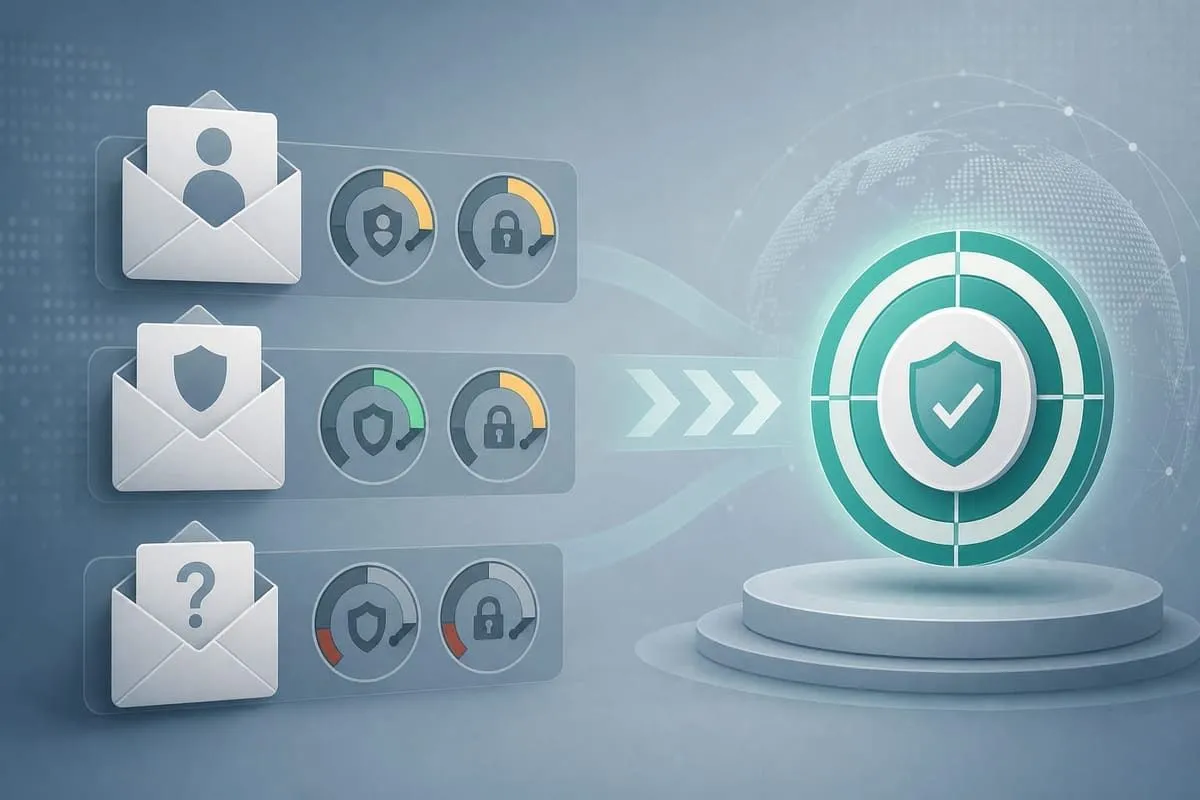
Public audit scores do not cause this phishing wave. They do show why hardening identity and transport toward 100% still matters: when lookalike domains fail, attackers fall back on spoofed display names and weak mail paths against the real brands customers trust.
Audit links:
Website stack note
Passive website-tech probes on July 19, 2026 completed for 3 of 3 audited domains. The passive probe found no notable public CMS, PHP, CVE-hint, or short-horizon TLS signals. docusign.com resolved as Next.js (version not exposed; no automated freshness flag).
These marketing-site results do not test the phishing lookalike hosts and do not invalidate the primary disclosure: the risk in this story is credential theft via fake policy email + DocuSign-style download, not a CMS-core headline on lastpass.com / bitwarden.com.
These passive observations are point-in-time public signals. They do not prove exploitability, identify a breach path, or establish that a detected major version is unsupported.
Priority Actions
If you use LastPass or Bitwarden:
- Do not click links in unexpected “security policy” or “compliance” mail — open the official app or type the known URL.
- Never enter your master password on a page reached from email.
- If you entered the master password: change it from a trusted device, revoke other sessions, review vault activity / MFA, then rotate high-value stored passwords.
- If you downloaded a file: do not run it; delete it and scan. If you ran it: isolate the device, scan thoroughly, and change passwords only from a clean machine.
- Report LastPass-themed lures to abuse@lastpass.com; Bitwarden users should contact support via the official site.
For IT / security teams:
- Block and hunt the known lookalike domains and the published SHA-256 artifact.
- Enforce DMARC
p=reject, aligned SPF, and MTA-STSmode=enforceon every customer-facing domain — aim for the 100% ideal, not “good enough.” - Train users that password managers and e-sign brands are high-value phishing brands in 2026, even when vendor systems are healthy.
Related Trackers
- LastPass Klue supply-chain breach (June 2026)
- Breach monitoring resources guide
- All state AG trackers
Check your domain free at audit.emailmenow.com, or see automated reports and monitoring.
Sources: LastPass — July 2026 phishing campaign advisory · TechRadar — New phishing campaign hits LastPass, Bitwarden users · EmailMeNow audits — lastpass.com · bitwarden.com · docusign.com