On October 28, 2026, Ring sent account-security mail from no-reply@mail.ring.com (“Learn How to Keep Your Ring Account Safe”). The message said all Ring accounts require two-factor authentication and pointed to upcoming TAKE encryption for stronger encryption by default, with a footnote that TAKE will be the default encryption for all Ring customers worldwide once fully rolled out. Ring also urged passkeys, Control Center reviews of User Permissions and Authorized Client Devices, Linked Accounts / Amazon Account Linking, and warned that Ring will never text you to click a link or verify your account — report issues at ring.com/security.
For Texas small businesses, home offices, landlords, law firms, and financial advisors, the practical question is not marketing language but who can decrypt camera video after it leaves the lens: you, Ring’s cloud (temporarily, for features you turned on), shared users you add, linked Amazon/Alexa paths, or an attacker who owns your Ring login. TAKE changes Ring’s default cloud key handling; it does not replace account takeover defenses.
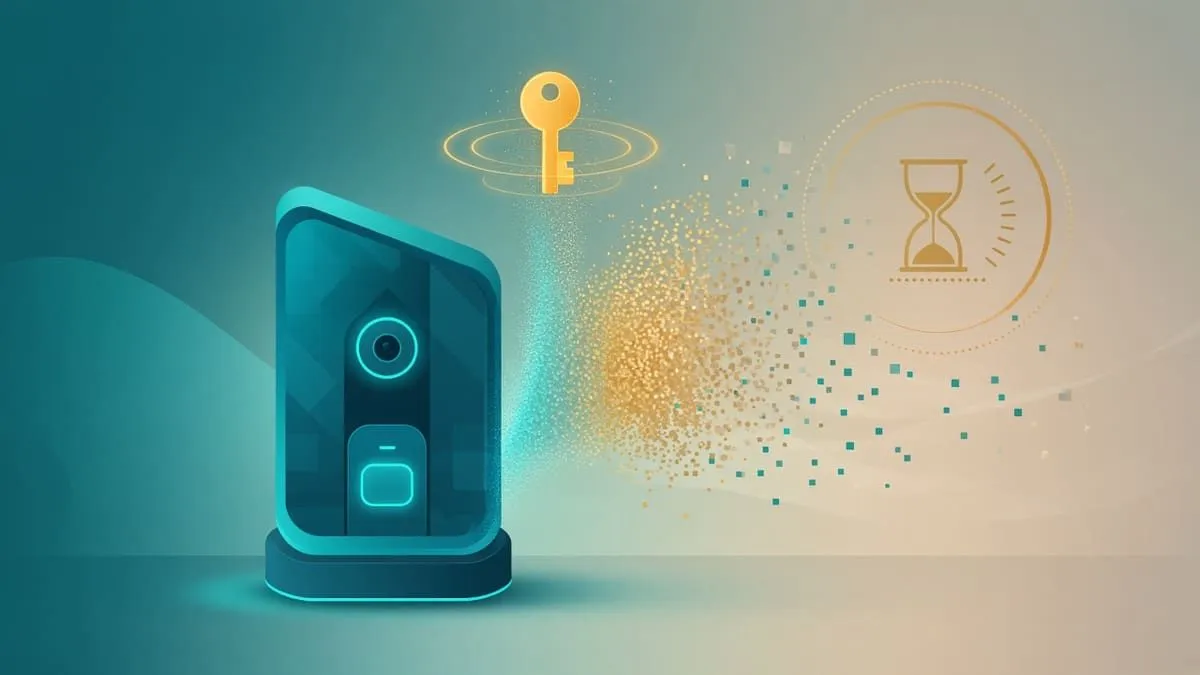
Snapshot
| Field | Detail |
|---|---|
| Announced | Aug 26, 2026 — TAKE white paper + About Amazon news |
| Customer email | Oct 28, 2026 — mandatory 2FA, upcoming TAKE, passkey + Control Center tips (Ring Team) |
| Name | TAKE = Throw Away the Key Encryption |
| Default timing | Phased rollout from September 2026; worldwide default once fully rolled out — not every account is on TAKE yet (Nov 1, 2026) |
| Optional mode | Video end-to-end encryption (E2EE) remains per camera (Ring help) |
| Audits | ring.com 63% · amazon.com 54% (ideal 100%) |
What TAKE is (and what is still unknown)
TAKE is not classic end-to-end encryption. Ring’s TAKE white paper (Aug 26, 2026) and privacy page describe a default architecture built on MLS (RFC 9420) group encryption:
- Each camera and your enrolled phones/tablets/browsers hold key material; keys rotate frequently (including short-lived content keys).
- Ring adds a cloud member to each camera’s encryption group so cloud features you enable can run — but Ring unlocks its copy of keys only inside a secure enclave, uses them only for active features, then deletes its copy on a rolling ~24-hour basis.
- When Ring no longer holds keys, your Ring app can temporarily supply a key so Ring can prepare playback (for example transcode for your connection); Ring deletes that key when processing finishes, and your device decrypts the video locally.
What TAKE is meant to improve: Ring argues this is stronger default control than today’s “standard” cloud encryption, where cloud services could access video more broadly, while still powering Video Search, Smart Video Descriptions, shared users, and similar cloud-processed features (About Amazon, white paper §3–4).
What is still thin or rolling:
- Enrollment waves — Ring notifies customers when eligible; full feature compatibility arrives over the rollout (white paper summary).
- Per-feature matrix at enrollment time — check Control Center → Video Encryption in-app when invited; we are not reproducing a static feature grid here because Ring says it will evolve during rollout.
- Law enforcement / Neighbors — shared videos, Community Requests (where available), and customer-chosen shares follow separate flows; the white paper says Ring updated Law Enforcement Guidelines for TAKE. That does not mean police cannot request video you choose to share — it changes what Ring can decrypt from cloud storage on its own after key deletion windows.
- Historical context — Ring’s 2023 FTC order followed reports that employees accessed customer video and attackers took over accounts (FTC press release, May 2023). TAKE addresses cloud key retention, not ** insider misuse of unrelated systems** or weak passwords.
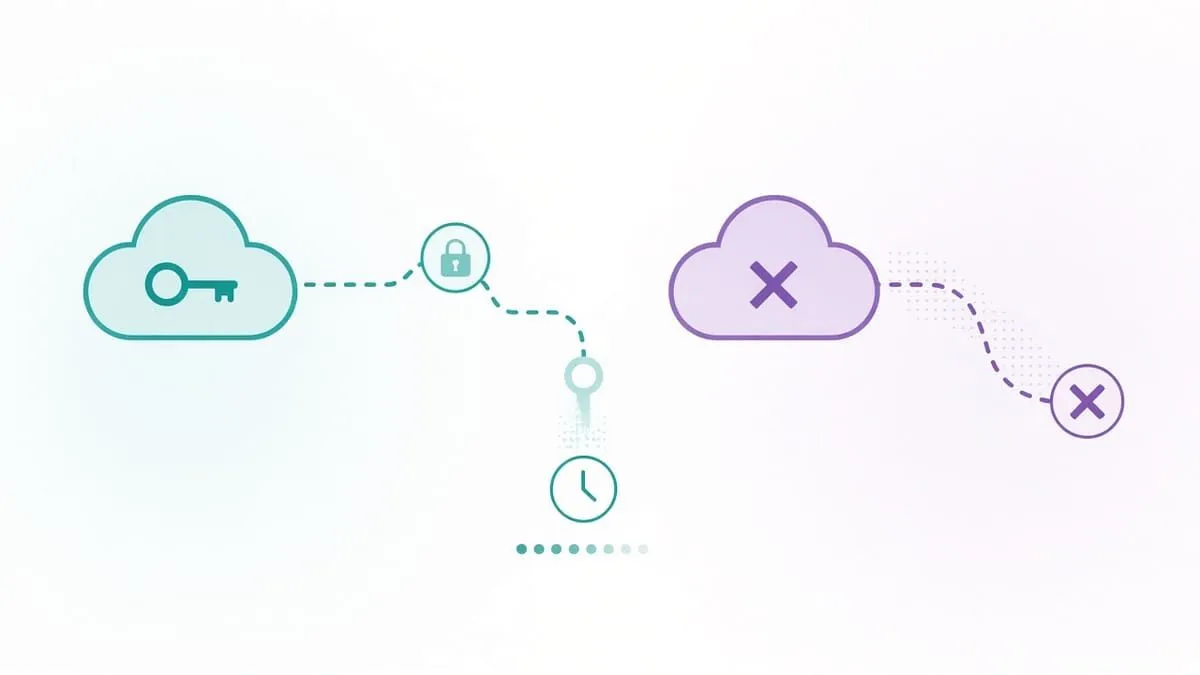
Illustration only — not Ring’s diagram.
TAKE vs Ring’s existing E2EE
Ring has offered optional video E2EE since 2021 (About Amazon). E2EE and TAKE can run on different cameras in the same account; recordings stay in the mode used when captured (white paper §4.1).
| Topic | TAKE (default when rolled out) | Optional video E2EE |
|---|---|---|
| Ring cloud decrypts video? | Temporarily, inside enclave, for features you enabled, then keys deleted (~24h rolling) | No — Ring stores ciphertext only (E2EE help) |
| Shared users | Supported (white paper §5.7) | Not available on E2EE cameras |
| Cloud AI features (search, descriptions, cloud smart alerts) | Designed to work | Not available (white paper §4.2) |
| Alexa / Fire TV / ring.com playback | Not documented as blocked for TAKE | Not available for E2EE video (E2EE help) |
| Recovery if you lose keys | Multiple self-service paths (passphrase, cloud backup, passkey, camera-based recovery under TAKE) | Ring cannot recover E2EE video for you (E2EE help) |
Other camera brands (encryption only, where documented): Google Nest processes and stores video under Google’s cloud security model — not Ring TAKE. Arlo documents encryption in transit and at rest on its platform; it does not publish a TAKE-equivalent “throw away the cloud key daily” design in public docs we reviewed Nov 1, 2026. Treat cross-brand comparisons as different architectures, not interchangeable “E2EE on by default.”
What changes for users and businesses
If you rely on Ring’s cloud AI or shared access: TAKE is meant to keep those features while shortening Ring’s standing access to decryption keys. Review which smart alerts, search, and third-party integrations you actually need — each active feature is part of why Ring temporarily holds keys.
If you film clients, tenants, or staff: Default TAKE does not make footage invisible to Ring during the retention window or to shared users you authorize. For maximum customer/employee privacy on a given camera, Ring’s documented lever remains optional E2EE on that device, accepting feature loss (no shared users, no cloud video AI on that camera).
Amazon linking: The Oct 28 email asks you to review Linked Accounts and Amazon Account Linking. A compromised Amazon login paired with weak Ring hygiene can still matter for account recovery and purchases even when video keys are better protected.
Subscription scope: The white paper ties TAKE architecture to videos stored in connection with a Ring subscription (including free trials); videos you donate, share via public links, or post to Neighbors follow other frameworks (white paper footnotes 2–3).
Why account security still matters
TAKE protects cloud key retention, not your password. An attacker with a valid Ring session after 2SV bypass or device theft can still see what your account can see — including live view and downloads — until you revoke Authorized Client Devices and rotate credentials.
Ring’s Oct 28 mail matches public guidance: monitor unauthorized login attempts, use a strong unique password (Ring says a passcode is required by default when signing in from a new device), and treat package-tracking smish as hostile (ring.com/security).
What to do
- Turn on a passkey (face, fingerprint, or device PIN) in the Ring app — Account Settings → Passkeys (Ring help).
- In Control Center, review User Permissions, Authorized Client Devices, and remove unknown hardware.
- Prefer Authenticator App 2SV over SMS where possible (2SV setup); keep push approval devices patched.
- Review Linked Accounts / Amazon Account Linking; enable Amazon passkeys and authenticator-based 2SV on the Amazon side (Amazon 2SV help, Amazon passkeys).
- When TAKE enrollment appears, read Ring’s in-app compatibility notes before switching cameras off E2EE.
- For E2EE cameras, store the recovery passphrase and backup like payroll keys — Ring cannot reset E2EE video access.
- Train staff: Ring will not text a link to “verify” your account; report phishing at ring.com/security.
MFA: YubiKey and Google Authenticator
Ring’s Oct 28 email treats 2FA as mandatory and promotes passkeys. Grades follow our MFA support directory rules (Fail / Pass / Strong); we only state what Ring and Amazon document publicly.
| Grade | Meaning |
|---|---|
| Fail | No self-serve YubiKey / open TOTP — or SMS / email OTP remains the only option |
| Pass | Self-serve Google Authenticator-style open TOTP |
| Strong | FIDO2 / YubiKey-class security key or passkey backed by hardware for sign-in |
| Platform | Grade | YubiKey / passkey | Authenticator |
|---|---|---|---|
| Ring account | Pass | Passkeys (face / fingerprint / device PIN) — help; no separate YubiKey-only 2SV doc | Yes — authenticator app in Control Center — 2SV help |
| Amazon account (linked) | Strong | Passkeys — can include FIDO2 security keys via passkey enrollment — About Amazon | Yes — authenticator app on Two-Step Verification — Amazon help |
| Google Account (Nest cameras) | Strong | Yes — FIDO2 via Google | Yes — Google 2SV |
Video encryption ≠ login MFA. Even Strong Amazon MFA does not revert a camera to E2EE; choose per-camera E2EE in Ring if you need Ring-blind ciphertext.
Recommended MFA tools
| Product | Best for | Get it |
|---|---|---|
| YubiKey 5C NFC | USB-C laptops + NFC phones | Amazon |
| YubiKey 5 NFC | USB-A desktops + NFC phones | Amazon |
| Proton Pass | Passkeys + authenticator-style TOTP | Proton Pass |
We may earn a commission if you buy a YubiKey or sign up for Proton Pass through the links above.
Independent cybersecurity audits
We audited November 1, 2026. 100% is the ideal — neither domain reaches it. Scores reflect email identity, transport, and website posture on audit.emailmenow.com; they do not score TAKE cryptography or camera firmware.
| Organization | Domain | Overall | vs 100% |
|---|---|---|---|
| Ring | ring.com | 63% | −37 |
| Amazon | amazon.com | 54% | −46 |
| Domain | Identity | Transport | Website |
|---|---|---|---|
| ring.com | 75% | 15% | 40% |
| amazon.com | 55% | 15% | 37% |
Audit links: ring.com · amazon.com
Compared with our Ring Wi-Fi lineup post (Oct 20, 2026), ring.com overall is still 63%; category scores above come from the Nov 1 fresh audit HTML grid (not the teaser bullet text that repeats 40% / 5% / 30% labels on the locked report page).
Illustration only — scores are in the tables above.
Blacklist and lookalike domains
Email blacklist checks (public DoH, November 1, 2026): ring.com and amazon.com were clear (0 mail/domain hits on checked lists; some premium lists require vendor portals).
DNS lookalike scan (ring.com, BEC profile, registered signals only):
| Brand scanned | To review | Likely owned | BEC staging |
|---|---|---|---|
| ring.com | 81 | 0 | 1 |
High-interest registered names (investigate, not proof Oct 28 mail used them):
| Lookalike | Technique | Note |
|---|---|---|
| ring-verify.com | affix | BEC staging (NS + MX) |
| ring-secure.com | affix | Live NS + A + MX |
| my-ring.com | affix | Live NS + A + MX |
Type ring.com yourself; continuous monitoring: Cybersquat Domain Monitoring.
Related coverage
- Ring doorbells — Wi-Fi WPA2 / PMF lineup
- IoT camera Wi-Fi / WPA3 series hub
- Wyze Wi-Fi security lineup
- Google Nest Wi-Fi security lineup
- MFA support directory — YubiKey, authenticator apps & passkeys
Check your domain free at audit.emailmenow.com, or see automated reports and monitoring.
Sources: About Amazon — Ring TAKE (Aug 26, 2026) · Ring TAKE / E2EE white paper (Aug 26, 2026) · Ring privacy · Ring video E2EE help · Ring 2SV help · Ring passkeys help · ring.com/security · TechCrunch (Aug 26, 2026) · FTC Ring complaint PDF (2023) · Ring customer email Oct 28, 2026 (paraphrased; no tracking URLs) · Amazon 2SV help · Amazon passkeys · Google Nest data & privacy FAQ. Independent EmailMeNow audits, blacklist, and cybersquat scans November 1, 2026. Website-tech probe skipped (WEBSITE_TECH_PROBE_KEY not available in this environment).