
Researchers at Island disclosed that “Adblock for YouTube” — a widely installed Chrome extension with more than 11 million users and a Featured Chrome Web Store badge — contains a dormant capability for arbitrary JavaScript execution on any website a user visits. The dangerous path can be activated with a single server-side configuration change, without an extension update or Chrome Web Store review.
Island researchers Oleg Zaytsev and Shachar Gritzman published their analysis on June 25, 2026. They have not observed active malicious payloads being delivered to users — but emphasize the capability is present in production, not theoretical.
Read Island’s full technical report (“BadBlocker”):
https://www.island.io/blog/badblocker-11-million-users-one-server-call-away-from-compromise
Extension Details
| Field | Value |
|---|---|
| Name | Adblock for Youtube™ |
| Extension ID | cmedhionkhpnakcndndgjdbohmhepckk |
| Version analyzed | 7.2.2 |
| Installs | 11M+ (Chrome Web Store #31 overall) |
| Developer listed | AdBlock Ltd. |
| Store status | Still live on Chrome Web Store at time of disclosure |
What Researchers Found
-
All-site permissions — The manifest requests
<all_urls>host permissions, giving the extension access to every website — banking, webmail, SaaS admin panels, and internal tools — not just YouTube. -
Flawed URL gatekeeper — Code checks whether the string
youtube.comappears anywhere in the URL. That passes on pages likebank.example.com/search?q=youtube.com, bypassing the intended YouTube-only scope. -
Remote-controlled scriptlets — Every 24 hours the extension fetches configuration from
api.adblock-for-youtube.com. The response includesscripletsRulesthat can trigger MAIN-world JavaScript injection viachrome.scripting.executeScript. -
Dormant but activatable — A scriptlet called
trusted-create-elementcould let the server supply arbitrary JavaScript inside a<script>tag. At analysis time it was not active in the live server response — but Island demonstrated a proof of concept chaining YouTube → Salesforce data exfiltration with one server-side change. -
Suspicious ecosystem history — Related extensions Adblock for Chrome (
onomjaelhagjjojbkcafidnepbfkpnee) and Adblock for You (ogcaehilgakehloljjmajoempaflmdci) were removed from the Chrome Web Store for malware. Earlier builds shipped the Unistream ad-injection SDK (Bitdefender-flagged); remote injection paths have been present since at least February 2025.
Illustrated risk scenarios
All-site permissions on a “YouTube-only” extension

The manifest requests <all_urls> access — banking, webmail, CRM, and internal tools — despite marketing as a YouTube ad blocker.
Weak URL gatekeeper bypass
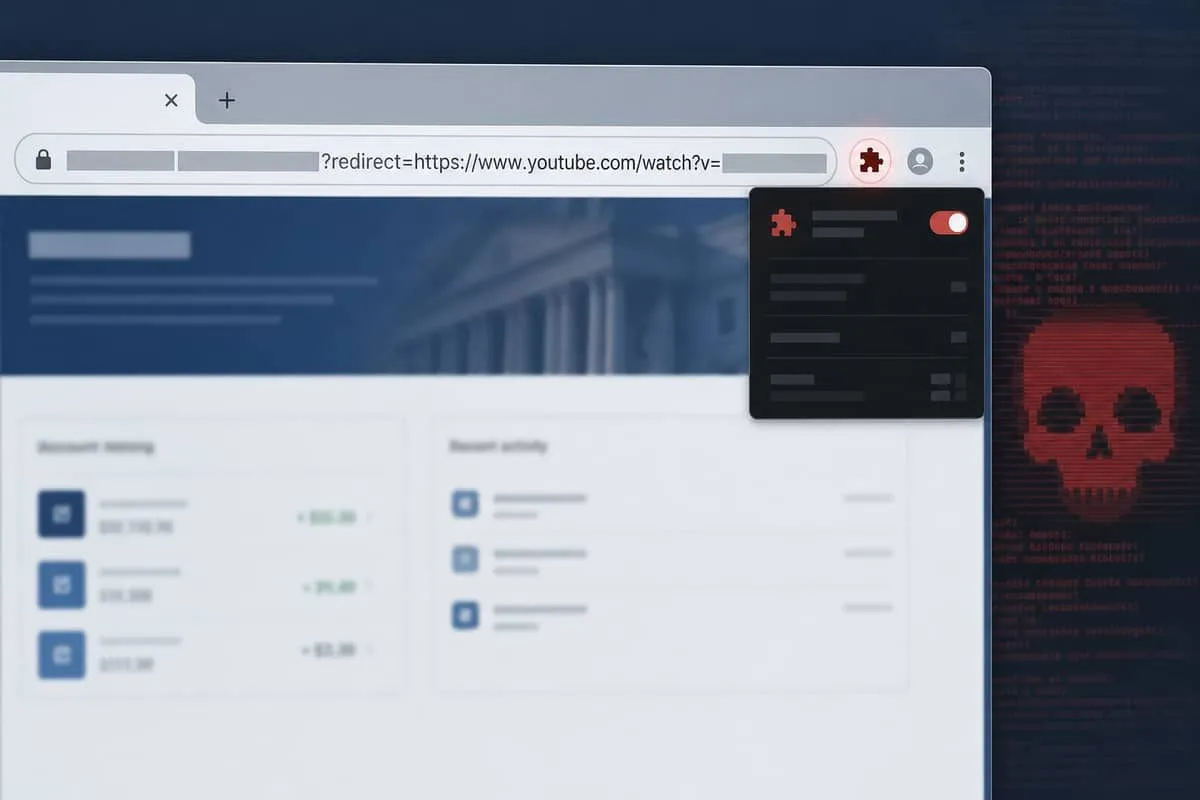
A check for the string youtube.com anywhere in the URL passes on pages like bank.example.com/search?q=youtube.com, defeating the intended scope limit.
Remote scriptlet injection

Every 24 hours the extension fetches scripletsRules from api.adblock-for-youtube.com. A server-side change can trigger MAIN-world JavaScript injection — Island demonstrated YouTube → Salesforce data exfiltration without an extension update.
What Users Should Do Now
- Remove the extension — Open
chrome://extensions, find Adblock for Youtube™ (cmedhionkhpnakcndndgjdbohmhepckk), and uninstall it. - Audit other ad blockers — Review every installed extension’s permissions; prefer well-known open-source blockers (uBlock Origin) from verified publishers.
- Rotate sensitive sessions — If this extension was on a work PC, sign out and back into email, CRM, banking, and SSO-protected apps; consider password resets for high-value accounts.
- Block by extension ID — Enterprise admins can deny-list
cmedhionkhpnakcndndgjdbohmhepckkvia Chrome browser policy. - Monitor remote-config extensions — Any extension that fetches server-controlled injection rules deserves higher scrutiny than static rule lists.
Why Texas Businesses Should Care
Employees install ad blockers to watch training videos or client demos on YouTube — often on the same browser profile used for QuickBooks, Microsoft 365, Clio, or client portals. An extension with all-site access and remote script injection sits inside the security perimeter, not outside it.
This advisory follows other June 2026 browser threats including Chrome 148’s 151 patched vulnerabilities and Palo Alto Networks Unit 42’s report on 18 malicious browser extensions. Extension risk is supply-chain risk: code can change behavior months after install without a visible update prompt.
Independent Cybersecurity Audit
We audited domains central to this advisory on June 25, 2026:
| Organization (Domain) | Overall | Risk Level |
|---|---|---|
| YouTube (youtube.com) | 81% | Good |
| Google (google.com) | 57% | High Risk |
| Extension API host (adblock-for-youtube.com) | 44% | Critical Risk |
| Chrome Web Store (chrome.google.com) | 36% | Critical Risk |
youtube.com scores well on public email and transport posture — that reflects Google’s platform hygiene, not whether a third-party extension is safe to install. The chrome.google.com and adblock-for-youtube.com scores highlight why organizations should treat the extension marketplace and remote-config infrastructure as part of their threat model.
Audit links:
Priority Actions for IT Teams
- Inventory browser extensions across managed endpoints; flag any with
<all_urls>permissions. - Deploy extension allowlists — block unapproved extensions via Google Admin / Intune Chrome policies.
- Alert on extension ID
cmedhionkhpnakcndndgjdbohmhepckkin endpoint telemetry. - Train staff — “free ad blockers” from the Chrome Web Store are not vetted like corporate software.
- Review SSO session exposure — extensions with page injection can read authenticated SaaS sessions without phishing the user.
Related trackers
- Chrome 148 vulnerability patch
- FBI Kali365 M365 OAuth alert
- WhatsApp fake document RMM malware
- LastPass Klue supply chain breach
- Monitoring guide
- All trackers
Protect your organization.
Run a free Instant Cybersecurity Audit at audit.emailmenow.com — and contact EmailMeNow IT Consulting for browser extension policies and endpoint hardening.
Sources: Island — BadBlocker research · The Hacker News · EmailMeNow audits — chrome.google.com · adblock-for-youtube.com