Scammers are sending fake document files through WhatsApp messages to trick people into opening them on a computer. If opened, the file can quietly install remote access software that may let criminals control the device or steal information.
Security researchers at Kaspersky, Microsoft Defender Experts, and others report an active June 2026 campaign targeting WhatsApp Desktop and WhatsApp Web users worldwide — with victims in Malaysia, Brazil, India, Mexico, Singapore, the UK, Spain, Taiwan, Australia, Russia, Vietnam, and the United States.
Read Kaspersky’s technical analysis:
https://securelist.com/whatsapp-vbs-rmm-campaign/120290/
How the Scam Works
- Compromised sender — Attackers hijack a real WhatsApp account and message existing contacts, so the file appears to come from someone you know.
- Fake document lure — Attachments use names like invoices, billing statements, debt notices, or financial reports — often
.vbs(Visual Basic Script) files, not PDFs. - Multi-stage infection — Opening the script downloads additional payloads, may weaken UAC protections, and pulls a ZIP from attacker infrastructure (sometimes hosted on cloud storage).
- Silent RMM install — The chain installs ManageEngine Endpoint Central — legitimate IT remote-management software — configured to connect to attacker-controlled servers, giving persistent admin access without obvious prompts.
- Follow-on theft — Remote access enables credential theft, mailbox browsing, wire-fraud prep, and ransomware deployment.
On WhatsApp Desktop, .vbs files can launch directly via Windows Script Host. On WhatsApp Web, victims must download the file first — but the social engineering is the same.
Microsoft separately tracked related VBS and unsigned MSI droppers (including AnyDesk-style installers) delivered through WhatsApp beginning in late February 2026.
Illustrated attack chain
Step 1: Hijacked contact sends a fake invoice
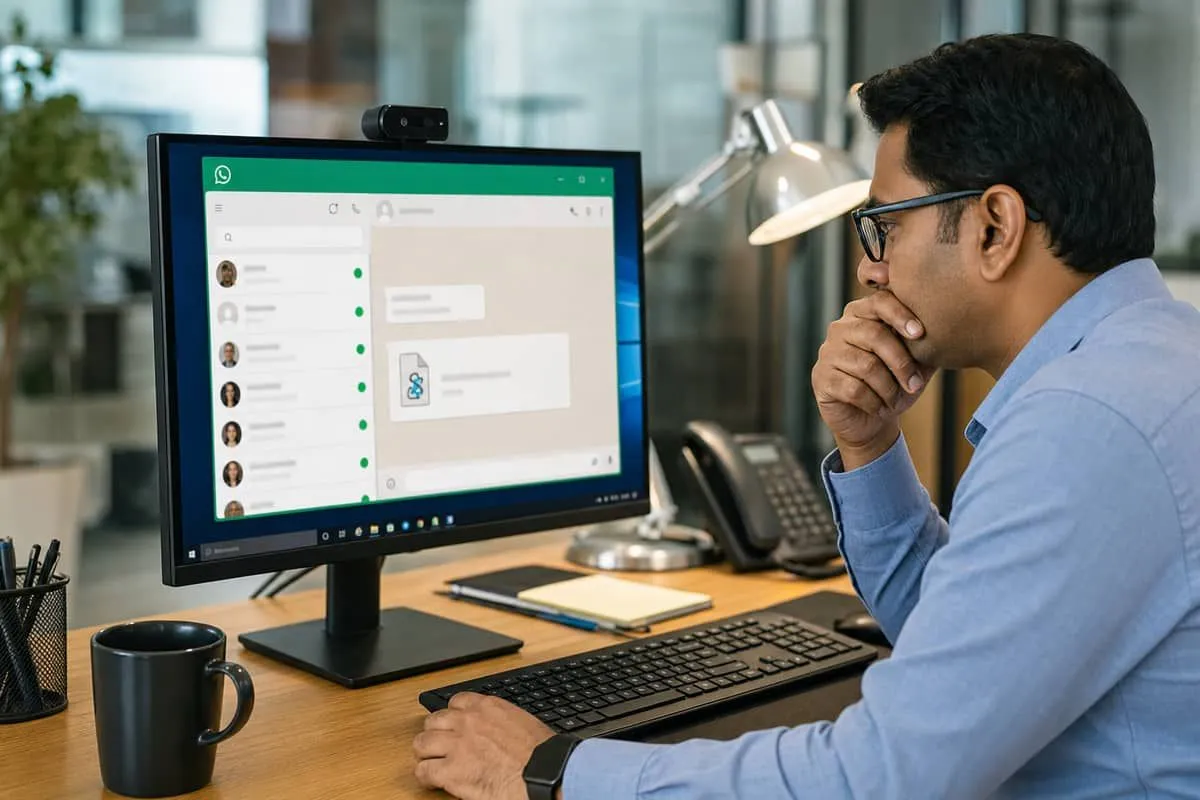
Attackers compromise a real WhatsApp account and message existing contacts. The attachment looks like a normal invoice or debt notice — but the file is often .vbs, not a PDF.
Step 2: The script runs on Windows
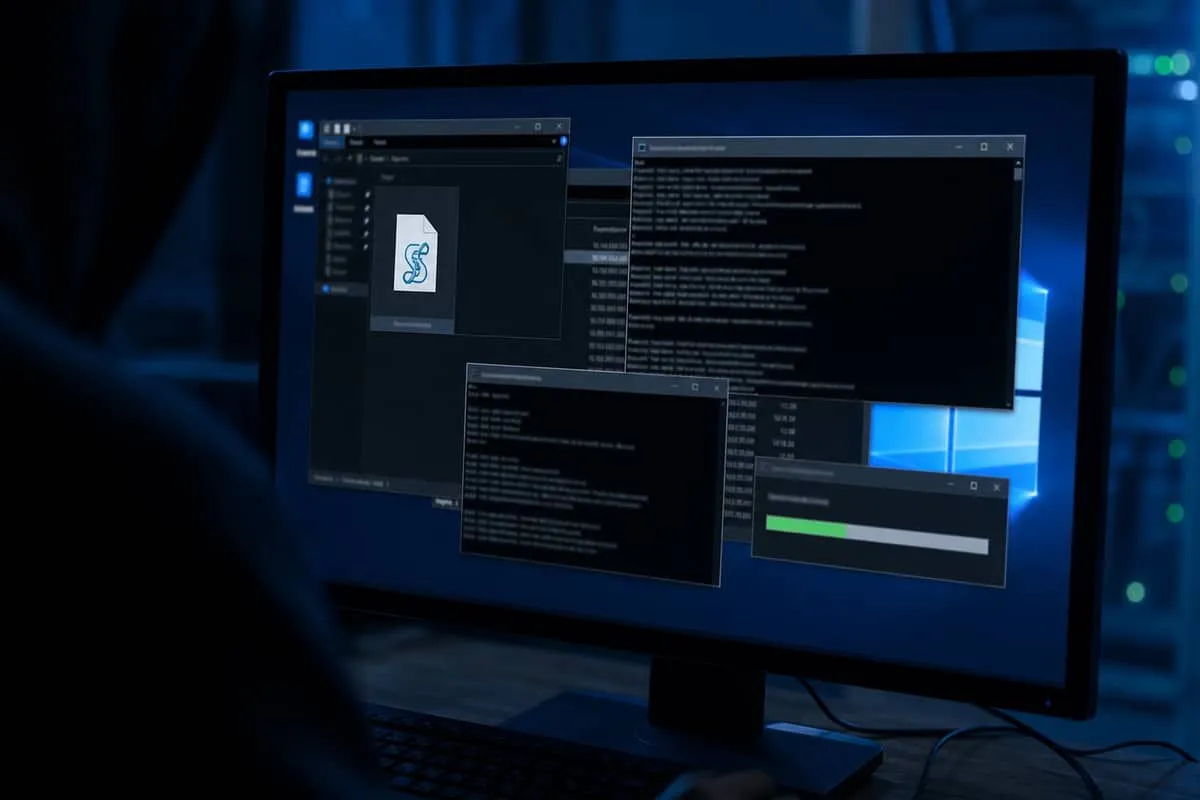
On WhatsApp Desktop, .vbs files can launch directly via Windows Script Host. The script downloads additional payloads and may weaken UAC protections.
Step 3: Silent remote-management install
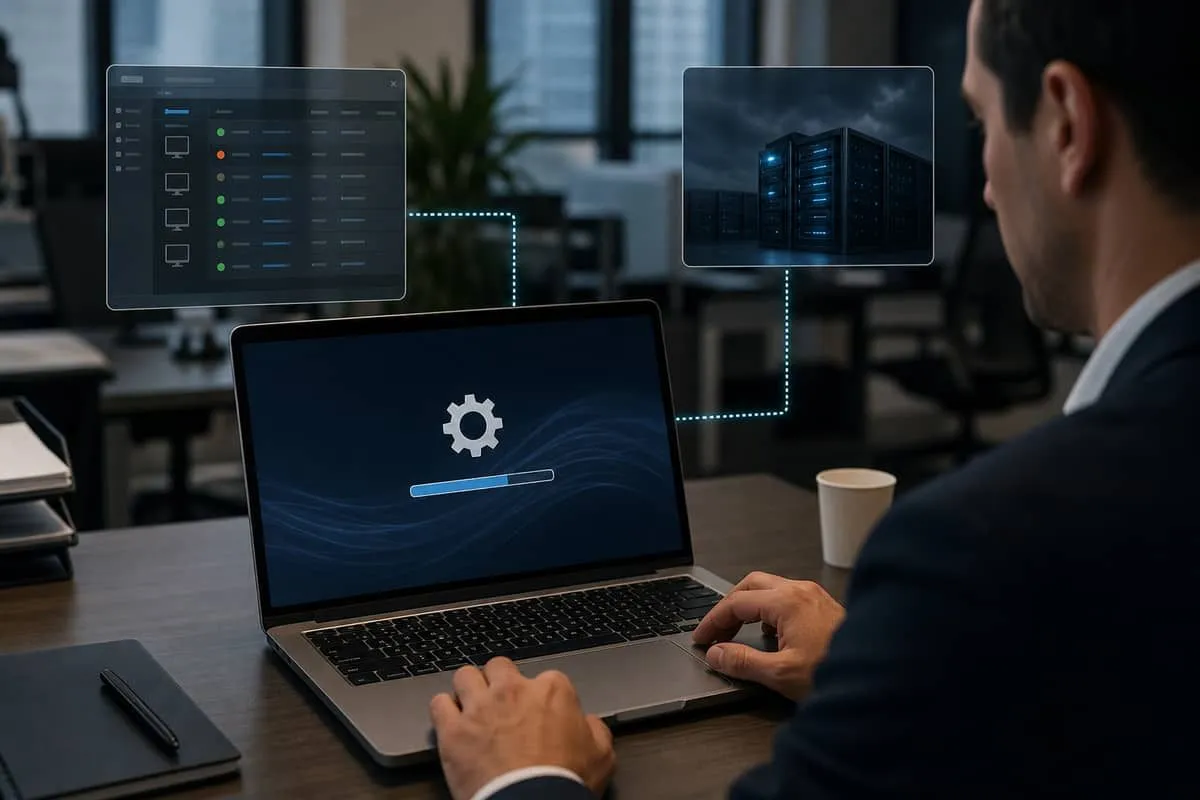
The chain installs ManageEngine Endpoint Central — legitimate IT software — configured to connect to attacker-controlled servers, giving persistent admin access without obvious prompts.
Step 4: Mailbox and wire-fraud follow-on
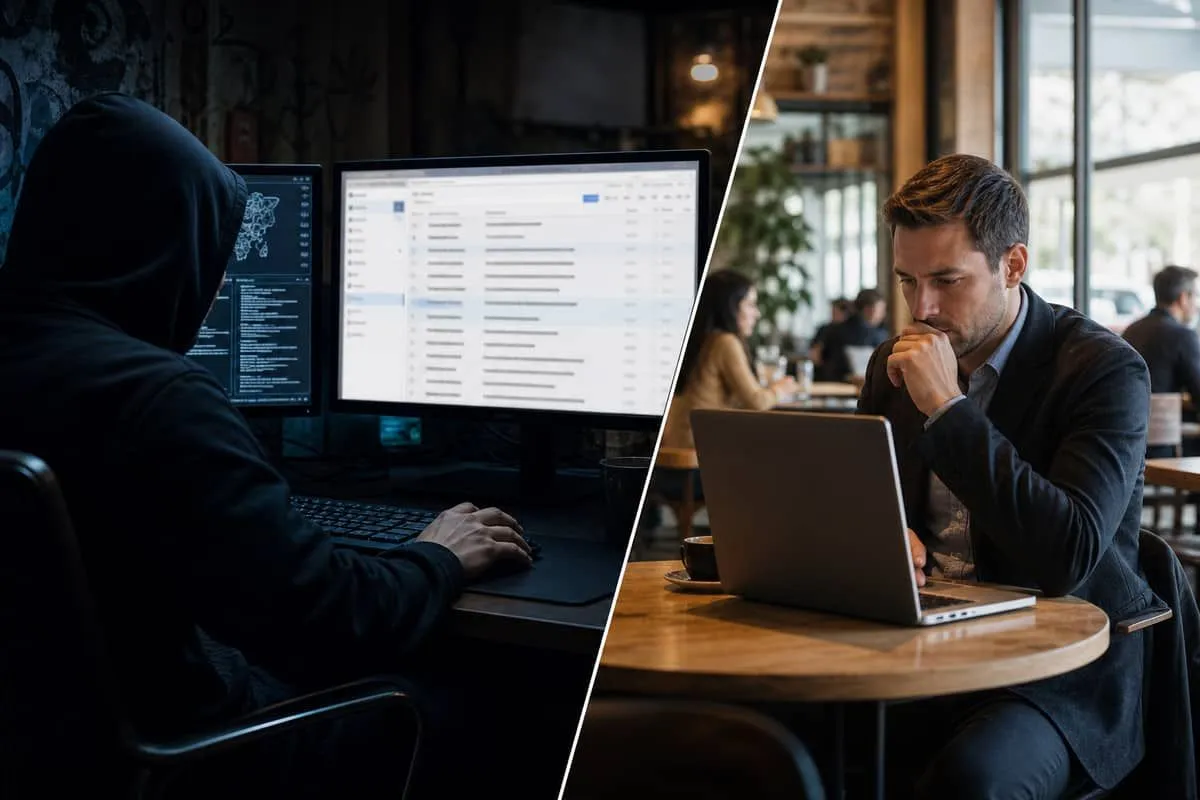
Remote access enables credential theft, mailbox browsing, wire-fraud preparation, and ransomware deployment — often before the victim realizes the WhatsApp file was malicious.
What WhatsApp Users Should Do
WhatsApp’s own guidance emphasizes two-step verification, using only the official app, and reporting suspicious messages. Platform controls catch many scam accounts — but they cannot stop you from opening a malicious script a trusted contact forwards.
- Never open unexpected
.vbs,.vbe,.js,.ps1,.bat,.cmd, or.exefiles sent via chat — even from friends or vendors. - Verify out-of-band — call or text the sender on a known number before opening any “invoice” or “debt notice.”
- Use WhatsApp on mobile for personal chat when possible; treat Desktop/Web file opens as high risk on Windows PCs used for work.
- Enable two-step verification in WhatsApp settings and lock your PC when stepping away.
- Report and block suspicious senders; warn contacts if your account was compromised.
- On business PCs, ensure EDR/Defender flags renamed system binaries and unsigned MSI installs.
Why Texas Businesses Should Care
Law firms, CPAs, restaurants, and auto dealers routinely receive vendor invoices and payment notices through WhatsApp and SMS. A bookkeeper who opens a “supplier invoice.vbs” on a Windows machine tied to QuickBooks, Microsoft 365, or wire-transfer workflows can expose the entire firm — the same BEC patterns we track in Texas OAG breach reports.
This campaign abuses legitimate RMM tools, similar to help-desk fraud and FBI Kali365 OAuth theft — trust in familiar channels, not technical exploits in the messaging app itself.
Independent Cybersecurity Audit
We audited messaging and vendor domains relevant to this advisory on June 23, 2026:
| Organization (Domain) | Overall | Risk Level |
|---|---|---|
| WhatsApp (whatsapp.com) | 86% | Good |
| WhatsApp Business (business.whatsapp.com) | 78% | Good |
| Zoho / ManageEngine parent (zoho.com) | 76% | Good |
| ManageEngine (manageengine.com) | 66% | High Risk |
| Meta / Facebook (facebook.com) | 62% | High Risk |
| Meta corporate (meta.com) | 44% | Critical Risk |
whatsapp.com scores strongly on public email and transport posture — reflecting Meta’s corporate domain hygiene, not whether a .vbs attachment is safe to run. ManageEngine is the legitimate vendor whose Endpoint Central agent attackers silently deploy; its domain score is separate from product misuse in this campaign.
Audit links:
Priority Actions for IT Teams
- Block script execution from user Downloads and
%PUBLIC%folders via AppLocker or WDAC where feasible. - Alert on RMM installs (ManageEngine, AnyDesk, TeamViewer) outside your approved software catalog.
- Train finance and ops staff — WhatsApp “invoices” require phone verification before any file open.
- Review firewall egress to unknown management-server IPs after suspicious WhatsApp attachments.
- Document incident response for compromised workstations — isolate, reimage, rotate credentials.
Related trackers
- FBI Kali365 M365 alert
- World Cup streaming scams
- Scammers steal $300K text scheme
- Law firm breach tracker
- Monitoring guide
- All trackers
Protect your organization.
Run a free Instant Cybersecurity Audit at audit.emailmenow.com — and contact EmailMeNow IT Consulting for staff training, approved-software policies, and incident response planning.
Sources: Kaspersky Securelist — WhatsApp VBS RMM campaign · Microsoft Security — WhatsApp VBS payloads · WhatsApp security guidance · EmailMeNow audits — whatsapp.com