Retail “Wi-Fi jammer” gadgets marketed to burglars are usually 802.11 deauthentication tools, not broadband RF jammers. A deauth attacker forges management disconnect frames; on WPA2 networks without Protected Management Frames (802.11w) enforced, those frames can knock app-connected appliances offline while the rest of the LAN keeps working. WPA3-Personal makes PMF mandatory, which blocks classic deauth attacks against the Wi-Fi link. A true RF jammer still disrupts any wireless device on any WPA version — no consumer Wi-Fi setting fixes that.
We used LG ThinQ registration help and Wi-Fi enabled refrigerator, range, wall oven, and dishwasher manuals. Last checked: October 20, 2026.
Series: Smart kitchen WPA3 / 5 GHz / PMF hub · Typhur baseline
Snapshot
| Field | Detail |
|---|---|
| Catalog | ThinQ Wi-Fi refrigerators, ranges, wall ovens, dishwashers (US) |
| Bands | 2.4 GHz only |
| WPA | WPA2 recommended (setup docs); WPA3 not published |
| PMF | Not published |
| Audit | lg.com 42% |
Non-connected (no app/radio in vendor docs): Non-ThinQ laundry and kitchen SKUs without Wi-Fi in LIS 2025 follow-up
Headline findings
| Question | Answer |
|---|---|
| 5 GHz on ThinQ kitchen? | No — registration errors note 2.4 GHz ONLY |
| WPA3 documented? | No |
| Bluetooth-only kitchen SKUs? | Non-Wi-Fi models exist; Wi-Fi SKUs use ThinQ app over Wi-Fi |
ThinQ Wi-Fi models from Spring 2025 LIS follow-up plus published lg.com Wi-Fi dishwashers; not every US LG SKU.
ThinQ laundry (Spring 2025 LIS)
| Model/SKU | Connectivity | Bands | App |
|---|---|---|---|
| WT8205CW — 5.6 cu. ft. top load washer (4-way agitator) | Wi-Fi 2.4 GHz | 2.4 GHz only | ThinQ app |
| WT8200CW — 5.8 cu. ft. top load washer (impeller) | Wi-Fi 2.4 GHz | 2.4 GHz only | ThinQ app |
| DLE8200W — 7.3 cu. ft. electric dryer | Wi-Fi 2.4 GHz | 2.4 GHz only | ThinQ app |
| Model | WPA | PMF |
|---|---|---|
| WT8205CW | WPA2 recommended (ThinQ setup) | Not published |
| WT8200CW | WPA2 recommended (ThinQ setup) | Not published |
| DLE8200W | WPA2 recommended (ThinQ setup) | Not published |
ThinQ refrigeration (Spring 2025 LIS)
| Model/SKU | Connectivity | Bands | App |
|---|---|---|---|
| LF19C8200S — 19 cu. ft. counter-depth 4-door | Wi-Fi 2.4 GHz | 2.4 GHz only | ThinQ app |
| LF24C8200S — 24 cu. ft. counter-depth 4-door | Wi-Fi 2.4 GHz | 2.4 GHz only | ThinQ app |
| LF25S6560S — 25 cu. ft. standard-depth 3-door | Wi-Fi 2.4 GHz | 2.4 GHz only | ThinQ app |
| LF25Z6211S — 25 cu. ft. CD MAX Zero Clearance 3-door | Wi-Fi 2.4 GHz | 2.4 GHz only | ThinQ app |
| LF25H6330S — 25 cu. ft. standard-depth 3-door | Wi-Fi 2.4 GHz | 2.4 GHz only | ThinQ app |
| LF25H6200S — 25 cu. ft. standard-depth 3-door | Wi-Fi 2.4 GHz | 2.4 GHz only | ThinQ app |
| LRFGC2706S — 27 cu. ft. French door refrigerator | Wi-Fi 2.4 GHz | 2.4 GHz only | ThinQ app |
| LF29H8330S — 29 cu. ft. MAX 4-door French door | Wi-Fi 2.4 GHz | 2.4 GHz only | ThinQ app |
| Model | WPA | PMF |
|---|---|---|
| LF19C8200S | Not published | Not published |
| LF24C8200S | Not published | Not published |
| LF25S6560S | Not published | Not published |
| LF25Z6211S | Not published | Not published |
| LF25H6330S | Not published | Not published |
| LF25H6200S | Not published | Not published |
| LRFGC2706S | Not published | Not published |
| LF29H8330S | Not published | Not published |
ThinQ cooking — ranges & wall ovens (Spring 2025 LIS)
| Model/SKU | Connectivity | Bands | App |
|---|---|---|---|
| LSEL6337F — 30 in. electric slide-in range | Wi-Fi 2.4 GHz | 2.4 GHz only | ThinQ app |
| LSEL6335F — 30 in. electric slide-in range | Wi-Fi 2.4 GHz | 2.4 GHz only | ThinQ app |
| LREN6325F — 30 in. electric freestanding range | Wi-Fi 2.4 GHz | 2.4 GHz only | ThinQ app |
| LREN6323F — 30 in. electric freestanding range | Wi-Fi 2.4 GHz | 2.4 GHz only | ThinQ app |
| LRGN6325F — 30 in. gas freestanding range | Wi-Fi 2.4 GHz | 2.4 GHz only | ThinQ app |
| LRGN6323F — 30 in. gas freestanding range | Wi-Fi 2.4 GHz | 2.4 GHz only | ThinQ app |
| LSGL6335F — 30 in. gas slide-in range | Wi-Fi 2.4 GHz | 2.4 GHz only | ThinQ app |
| LSEL6333F — 30 in. electric slide-in range | Wi-Fi 2.4 GHz | 2.4 GHz only | ThinQ app |
| LSEL6331F — 30 in. electric slide-in range | Wi-Fi 2.4 GHz | 2.4 GHz only | ThinQ app |
| LSIL6336F — 30 in. induction slide-in range | Wi-Fi 2.4 GHz | 2.4 GHz only | ThinQ app |
| LSIL6334F — 30 in. induction slide-in range | Wi-Fi 2.4 GHz | 2.4 GHz only | ThinQ app |
| LSIL6332F — 30 in. induction slide-in range | Wi-Fi 2.4 GHz | 2.4 GHz only | ThinQ app |
| CBEW3017BE — 30 in. electric cooktop | Wi-Fi 2.4 GHz | 2.4 GHz only | ThinQ app |
| CBEW3013BE — 30 in. electric cooktop | Wi-Fi 2.4 GHz | 2.4 GHz only | ThinQ app |
| Model | WPA | PMF |
|---|---|---|
| LSEL6337F | WPA2 recommended (owner manual) | Not published |
| LSEL6335F | WPA2 recommended (owner manual) | Not published |
| LREN6325F | Not published | Not published |
| LREN6323F | Not published | Not published |
| LRGN6325F | Not published | Not published |
| LRGN6323F | Not published | Not published |
| LSGL6335F | Not published | Not published |
| LSEL6333F | Not published | Not published |
| LSEL6331F | Not published | Not published |
| LSIL6336F | Not published | Not published |
| LSIL6334F | Not published | Not published |
| LSIL6332F | Not published | Not published |
| CBEW3017BE | Not published | Not published |
| CBEW3013BE | Not published | Not published |
ThinQ over-the-range microwaves (Spring 2025 LIS)
Source: https://www.lg.com/us/microwaves
| Model/SKU | Connectivity | Bands | App |
|---|---|---|---|
| MVEL2125F — 2.1 cu. ft. over-the-range microwave | Wi-Fi 2.4 GHz | 2.4 GHz only | ThinQ app |
| MVEM1825F — 1.8 cu. ft. over-the-range microwave | Wi-Fi 2.4 GHz | 2.4 GHz only | ThinQ app |
| Model | WPA | PMF |
|---|---|---|
| MVEL2125F | Not published | Not published |
| MVEM1825F | Not published | Not published |
ThinQ Wi-Fi dishwashers (lg.com)
Source: https://www.lg.com/us/dishwashers
| Model/SKU | Connectivity | Bands | App |
|---|---|---|---|
| LDTH7972S — Top-control smart dishwasher | Wi-Fi 2.4 GHz | 2.4 GHz only | ThinQ app |
| LDPH7972S — Top-control smart dishwasher | Wi-Fi 2.4 GHz | 2.4 GHz only | ThinQ app |
| LDTH5554S — Smart dishwasher | Wi-Fi 2.4 GHz | 2.4 GHz only | ThinQ app |
| LDP6810SS — Smart dishwasher | Wi-Fi 2.4 GHz | 2.4 GHz only | ThinQ app |
| Model | WPA | PMF |
|---|---|---|
| LDTH7972S | Not published | Not published |
| LDPH7972S | Not published | Not published |
| LDTH5554S | Not published | Not published |
| LDP6810SS | Not published | Not published |
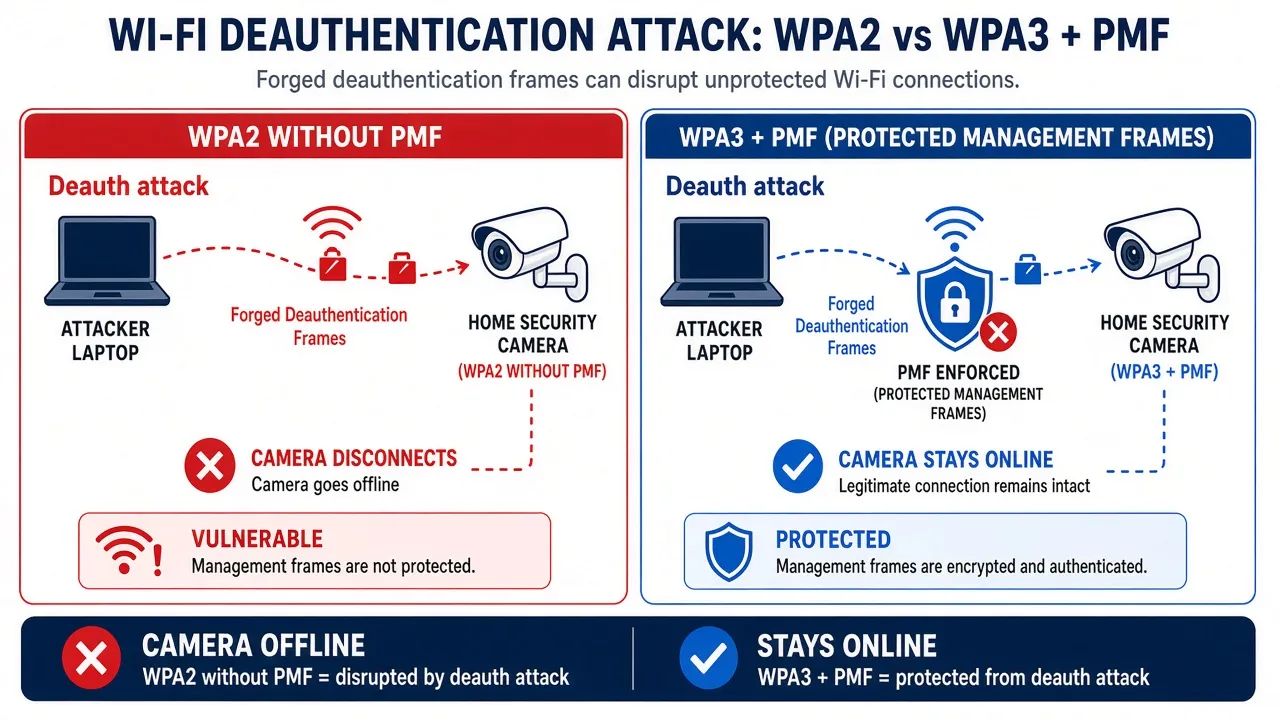
Illustration: deauth vs WPA3/PMF — not a vendor diagram.
Wi-Fi security risks: WEP through WPA3
The product tables in this post describe what each vendor publishes about its gear. Separately, every owner should understand how legacy Wi-Fi security modes fail in the real world. Attacks differ: some require capturing traffic and offline guessing; others require only radio range and affect availability — not decryption.
WEP and WPA (TKIP)
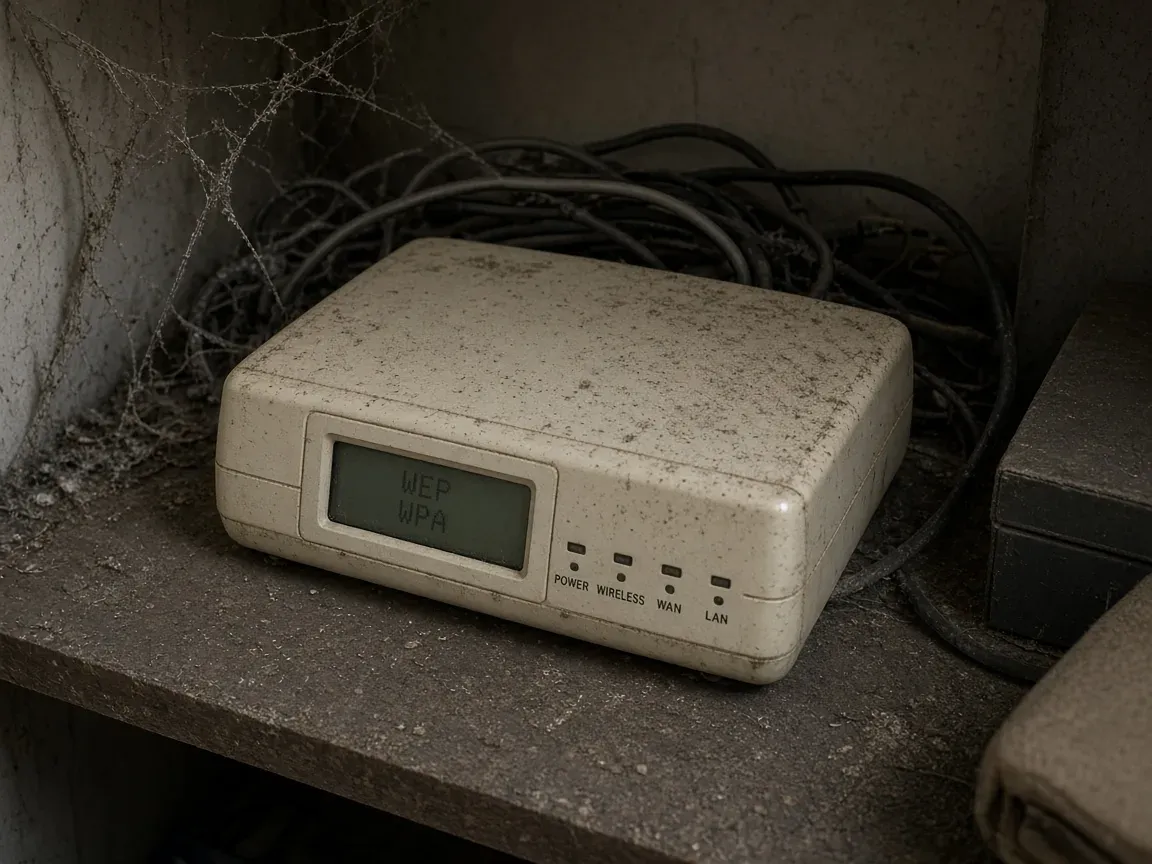
WEP (Wired Equivalent Privacy) was broken years ago: passive capture plus commodity tools can recover a WEP key in minutes on busy networks. The Wi-Fi Alliance and industry guidance treat WEP as obsolete — do not operate IoT or cameras on WEP. WPA with TKIP replaced WEP but is also deprecated; modern certification programs expect AES (CCMP) and WPA2 or WPA3.
WPA2-Personal (PSK)
WPA2-PSK is still common on routers and IoT SSIDs. Its weaknesses are well documented:
- Offline passphrase attacks. An attacker who records a valid 4-way handshake or a router PMKID (where the AP exposes it) can attempt offline dictionary attacks against the passphrase. Short or reused passwords fall quickly; a long, random passphrase makes offline guessing impractical in practice. This is realistic on WPA2-PSK when the password is weak — not when the passphrase is strong.
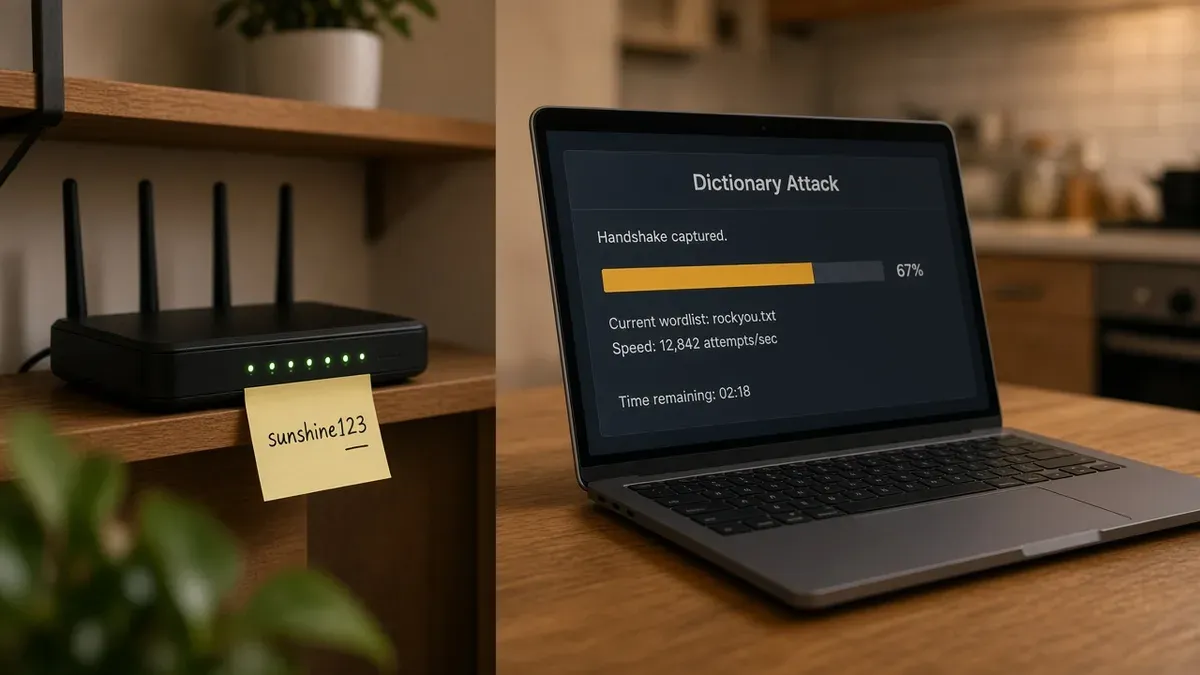
Illustration: a captured handshake plus a guessable passphrase — not a substitute for router sticker photos in real incidents. - Neighbors or guests on your PSK. Anyone with the Wi-Fi password can join the LAN like a trusted device. That often means their traffic exits through your public IP address, which can complicate abuse complaints or law-enforcement inquiries. Segment IoT and rotate the passphrase if you suspect sharing — see NIST WLAN guidance below.
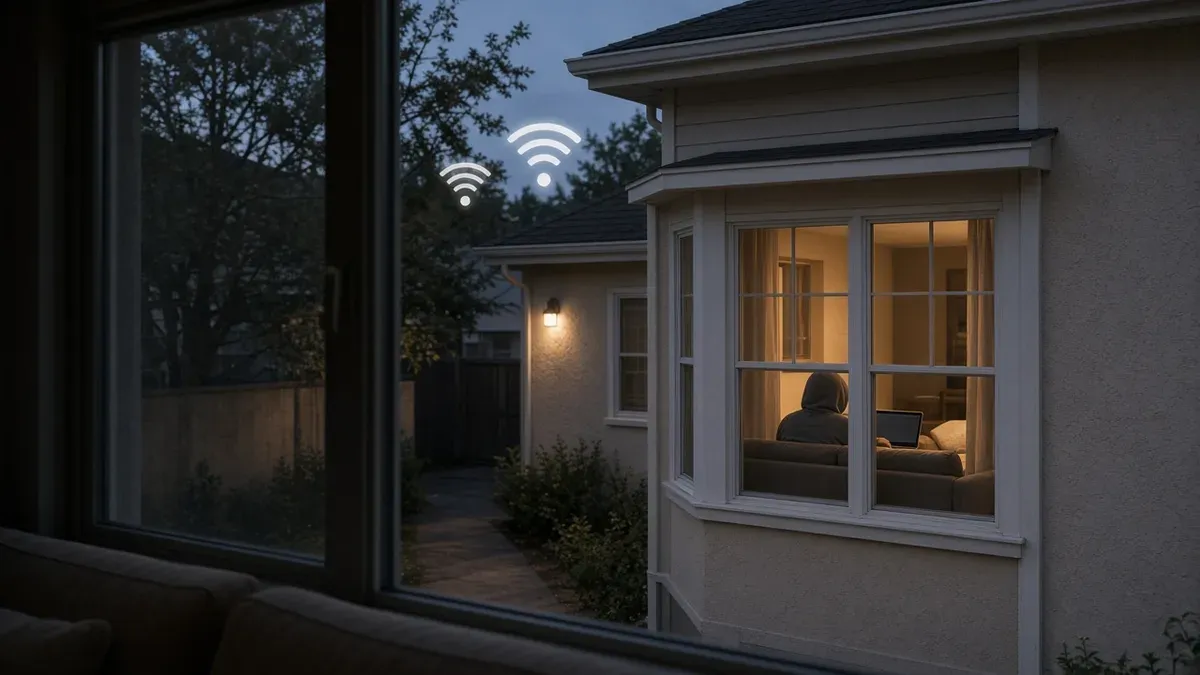
Shared passwords are convenient; they also mean your IP can carry someone else’s activity. - On-LAN reach to your devices. Joining the Wi-Fi does not automatically grant control of every camera, oven, or laptop. It does place an attacker on the same broadcast domain, where they can probe for unpatched firmware, default credentials, and unencrypted local traffic. VLANs, guest networks, and device updates reduce that exposure.
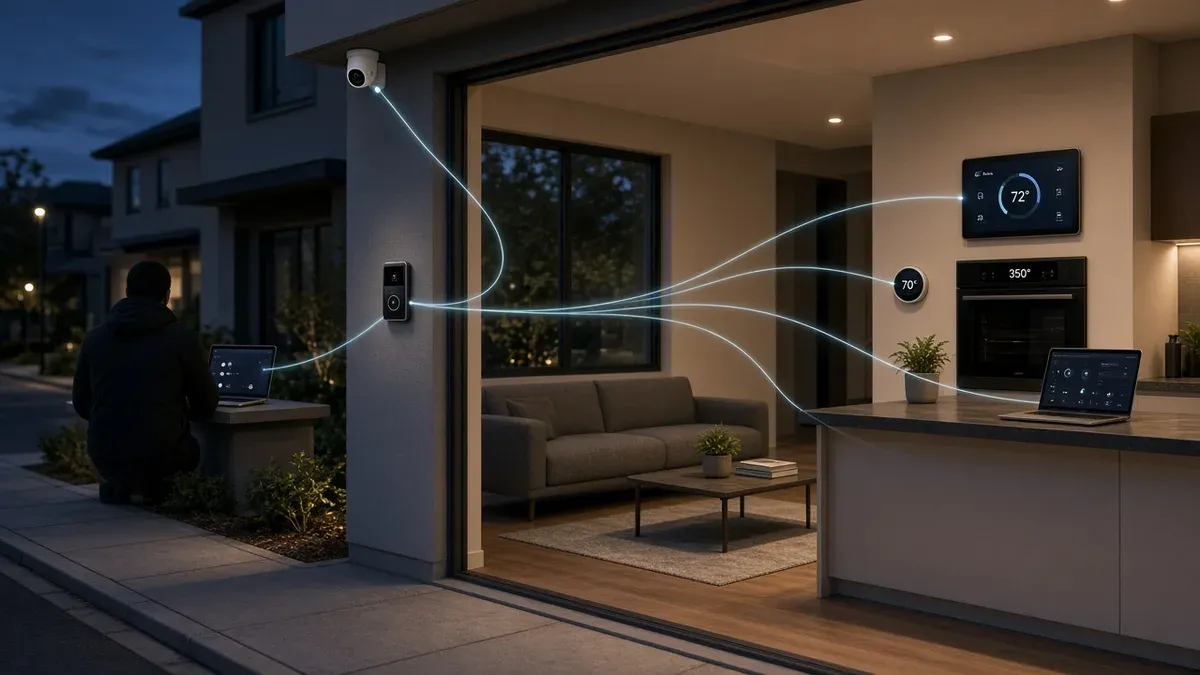
Being on the LAN enables probing and targeted attacks — not instant ownership of every gadget. - KRACK (2017). Research by Mathy Vanhoef showed that some WPA2 implementations could reinstall encryption keys during the handshake, enabling traffic manipulation or decryption on unpatched clients. Most vendors shipped fixes in 2017–2018, but forgotten IoT firmware may still be vulnerable. KRACK requires proximity; it is not the same as guessing a weak password. Primary reference: krackattacks.com · CERT VU#228519.
- No forward secrecy on PSK networks. With WPA2-Personal, anyone who knows the passphrase and has stored ciphertext can decrypt those captured frames later. WPA3-Personal (SAE) adds forward secrecy for sessions after pairing — see Wi-Fi Alliance WPA3 materials.
- Deauthentication and disassociation. Classic management frames can knock a client offline when Protected Management Frames (802.11w / PMF) are not enforced. That is an availability attack: it does not by itself decrypt video or credentials, but it can blind a camera or doorbell until it reconnects — the scenario behind many “Wi-Fi jammer” thefts. PMF and WPA3 are the practical mitigations on supported gear.
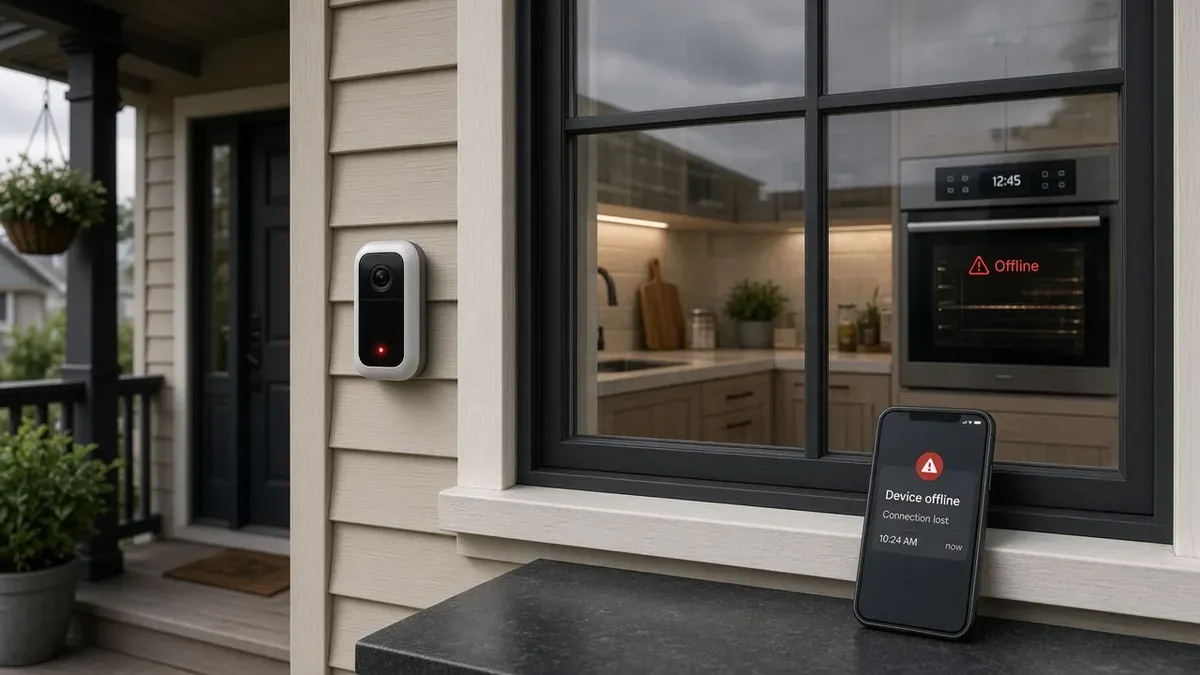
Deauth affects availability — devices may show offline even though the passphrase was never cracked. - Evil twin / rogue access points. A nearby attacker can broadcast a convincing SSID and capture credentials or push a captive portal. Mitigations include verifying router settings, using unique SSIDs, and segmenting IoT — see NIST wireless LAN guidance below.
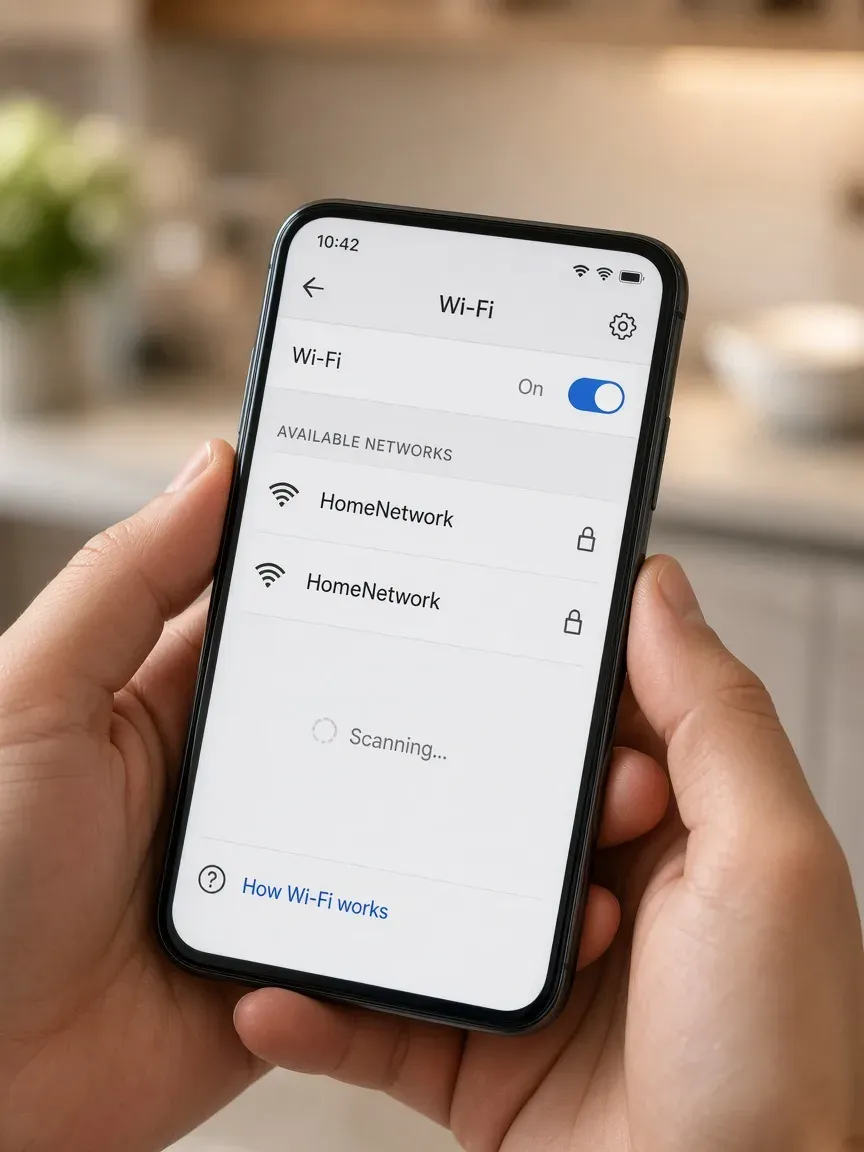
Two similar names on a phone — always confirm which AP is yours before joining.
WPA3-Personal and Enterprise
WPA3-Personal uses SAE (Simultaneous Authentication of Equals), which greatly improves resistance to offline guessing compared with WPA2’s 4-way handshake, and mandates PMF for certified WPA3 gear. Wi-Fi Alliance overview: Wi-Fi Alliance — Security · WPA3 announcement.
Dragonblood (2019). Follow-on research found implementation flaws in early WPA3 / SAE stacks (downgrade and side-channel classes). Vendors patched affected firmware; owners should still install router and IoT updates. Primary reference: Dragonblood (Vanhoef & Ronen).
What owners can do
| Priority | Action | Why it matters |
|---|---|---|
| 1 | Use a long random passphrase (or WPA3-SAE where supported) | Reduces offline PSK cracking if a handshake is ever captured |
| 2 | Install router and device firmware updates | Closes KRACK-class bugs and Dragonblood-era implementation flaws |
| 3 | Enable PMF (802.11w) — capable or required on the AP when clients allow | Hardens against forged deauth/disassoc on many WPA2 networks; mandatory under WPA3 |
| 4 | Segment IoT on a dedicated VLAN or guest SSID with firewall rules | Limits lateral movement if one gadget is compromised |
| 5 | Prefer WPA3 or WPA2/WPA3 transition only when every client supports it | Avoid WPA3-only SSIDs that brick older 2.4 GHz IoT until vendors document support |
Primary sources (verified Oct 20, 2026)
| Topic | Reference |
|---|---|
| WEP obsolescence | Wi-Fi Alliance — Security (WEP not permitted under current programs) |
| KRACK / WPA2 handshake | krackattacks.com · CERT VU#228519 |
| WPA3, SAE, PMF | Wi-Fi Alliance Security |
| Dragonblood (WPA3 implementation) | wpa3.mathyvanhoef.com |
| Wireless LAN security (rogue AP, segmentation, unauthorized access) | NIST WLAN guidelines (SP 800-153) |
| Protected Management Frames (802.11w) | IEEE 802.11w amendment; summarized in Wi-Fi Alliance security materials above |
Risk illustrations above are AI-generated scenes for education (not incident photos). Related: WPA3 upgrade checklist · Guest / IoT Wi-Fi isolation.
Product image: LG LRMVS3006S — courtesy of LG (via Best Buy product photography).
MFA: YubiKey and Google Authenticator
| Platform | Grade | Security key | Authenticator |
|---|---|---|---|
| LG / ThinQ account | Pass | Not published | Yes — SMS/email 2-step (LG Account) |
LG Account supports two-step verification; no published FIDO2/YubiKey enrollment for ThinQ.
See MFA directory. Source: LG ThinQ sign-in
Independent cybersecurity audits
We audited lg.com on October 20, 2026. 100% is the ideal — none reach it.
| Organization | Domain | Overall | vs 100% |
|---|---|---|---|
| LG ThinQ | lg.com | 42% | −58 |
| Domain | Identity | Transport | Website |
|---|---|---|---|
| lg.com | 25% | 15% | 37% |
Audit link: lg.com
Illustration only — scores are in the tables above.
Website stack note
Passive probes: lg.com marketing CMS; HSTS on support paths (sampled Oct 20, 2026).
Blacklist, lookalikes, CourtListener
Email blacklist (public DoH, October 20, 2026): Email blacklist check for lg.com: clear (0 mail/domain hit(s); 1 MX IP(s) + 2 web IP(s); 20 IP + 5 domain lists).
DNS lookalike scan: To review: 36; likely owned (point at brand): 0; BEC staging: 1.
CourtListener: UI/API access was blocked from this environment (CloudFront 403).
Continuous monitoring: Cybersquat Domain Monitoring.
Related reading: WPA3 upgrade checklist · Guest Wi-Fi isolation.
Related series (cameras)
Doorbells and security cameras are covered separately in the IoT camera WPA3 / 5 GHz / PMF hub.
Check your domain free at audit.emailmenow.com, or see automated reports and monitoring.
Sources: Vendor pages linked above (last checked October 20, 2026). Independent EmailMeNow audits and scans October 20, 2026. No affiliate links.