If your office or home Wi-Fi still shows WPA2-Personal, WPA2-Enterprise, or WPA2/WPA3 transition mode, you are running wireless security below the current baseline Wi-Fi Alliance vendors have pushed since WPA3 certification began in 2018. For new deployments in 2026, anything less than WPA3-Personal (SAE) or WPA3-Enterprise deserves a documented upgrade plan.
WPA3 improves key exchange (SAE resists offline dictionary attacks better than WPA2’s 4-way handshake), adds forward secrecy on personal networks, and offers 192-bit security suites for enterprise. KRACK (2017) showed that unpatched WPA2 handshake implementations could also be attacked in range — see the KRACK section below. WPA3 does not replace network segmentation — guest Wi-Fi risks on shared hardware remain; see our guest network security guide.
Wi-Fi Alliance WPA3 overview:
https://www.wi-fi.org/discover-wi-fi/security
Minimum time to break each Wi‑Fi standard
Log-scaled comparison of how quickly an attacker with captured wireless traffic and commodity GPU hardware can defeat each protocol under typical weak-password assumptions. Actual times vary with passphrase length, dictionary quality, and firmware patches.
Logarithmic scale — longer bars mean more time required to break.
*WPA3-SAE removes the offline 4-way-handshake dictionary attack that makes weak WPA2 passphrases practical to crack. **KRACK (2017)** exploited handshake implementation bugs on unpatched WPA2 clients — a separate in-range attack, not an offline crack — see the KRACK section in this article. Online guessing and transition-mode downgrade remain separate risks — see the Wi‑Fi Alliance security overview. WEP and WPA-TKIP times reflect published cryptanalysis (e.g. PTW/Beck-Tews); WPA2 weak-PSK estimate aligns with common Hashcat GPU benchmarks on 8-character dictionaries.
KRACK: how WPA2 can still fail in practice
In October 2017, security researcher Mathy Vanhoef disclosed KRACK — Key Reinstallation AttaCK — a flaw in how many WPA2 implementations handled the 4-way handshake. Headlines said KRACK could “break WPA2 encryption.” That is partly true, but the risk is more specific than an instant offline password crack.
What KRACK actually does
- An attacker must be physically in Wi-Fi range of your network — not merely holding a captured handshake file from a parking-lot sniff.
- They manipulate handshake messages so a vulnerable client reinstalls an already-used encryption key.
- That can reset packet counters and, on unpatched devices, allow decryption, replay, or injection of Wi-Fi traffic — even though the passphrase itself was never guessed.
What KRACK does not do
- It does not replace offline GPU dictionary attacks on weak WPA2 passphrases (shown in the chart above).
- It does not automatically compromise every WPA2 network worldwide — impact depended on client and AP firmware, and most vendors shipped fixes in late 2017–2018.
- Patched routers, phones, and laptops are much less exposed; unpatched IoT, old printers, and forgotten access points remain the worry in 2026.
Primary reference: krackattacks.com · US-CERT VU#228519
Illustrated KRACK attack chain
Step 1: Attacker joins radio range
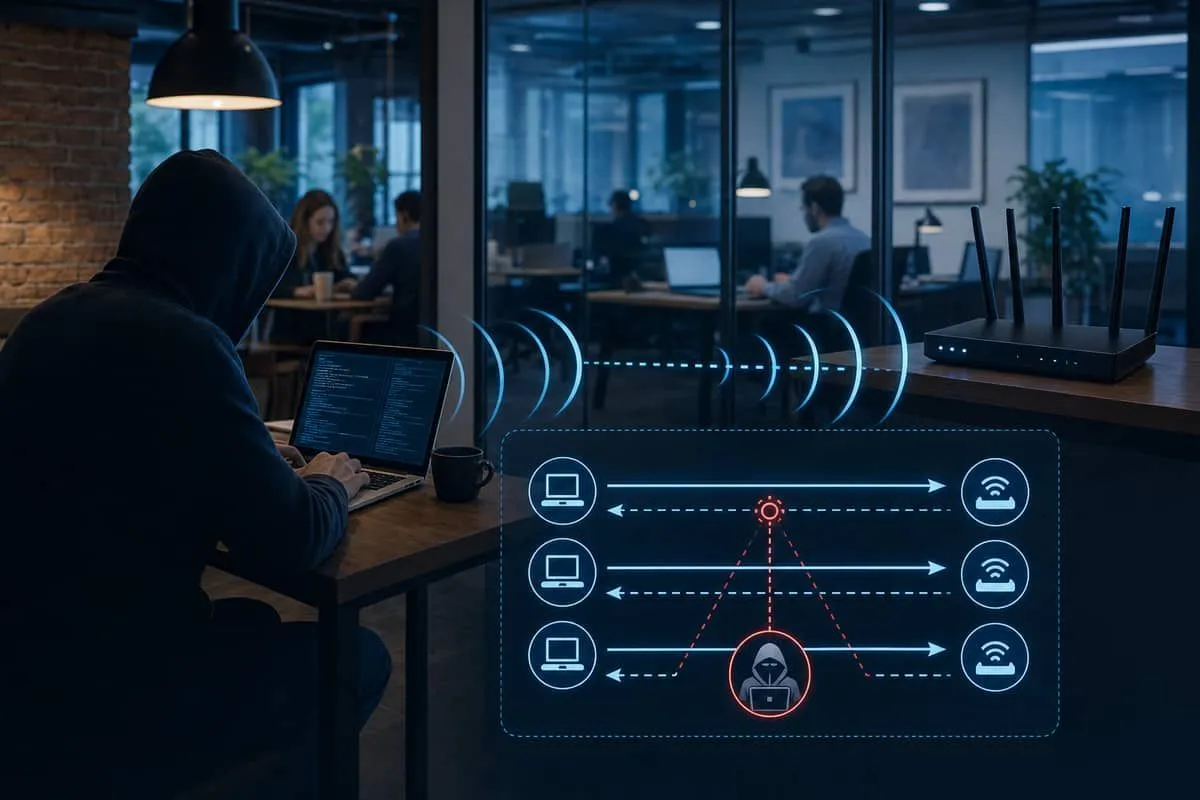
The attacker does not need your Wi-Fi password. They position a laptop or rogue radio near your office or home AP and passively records handshake traffic, then replays or modifies handshake frames to trigger key reinstallation on a vulnerable client.
Step 2: Key reinstallation weakens session encryption
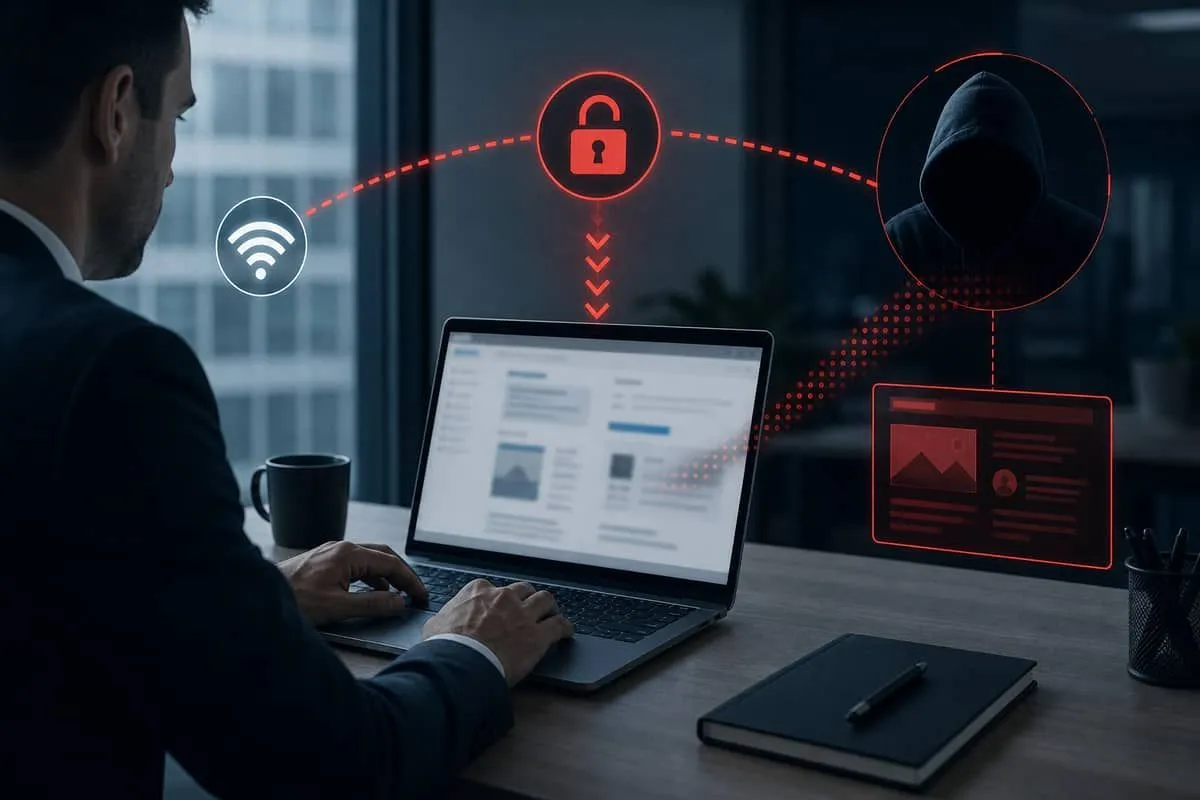
When the client reinstalls a stale key, some implementations reset nonce/counter state. An attacker can then decrypt or forge packets for that session — exposing HTTP sessions, legacy app traffic, or metadata even while the network still “looks” secured with WPA2.
Business impact: eavesdropping on unencrypted or poorly encrypted app traffic, session hijack on non-TLS services, and injection of malicious content on captive portals or HTTP-only internal tools.
Step 3: Patch, then upgrade toward WPA3
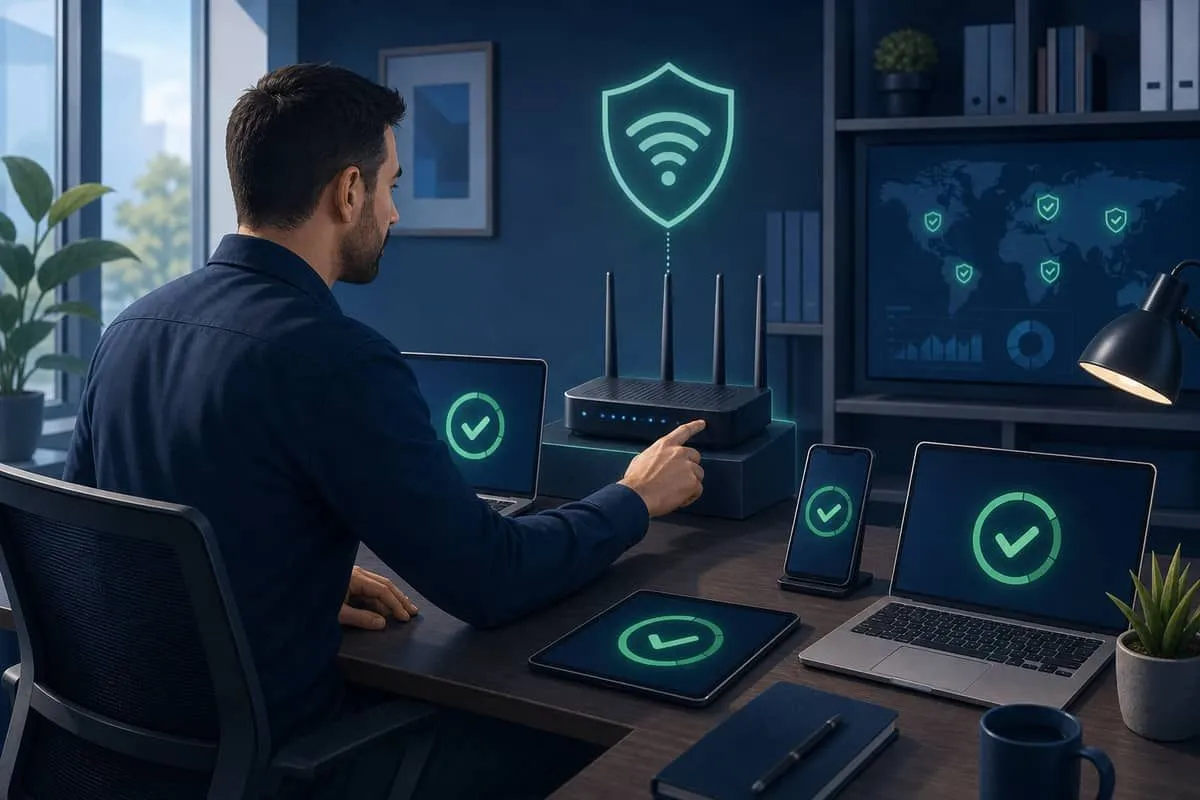
Immediate KRACK response (still relevant for stale hardware):
- Patch access points and controllers — Meraki, UniFi, ISP gateways, consumer routers.
- Patch every Wi-Fi client — Windows, macOS, iOS, Android; do not forget printers, VoIP phones, and IoT.
- Retire devices that never received vendor fixes.
- Force TLS everywhere — treat Wi-Fi as untrusted transport; KRACK mattered most where apps lacked HTTPS.
- Plan WPA3 migration — WPA3-SAE uses a different personal-network handshake that closes the KRACK-class flaw against offline PSK cracking and improves handshake robustness on modern stacks.
| Attack | Requires Wi-Fi range? | Breaks weak PSK offline? | Mitigation |
|---|---|---|---|
| Offline WPA2 PSK crack | No (capture once) | Yes | Long random passphrase; move to WPA3-SAE |
| KRACK (key reinstallation) | Yes | No | OS/router patches; retire EOL gear |
| WPA2/WPA3 transition downgrade | Often yes | Sometimes | Disable transition mode when clients allow |
KRACK is a key reason “we use WPA2 with a password” stopped being enough for regulated Texas offices — but the fix is patching plus modernization, not panic about every WPA2 network being trivially readable from anywhere.
Security tiers at a glance
| Label on device or router | Status |
|---|---|
| Open / None | ❌ No encryption — never for business |
| WEP / WPA (TKIP) | ❌ Broken — replace hardware |
| WPA2-Personal (PSK) | ⚠️ Legacy baseline — upgrade planned |
| WPA2-Enterprise | ⚠️ Acceptable with strong RADIUS; still not WPA3 |
| WPA2/WPA3 transition | ⚠️ Mixed — WPA2 clients can still connect |
| WPA3-Personal / WPA3-SAE | ✅ Current home/SMB target |
| WPA3-Enterprise (192-bit) | ✅ Regulated / high-assurance target |
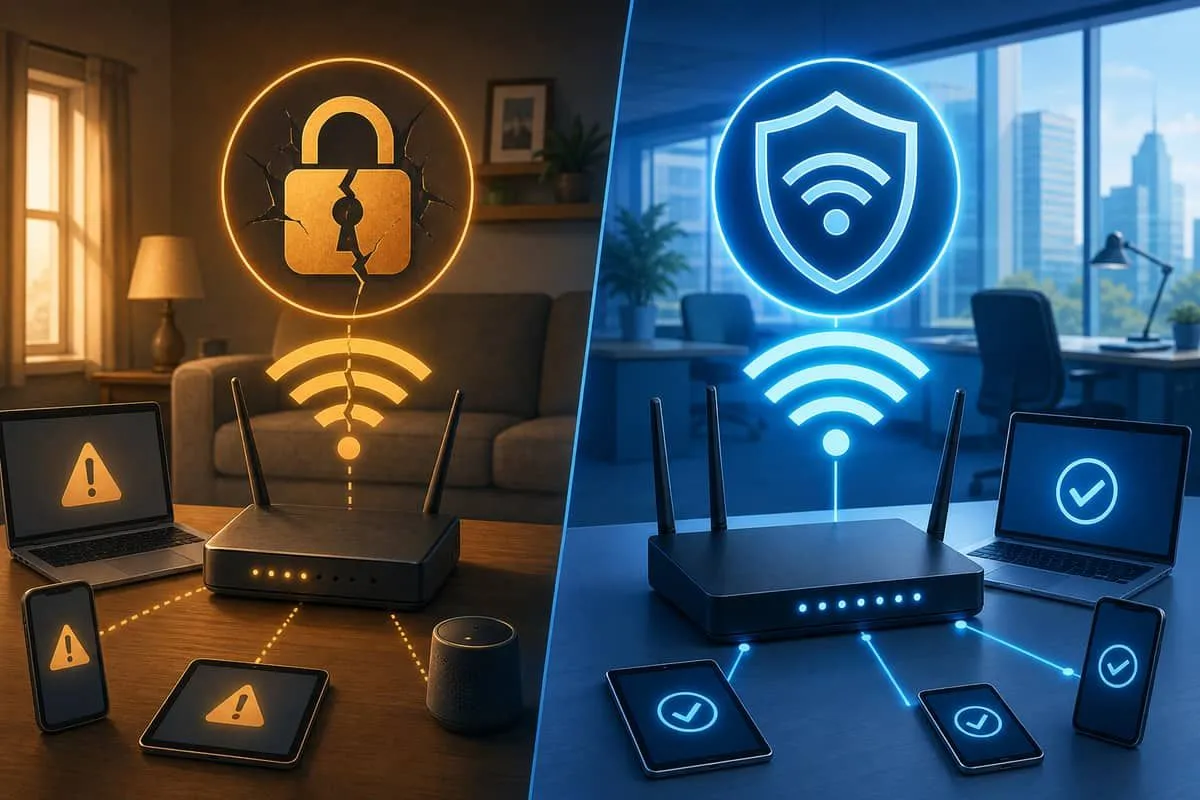
Important: 2026 AirSnitch research shows WPA3 alone does not stop guest-network isolation failures on shared access points. You need both strong encryption and proper VLAN or hardware separation for guest traffic.
How to check if you are on WPA3
Verify the network you use for work — not only a guest SSID.
Windows 10 / Windows 11
Settings UI
- Settings → Network & internet → Wi-Fi
- Click the connected network → Properties
- Read Security type — want WPA3-Personal, WPA3-SAE, or WPA3-Enterprise
Command line
netsh wlan show interfacesCheck Authentication:
WPA3-Personal/WPA3-SAE→ WPA3 ✅WPA2-Personal→ WPA2 only ⚠️Open→ no encryption ❌
Profile detail for a saved network:
netsh wlan show profiles name="YourNetworkName" key=clearMac (macOS)
- Hold Option (⌥) and click the Wi-Fi menu bar icon
- Hover the connected network — read Security: (WPA3 Personal vs WPA2 Personal)
Or: System Settings → Wi-Fi → Details… on the active SSID.
iPhone / iPad (iOS)
- Settings → Wi-Fi
- Tap ⓘ next to the connected network
- Review details — some iOS versions show Security type directly
If not shown: check the router admin panel (below) or ask IT. After upgrading the router to WPA3, Forget the network and rejoin so iOS renegotiates.
Android
- Settings → Network & internet → Internet / Wi-Fi
- Tap the connected network (gear icon on some devices)
- Look for Security — WPA3-Personal vs WPA2-Personal
UI varies by Samsung, Pixel, etc. — router admin is authoritative when the phone hides the field.
Router admin (authoritative for all platforms)
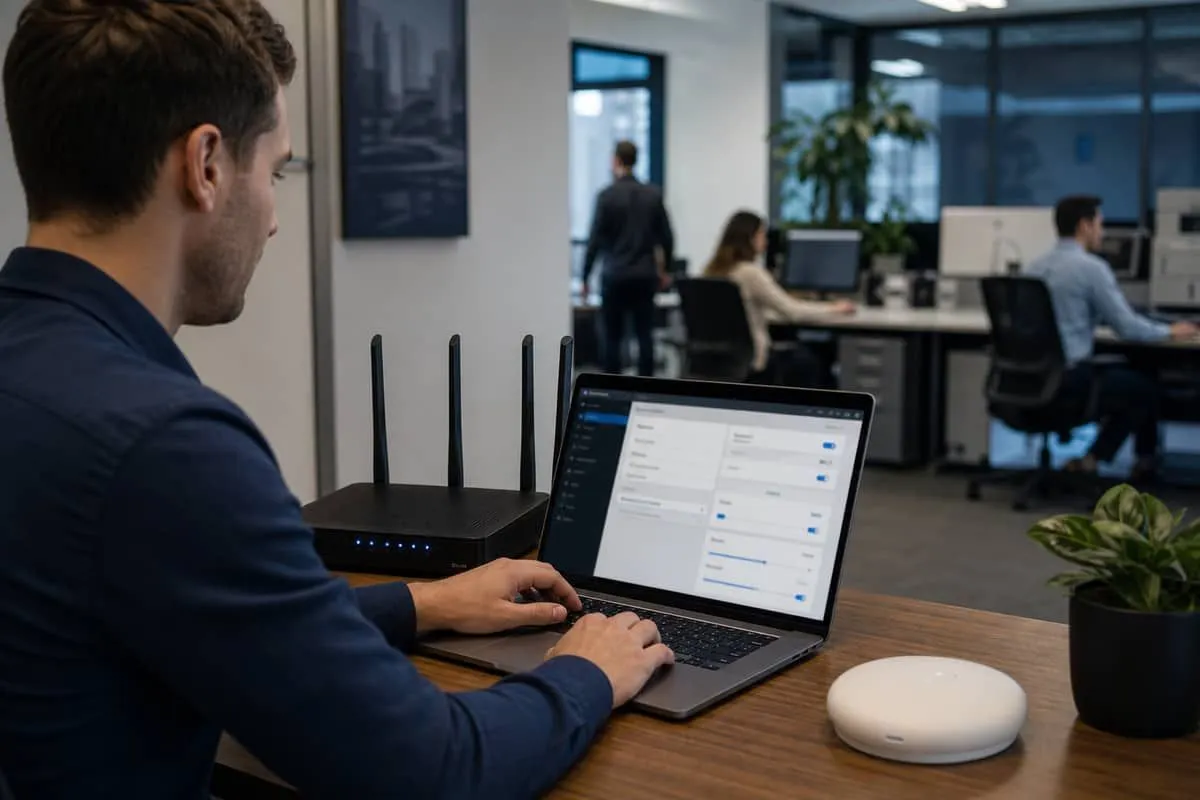
- Sign in to router or cloud controller (Netgear, Linksys, UniFi, Meraki, ISP gateway)
- Open Wireless / SSID settings per network
- Set WPA3-SAE or WPA3-Enterprise — avoid WPA2-only unless every client is legacy and you are in a timed transition
- Document the change in your security policy (Texas SB 2610 programs)
Upgrade path for offices and homes
- Inventory clients — printers, VoIP phones, old tablets may lack WPA3; plan replacements or a temporary transition SSID.
- Replace EOL routers that cannot receive WPA3 firmware.
- Use long random passphrases — WPA3-SAE helps, but weak passwords still fail.
- Separate SSIDs — staff on WPA3-Enterprise or WPA3-Personal; never share staff PSK on guest networks.
- Layer defenses — VPN, TLS, and MFA on business apps regardless of Wi-Fi tier.
- Retest quarterly — run
netsh wlan show interfacesor Option-click Wi-Fi after firmware updates.
Why Texas businesses should care
CPAs, law firms, and medical offices often assume “we use Wi-Fi passwords, so we’re secure.” WPA2-only networks with shared PSKs on busy office floors are common — offline cracking of captured handshakes remains practical when passphrases are weak, and unpatched KRACK-vulnerable clients can still leak session traffic to someone in the parking lot. Pair wireless upgrades with Five Eyes foundational controls and Fortinet edge patching.
Independent Cybersecurity Audit
We audited consumer and enterprise Wi-Fi vendor domains on June 26, 2026:
| Organization (Domain) | Overall | Risk Level |
|---|---|---|
| Netgear (netgear.com) | 72% | Good |
| Linksys (linksys.com) | 68% | High Risk |
| Meraki / Cisco (meraki.com) | 58% | High Risk |
| HPE Aruba (arubanetworks.com) | 54% | Critical Risk |
Scores reflect public email/website posture — not whether your SSID uses WPA3 today.
Audit links:
Related reading
- WPA3 legal-size duplex printers
- WPA3 business device list
- WPA3 home office device list
- Popular devices without WPA3 / 5 GHz
- Guest Wi-Fi isolation risks (AirSnitch)
- ISP homespot public Wi-Fi on rental gateways
Protect your organization.
Run a free audit at audit.emailmenow.com — and contact EmailMeNow IT Consulting for WPA3 migration planning and wireless policy documentation.
Sources: Wi-Fi Alliance — Security · KRACK Attacks — Mathy Vanhoef · US-CERT VU#228519 · Kaspersky — AirSnitch context · EmailMeNow audits — netgear.com