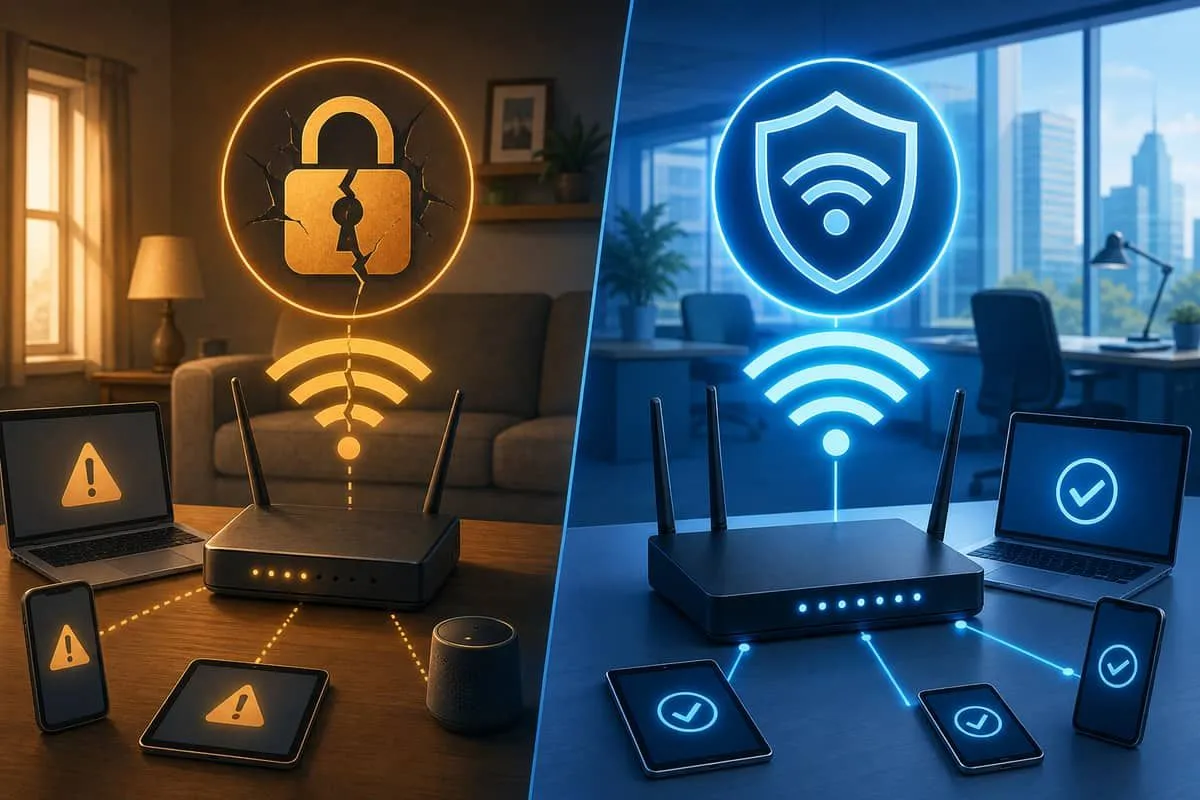
Before you flip an office or home network to WPA3-only on 5 GHz, these best-selling devices are the usual blockers. They either lack WPA3 client support, operate on 2.4 GHz only, or ship on frozen firmware that will never join a modern SSID.
Use this list during wireless inventory alongside our business and home office compatibility guides. Keep legacy gear on a separate SSID/VLAN — or replace — rather than downgrading your entire staff network to WPA2.
2.4 GHz–only devices (no 5 GHz radio)
These cannot join a 5 GHz–only work SSID regardless of WPA version.
| Device (popular models) | Category | Fix |
|---|---|---|
| Wyze Cam v3 / v4 / Pan v3 | Security camera | Newer v4 Pro / wired PoE; or IoT VLAN |
| Ring Video Doorbell (many gen 2–4 SKUs) | Doorbell | Ring Elite (PoE) or wired chime pro bridge |
| Amazon Echo Dot (3rd gen and earlier common) | Smart speaker | Echo 4th gen+ or wired Alexa devices |
| Google Nest Mini / Home Mini (1st/2nd gen) | Smart speaker | Nest Audio / wired hub |
| TP-Link Kasa HS100 / HS103 / HS105 | Smart plug | Kasa EP25 or wire heavy loads |
| Roku Express (single-band models) | Streaming | Roku Streaming Stick 4K / Ultra (dual-band) |
| Brother HL-L2350DW / HL-L2370DW | Printer | Ethernet, USB, or Wi-Fi 6 replacement |
| HP DeskJet 3755 / 2600 series | Printer | OfficeJet Pro with dual-band or wired |
| Many label printers (DYMO Wireless older) | Label | USB or Bluetooth-only models |
| Budget smart bulbs (generic Tuya) | Lighting | Hub-based Zigbee/Thread instead of Wi-Fi |
WPA2-era clients (may have 5 GHz but no WPA3)
These often force WPA2/WPA3 transition mode if kept on the main SSID.
| Device | Issue | Fix |
|---|---|---|
| Apple iPhone 8 / X and older | No WPA3 client | Upgrade phone or legacy SSID |
| Apple iPad (6th gen and older) | No WPA3 | Replace or isolate |
| 2015–2018 smart TVs (Samsung UN series, older Roku TV sticks) | WPA2, weak updates | Ethernet or streaming stick on 5 GHz |
| PlayStation 4 / Xbox One (original) | 802.11n/ac, WPA2 | Ethernet for consoles; entertainment VLAN |
| Amazon Fire HD 8 (2018–2020 gens) | Limited WPA3 | Fire HD 10 2023+ or wired |
| Kindle Paperwhite (Wi-Fi models pre-2021) | 2.4-focused, WPA2 | USB transfer; no work SSID needed |
| Older Chromebooks (2017–2019 budget) | WPA2 drivers | ChromeOS update or replace |
| Windows 7 / 8.1 PCs | No WPA3 | Retire — compliance risk |
| Office VoIP phones (2016-era Poly VVX, Yealink T4x without updates) | WPA2-only Wi-Fi | PoE Ethernet |
| Nest Thermostat E / 1st gen Learning | 802.11n 2.4 | Keep on IoT SSID only |
ISP and rental gear (WPA2 + public hotspot)
| Device | Issue | Fix |
|---|---|---|
| Xfinity XB7 / XB8 / CGM4981 gateways | WPA2 default, xfinitywifi hotspot | Return rental — own router guide |
| Cox Panoramic WiFi Gateway | WPA2, Cox Hotspot SSID | Customer-owned modem + WPA3 router |
| Spectrum rented Wi-Fi 6 gateways | Mixed WPA2/3, CableWiFi | Own gear; bridge ISP modem |
Why this matters for security
| If you keep these on the staff SSID | Risk |
|---|---|
| WPA2 transition mode for one old printer | Entire network stays WPA2-cracking eligible (crack-time chart) |
| 2.4 GHz clutter | Slower, crowded airtime; more deauth / evil-twin exposure |
| Unpatched IoT on same LAN | KRACK, default passwords, botnet recruitment |
What to do with legacy devices
- Replace if cheap to swap (plugs, sticks, old phones).
- Wire with Ethernet (printers, consoles, desktops, VoIP).
- Isolate on IoT/guest VLAN with no route to staff (AirSnitch context).
- Retire unsupported gear — especially Windows 7 and EOL printers holding tax or client data.
- When blockers are gone, enable WPA3-only on 5 GHz per upgrade guide.
Related reading
- WPA3 business device list
- WPA3 home office device list
- WPA3 verification steps
- ISP rental gateway public Wi-Fi
Need help inventorying office Wi-Fi clients? Contact EmailMeNow IT Consulting.
Sources: Wi-Fi Alliance — WPA3 · Manufacturer specs (Wyze, Ring, TP-Link, Roku, Brother, HP) · EmailMeNow WPA3 guide