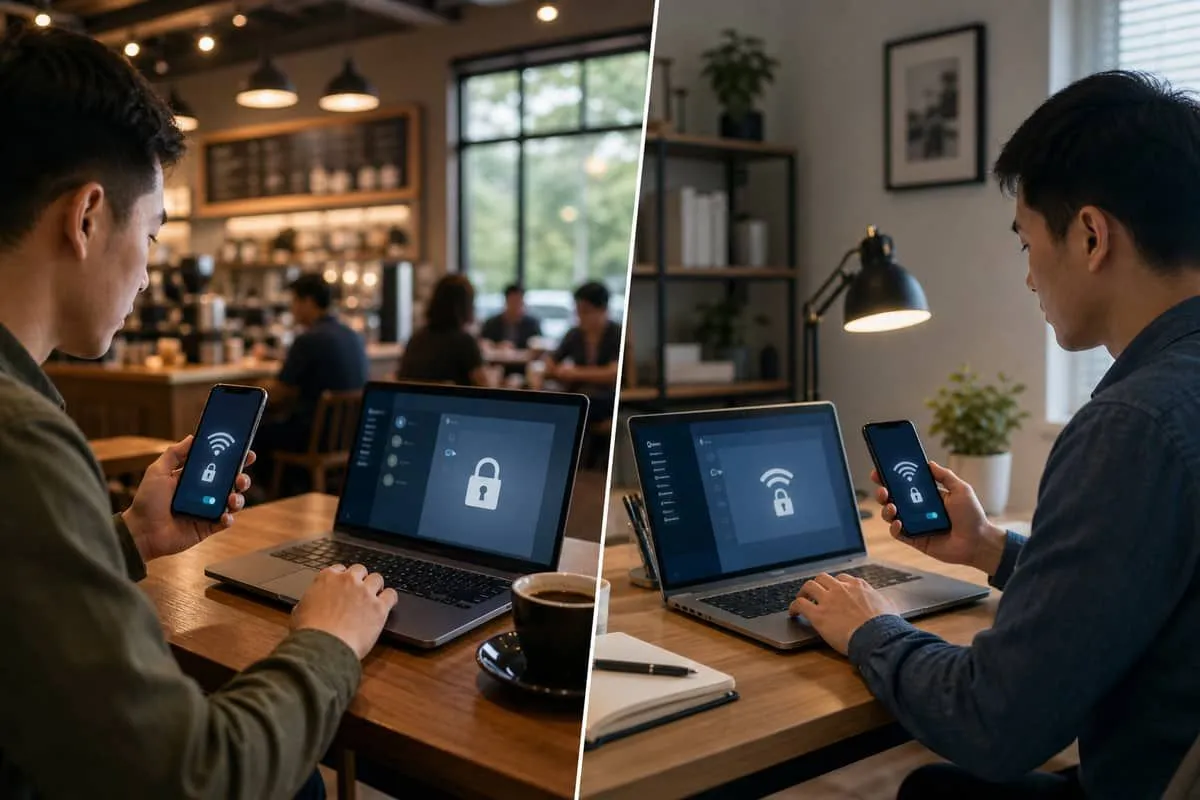
Attorneys, CPAs, and consultants working from home need the same WPA3 + 5 GHz baseline as a downtown office — especially if client data crosses Clio, QuickBooks, Microsoft 365, or tax software on a home LAN. This list highlights consumer and prosumer gear that supports WPA3-SAE and 5 GHz (or 6 GHz) for a dedicated work SSID.
Pair this with our WPA3 verification guide and ISP hotspot warning if you still rent an Xfinity or Cox gateway.
Home office routers and mesh (WPA3 + dual/tri-band)
| Product | Bands | WPA3 | Good for |
|---|---|---|---|
| ASUS RT-BE86U / RT-BE88U / RT-AX88U Pro | Tri-band / Wi-Fi 7 | Yes | Power users; VLAN guest network |
| Netgear Nighthawk RAXE500 / RS700S / MK7 (Orbi WiFi 7) | Tri-band mesh | Yes | Large homes, separate work SSID |
| TP-Link Archer BE550 / AX55 / Deco XE75 Pro / XE5300 | Dual/tri-band mesh | Yes | Value mesh for ranch / suburban lots |
| Ubiquiti UniFi Dream Router / UDR7 / U6+ | 5 + 6 GHz | Yes | Prosumer “mini office” stack |
| Synology RT6600ax / WRX560 | Tri-band | Yes | NAS households needing secure work VLAN |
| eero Pro 6E / Pro 7 / Max 7 | Tri-band | Yes | Simple managed mesh |
| Google Nest Wifi Pro (Wi-Fi 6E) | Tri-band | Yes | Google-centric homes |
Setup tip: create a Work SSID on 5 GHz (or 6 GHz) with WPA3-Personal; put IoT and guests on a separate SSID or VLAN — see guest Wi-Fi risks.
Laptops and tablets (remote work)
| Device | WPA3 | 5 GHz | Notes |
|---|---|---|---|
| Apple MacBook Air / Pro (M1 2020+) | Yes | Yes | Preferred for legal / creative work |
| Apple iPad Air / Pro (2019+) | Yes | Yes | Court-ready with keyboard case |
| Dell XPS 13 / 15, Latitude remote kits | Yes | Yes | Windows 11 + latest drivers |
| HP Spectre / Envy business configs | Yes | Yes | Verify “business” Wi-Fi driver pack |
| Lenovo ThinkPad / IdeaPad (2019+) | Yes | Yes | ThinkPad preferred for VPN + MFA |
| Microsoft Surface Laptop / Pro (8+) | Yes | Yes | Docking station via Ethernet when possible |
Phones and mobile hotspots
| Device | WPA3 | 5 GHz | Notes |
|---|---|---|---|
| iPhone 11 and newer | Yes | Yes | Use cellular for sensitive work when away from home |
| Samsung Galaxy S21+ / S24 / A54 | Yes | Yes | Samsung DeX users: verify dock Ethernet |
| Google Pixel 6+ | Yes | Yes | Android monthly security patches |
| Dedicated 5G hotspot (Inseego, Netgear Nighthawk M6 Pro) | Yes | Yes | Backup when public Wi-Fi is unsafe |
Home office accessories worth wiring instead of Wi-Fi
| Device | Why skip Wi-Fi |
|---|---|
| Laser printer / scanner | Many cheap models are 2.4 GHz–only — use Ethernet or USB, or pick from home office WPA3 printer list |
| VoIP phone | Ethernet eliminates WPA3 migration surprises |
| Desktop PC | Cat6 to router beats any Wi-Fi for all-day tax season loads |
Quick home office checklist
- Return ISP rental gateway if it broadcasts
xfinitywifi— save rental fee; buy WPA3 router (ISP post). - Enable WPA3-Personal on 5 GHz Work SSID.
- Run
netsh wlan show interfacesor Option-click Wi-Fi — confirm WPA3 (guide). - Inventory smart home gear against legacy device list.
- VPN + MFA on all cloud apps; consider Proton VPN when traveling; Starlink where cable hotspots are the only option.
We may earn a commission if you sign up for Proton VPN or Starlink through the links above.
Related reading
- Home office and business WPA3 printers
- Business WPA3 device list
- Devices that still block WPA3 upgrades
- WPA3 upgrade guide
- Guest Wi-Fi isolation
Questions about home office wireless policy? Contact EmailMeNow IT Consulting.
Sources: Wi-Fi Alliance — Security · Manufacturer specifications (ASUS, Netgear, TP-Link, Ubiquiti, Synology, eero)