Enabling a guest Wi-Fi network on your office or home router feels like a safe compromise: visitors get internet, and your printers, file shares, and business apps stay hidden behind “client isolation.” 2026 security research shows that separation is often weaker than router marketing suggests — especially when guest and staff SSIDs run on the same access point hardware.
Researchers presented AirSnitch at the NDSS Symposium (February 2026). The attack does not crack WPA2 or WPA3 over-the-air encryption. It bypasses client isolation — the feature most people rely on when they turn on “Guest Network” in a consumer or SMB router.
Read Kaspersky’s mitigation guide:
https://www.kaspersky.com/blog/airsnitch-wi-fi-client-isolation-guest-network-vulnerability-and-mitigation/55597/
Companion guide: How to verify WPA3 on Windows, Mac, iPhone, and Android
What AirSnitch Demonstrates
On tested home routers, enterprise access points, and university networks, authenticated attackers on one SSID could:
- Inject traffic toward devices on other SSIDs on the same hardware
- Intercept downlink traffic using port-stealing and switching behaviors
- Chain techniques into bidirectional man-in-the-middle positions
That includes scenarios where guest and employee networks share one physical AP, and cases where WPA2-Enterprise or WPA3-Enterprise per-user credentials are in use — enterprise login does not fix LAN-layer isolation gaps.
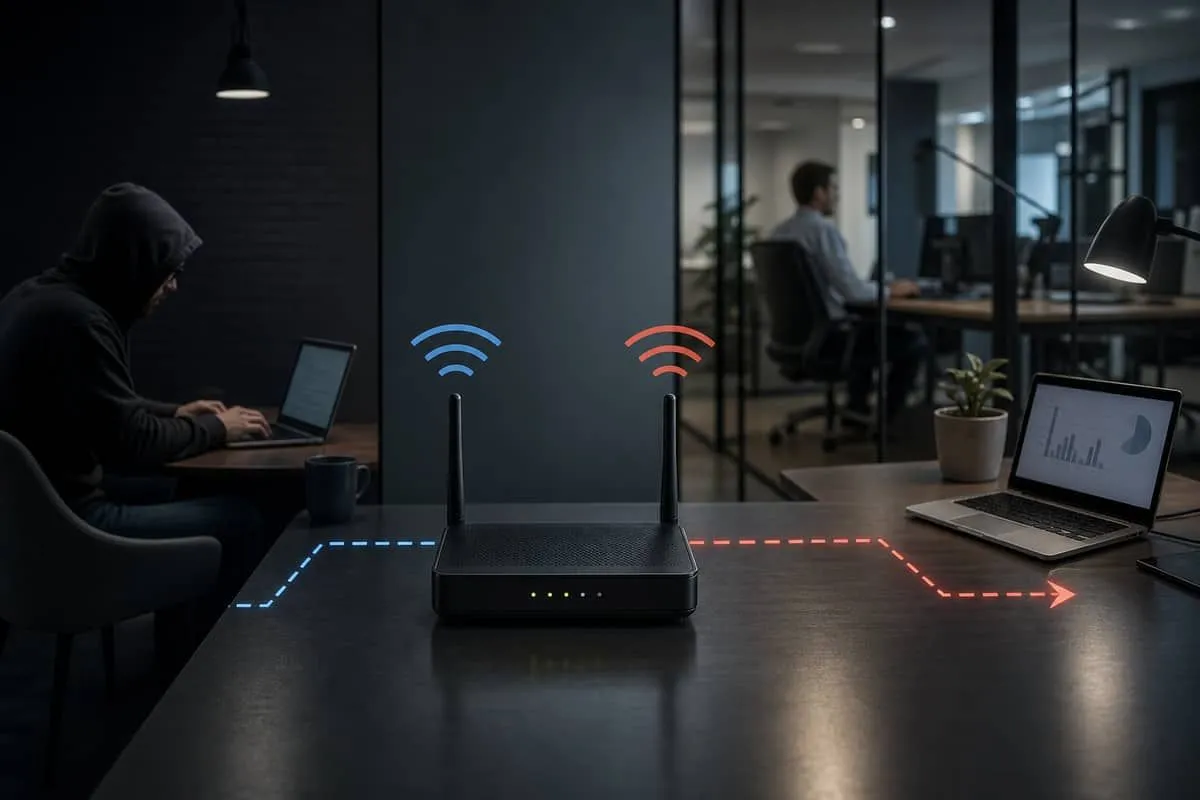
When Guest Wi-Fi Is Most Dangerous
| Scenario | Risk |
|---|---|
| Guest + staff SSIDs on one router/AP | High — AirSnitch’s core threat model |
| Guest password on a reception whiteboard | High — any visitor can join |
| Hotels, restaurants, co-working, conference Wi-Fi | High — untrusted users on shared infrastructure |
| Open/captive portal SSID beside encrypted staff WLAN | High — easy initial access |
| Home guest network, strong unique password, few visitors | Lower — attacker must still join LAN |
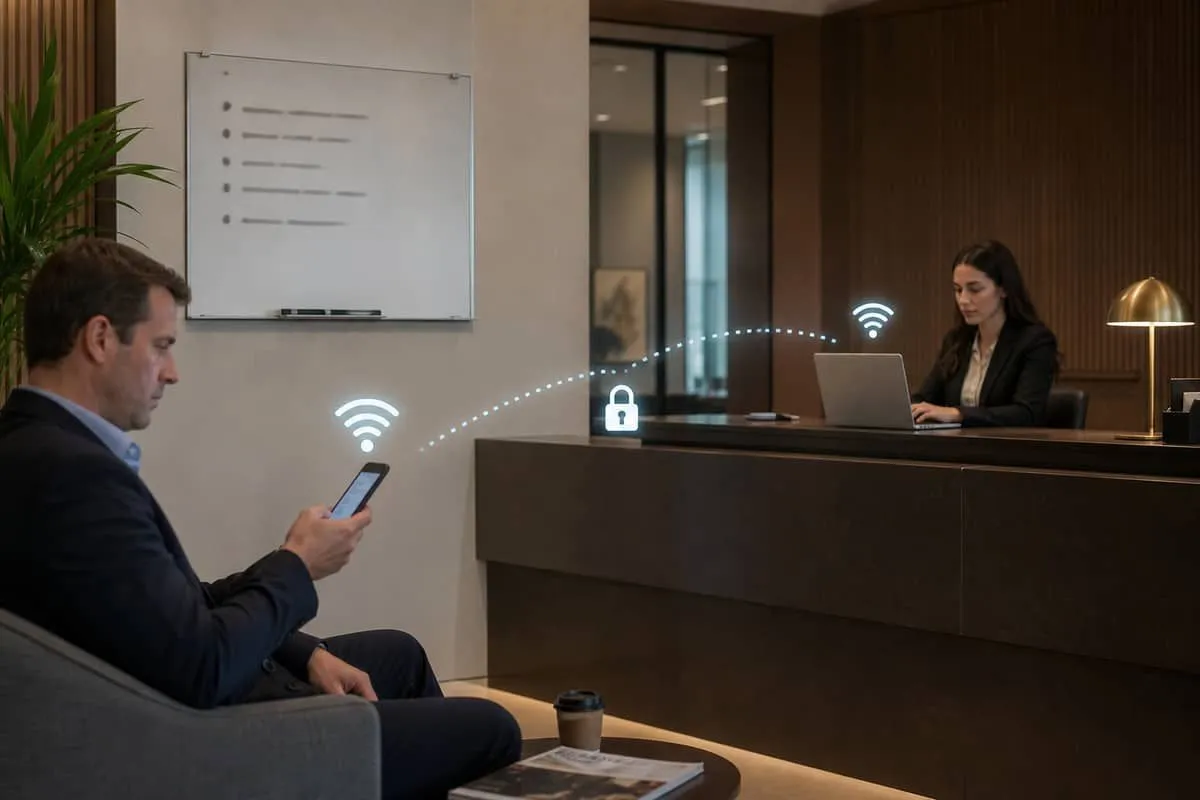
Texas SMB examples: law firm waiting-room Wi-Fi, dental office guest SSID, restaurant patron network while POS and back-office PCs share the same hardware.
What Guest Wi-Fi Does Not Guarantee
Router checkboxes labeled “Allow guests to see each other” / “Isolate from LAN” are vendor-specific. They are not a standardized security boundary. AirSnitch shows an attacker who legitimately joins guest Wi-Fi may still reach:
- Staff laptops on a different SSID
- Printers and NAS devices
- IoT cameras or smart devices on “private” WLANs
- Traffic paths that defenders assumed were blocked
WPA3 encryption alone does not fix this — see our WPA3 upgrade guide for encryption checks separate from isolation.
Avoid public and guest Wi-Fi when you can
Default rule for staff, attorneys, and finance users: do not use public Wi-Fi (coffee shops, airports, hotels, xfinitywifi, CableWiFi, captive portals) or office guest Wi-Fi for client data, email, banking, or admin portals. Use cellular data or wait until you are on a known, managed network (office staff SSID with documented segmentation, or home network you control).
Guest and public networks are untrusted transport — AirSnitch, KRACK-class flaws, and evil-twin hotspots all assume the radio link may be hostile.
If you must connect anyway
- Enable a VPN first — connect to your employer’s corporate VPN, or an approved WireGuard/OpenVPN tunnel, before opening email, cloud apps, or browsers with saved sessions. The VPN should be always-on on laptops where policy allows.
- Keep MFA on — VPN does not replace multi-factor authentication on Microsoft 365, Clio, QuickBooks, or banking.
- Prefer HTTPS-only — avoid HTTP-only internal tools; VPN + TLS together cover most session risks.
- Never mix roles — do not join guest Wi-Fi for “just checking email” while Intuit, wire-transfer, or PHI workflows are one tab away.
- Forget the network when done — remove
xfinitywifi, hotel, and conference SSIDs from saved networks so devices do not auto-rejoin.
Similar protections: DNS-over-HTTPS with filtering, ZTNA (Zero Trust Network Access) agents, or Microsoft Entra conditional access that blocks sensitive apps from non-compliant networks — but a VPN (or equivalent encrypted tunnel) remains the baseline when Wi-Fi cannot be avoided.
VPN and connectivity options
When your organization does not provide a corporate VPN, a consumer no-logs VPN is better than bare public Wi-Fi for general browsing and cloud apps — still use MFA and verify your provider allows business use:
- Proton VPN — encrypted tunnel from laptops and phones before you join guest or hotel Wi-Fi.
For rural Texas offices or staff who travel where cellular is weak and only xfinitywifi-class hotspots are available, a dedicated internet link you control beats public radio:
- Starlink Internet — satellite broadband for home offices, field sites, and backup when ISP public hotspots are the only nearby Wi-Fi.
We may earn a commission if you sign up for Proton VPN or Starlink through the links above.
How to Mitigate Guest Wi-Fi Risk
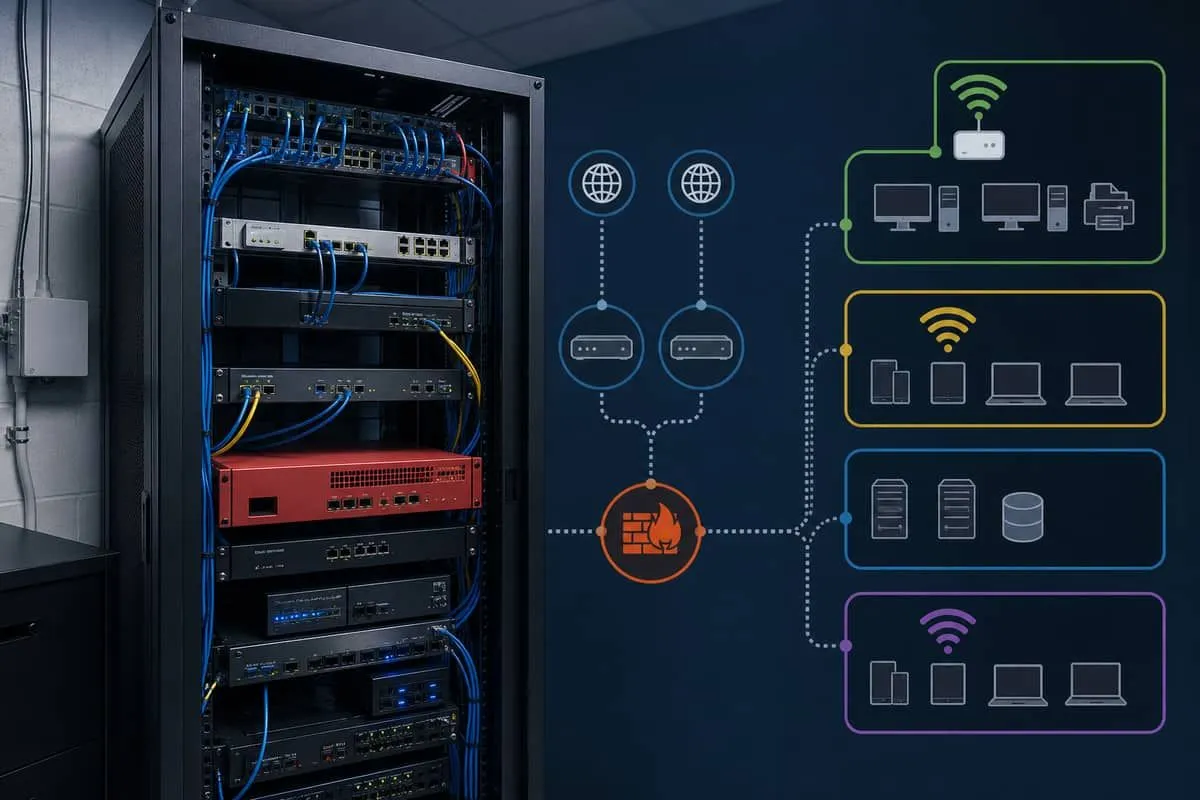
- VLAN segmentation — Guest SSID on its own VLAN with firewall rules from AP through switch to router; not just a UI toggle.
- Separate hardware — Dedicated inexpensive AP for guests, not connected to staff LAN (most reliable fix for SMBs).
- Disable guest Wi-Fi if you cannot segment — better no guest network than a false sense of security.
- Rotate guest passwords after events; never reuse the staff Wi-Fi passphrase.
- Require VPN + MFA for business apps — treat all wireless, including “internal” SSIDs, as untrusted transport.
- Patch AP/router firmware — vendors are shipping AirSnitch-related fixes.
- Enable switch security where available: DHCP snooping, Dynamic ARP Inspection (DAI), IP Source Guard.
Priority Actions for IT Teams
- Inventory every SSID: guest, staff, IoT, contractor — map to VLAN and hardware.
- Audit whether client isolation is treated as a trust boundary in risk assessments — AirSnitch shows it should not be.
- Document wireless policy for Texas SB 2610 written security programs.
- Train front desk staff — posting guest passwords publicly increases exposure.
Why Texas Businesses Should Care
Hospitality, legal, and financial offices often expose guest Wi-Fi while running QuickBooks, Microsoft 365, Clio, or wire-transfer workflows on the same site. Guest isolation failure is a local-network problem — pair wireless fixes with WhatsApp RMM malware and FBI Kali365 OAuth awareness so app-layer encryption and MFA hold even when Wi-Fi is hostile.
Independent Cybersecurity Audit
We audited wireless vendor domains on June 26, 2026 (public domain hygiene — not your router config):
| Organization (Domain) | Overall | Risk Level |
|---|---|---|
| Netgear (netgear.com) | 72% | Good |
| Meraki / Cisco (meraki.com) | 58% | High Risk |
| HPE Aruba (arubanetworks.com) | 54% | Critical Risk |
Audit links:
Related reading
- WPA3 upgrade and verification guide
- ISP homespot public Wi-Fi on customer gateways
- Five Eyes AI cyber guidance
- Fortinet VPN alert
- Hospitality & retail breaches
Protect your organization.
Run a free audit at audit.emailmenow.com — and contact EmailMeNow IT Consulting for guest VLAN design and wireless policy review.
Sources: Kaspersky — AirSnitch · CSA research note · AppleInsider