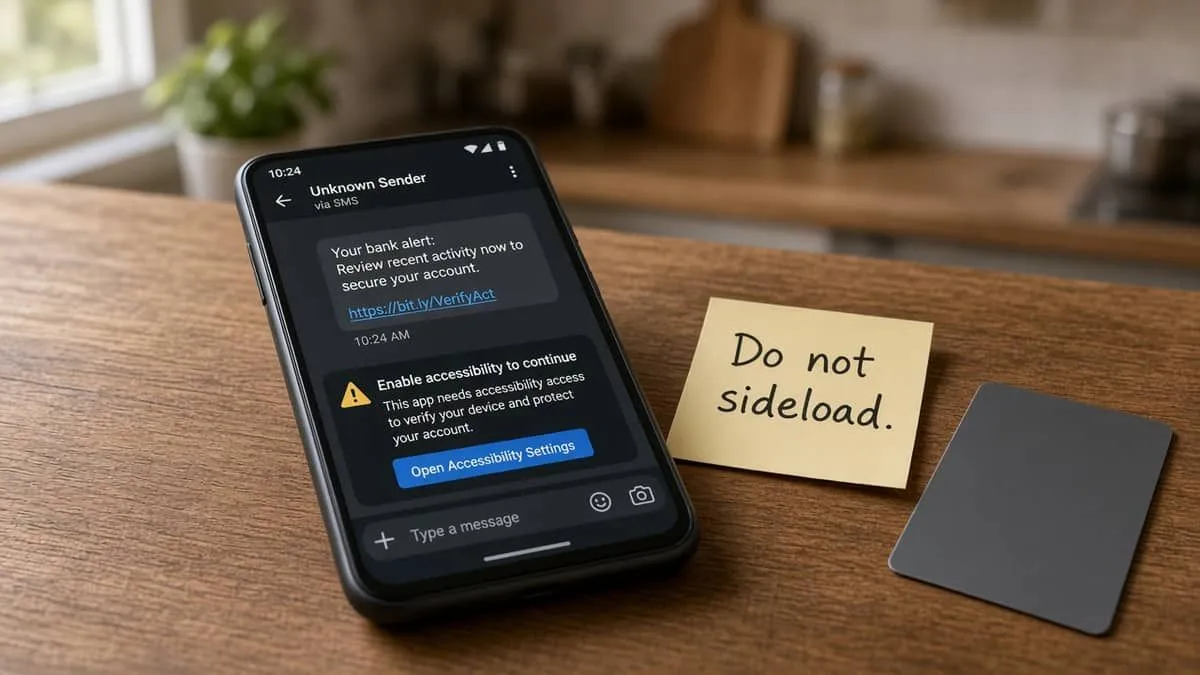
Zimperium zLabs published RatHat on September 16, 2026: an Android Trojan that starts with smishing or a bad download ad, then steals bank logins, one-time codes, and — unusually — can reconstruct a lock-screen PIN or pattern from where you touch the glass. Malwarebytes recapped the same family on September 18. BleepingComputer followed on September 17.
This is not a report that Google Play, Bank of America, or a named U.S. bank was hacked. It is sideloaded malware. A hardware key on a clean computer still helps after you rebuild the phone. An authenticator on the infected handset does not.
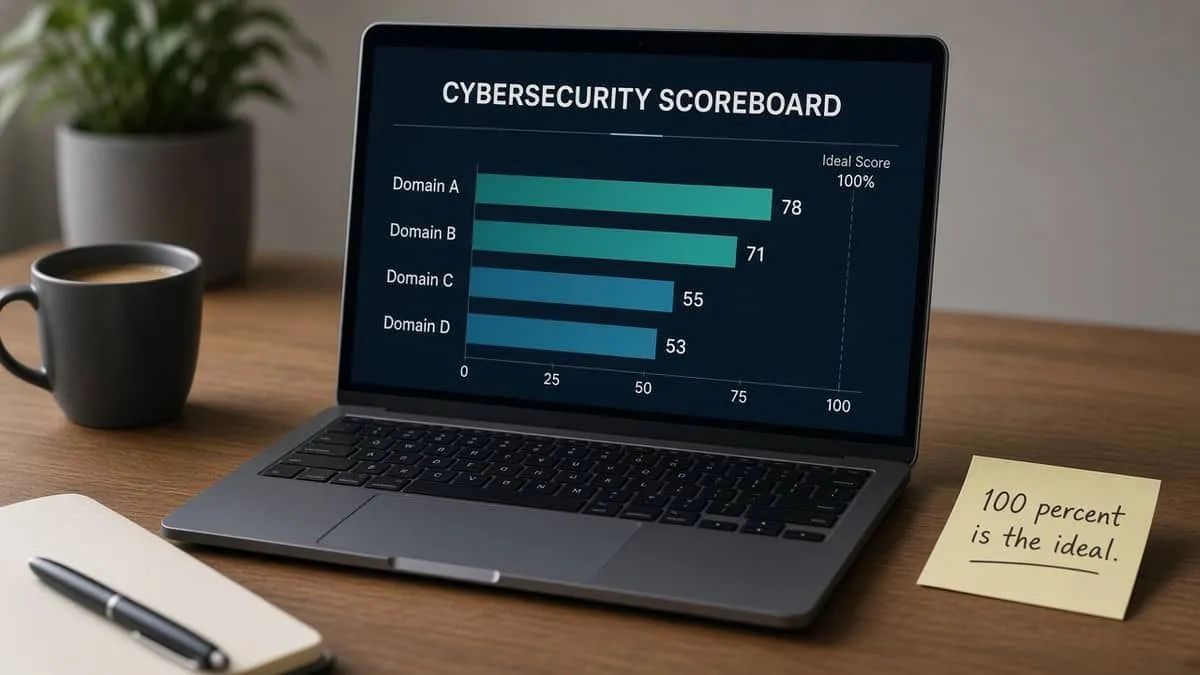
We scanned zimperium.com, malwarebytes.com, google.com, and bankofamerica.com. 100% is the ideal overall domain-security score. None reach it.
Snapshot
| Field | Detail |
|---|---|
| Researchers | Zimperium zLabs · Sept 16, 2026 |
| Recap | Malwarebytes · Sept 18 |
| Channel | SMS / ads → fake download page → sideloaded APK |
| Theft | Bank overlays, OTP / SMS intercept, lock-screen PIN / pattern |
| Who is at risk | Android users who tap unexpected links or install outside Play |
| If infected | Factory reset, then change bank and Google passcodes from a trusted device |
What victims are talked into
Do not treat this as setup advice. This is what researchers say the lure does after someone installs a package outside Google Play.
| Step | What happens |
|---|---|
| 1. Lure | Text or ad for a “streaming app” or “Chrome” APK |
| 2. Accessibility | Fake “network restriction” or money bait to turn the service on |
| 3. Debug abuse | The app walks Developer Options and Wireless Debugging — a real Android feature, misused so the malware can run with more privilege without a PC |
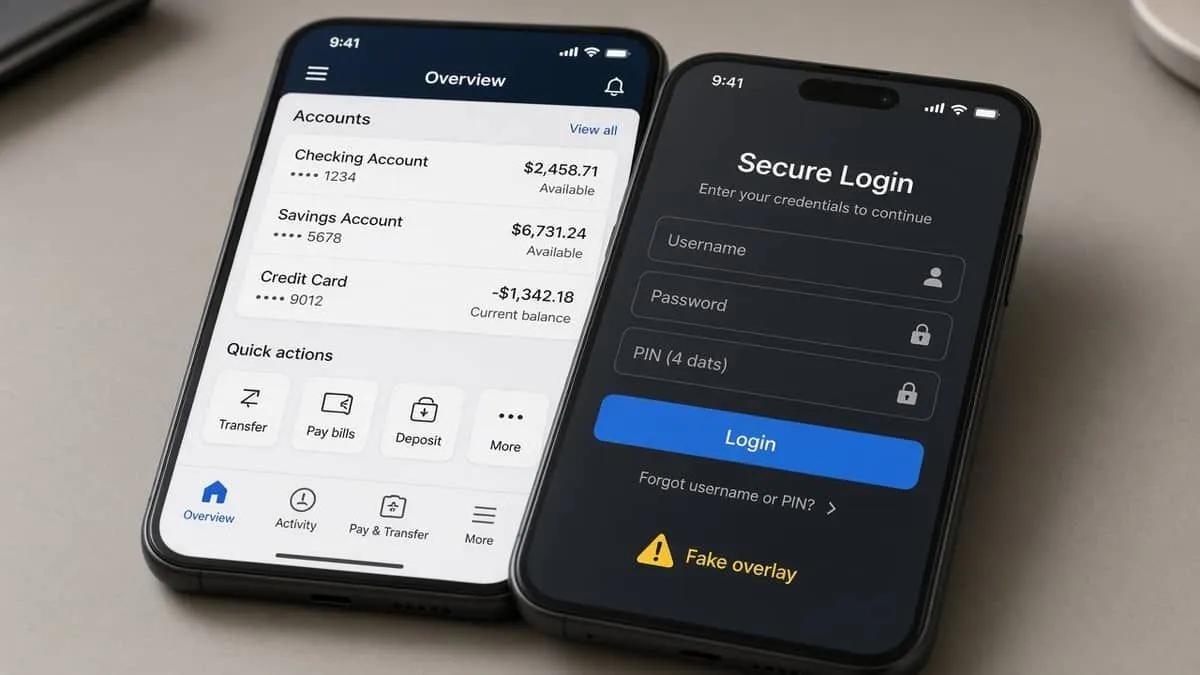
| 4. Overlays | Fake login / PIN screens over banking and payment apps (Zimperium also shows WeChat and Alipay PIN lures) |
| 5. Codes | SMS and notification listeners steal OTP / MFA codes on the phone |
| 6. Screen lock | Touch positions on the PIN pad or pattern grid are matched to known layouts |
Malwarebytes’ point on the last step: Android’s usual screen-reading blocks do not stop raw touch geometry. BleepingComputer adds that uninstall can be canceled with a fake Play error, and a hidden helper can put the app back. That is why “delete the suspicious app” alone is not enough.
Zimperium says a generative-AI helper reads the on-screen layout so taps are not a fixed script. Researchers tie Chinese-language prompts to operators appearing to work from China. That is attribution language in a malware report, not a public indictment.
What to do
- Do not tap links in unexpected texts. Type play.google.com yourself.
- Banks and Google do not need you to Install unknown apps or turn on Accessibility to “unlock an account.”
- Leave Developer Options and Wireless Debugging off unless you know why they are on.
- Review Accessibility apps. Revoke anything that is not a real screen reader or similar aid.
- Turn on Play Protect. Google’s opt-in Advanced Protection Mode (Android 16+) can block unknown-source installs. Android 17 beta additionally restricts Accessibility for apps that are not real accessibility tools — that tightening is not on every phone yet.
- If you already sideloaded something: use a second device to freeze cards and change bank, Google, and email passwords. Malwarebytes: factory-reset the Android. Then set a new screen lock.
Malwarebytes names the family Android/Trojan.Exploit.RatHat. We do not publish sample links, hashes, or C2 lists.
MFA: YubiKey and Google Authenticator vs a hijacked phone
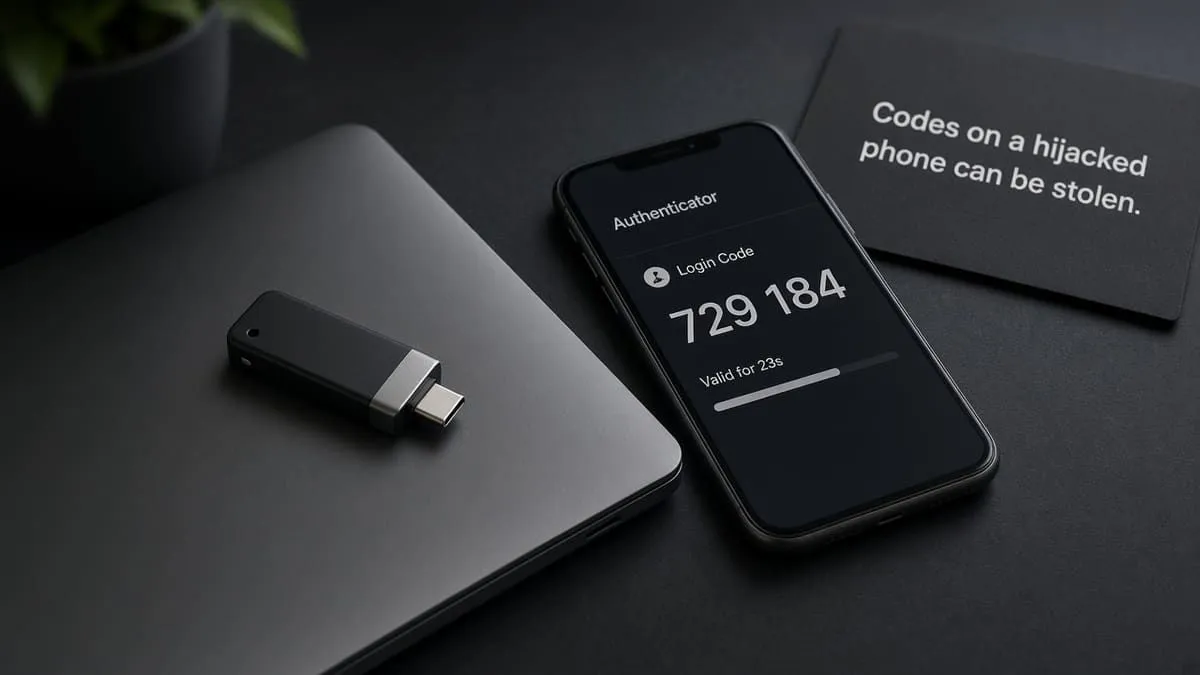
A YubiKey on a clean laptop is still the right enroll for Bank of America web login after the phone is rebuilt. It does not stop overlays and OTP theft while the RAT is on the unlocked device. Google Authenticator on that same phone can be harvested with the other codes.
| Grade | Meaning |
|---|---|
| Fail | SMS, email OTP, or no public key / open TOTP |
| Pass | Self-serve Google Authenticator-style open TOTP |
| Strong | FIDO2 / YubiKey-class security key for sign-in |
| Platform | Grade | YubiKey | Authenticator |
|---|---|---|---|
| Bank of America | Strong | Yes | No |
| Google Account | Strong | Yes | Yes |
| Malwarebytes Account | Fail | No | No |
Directory: MFA support directory. BofA USB security key. Google passkeys / Authenticator. Malwarebytes Account email verification is email OTP (Fail).
Prefer the hardware key on a computer that did not install the APK. See the national banks MFA scorecard.
Recommended MFA tools
| Product | Best for | Get it |
|---|---|---|
| YubiKey 5C NFC | USB-C laptops + NFC phones | Amazon |
| YubiKey 5 NFC | USB-A desktops + NFC phones | Amazon |
| Proton Pass | Passkeys + authenticator-style TOTP | Proton Pass |
We may earn a commission if you buy a YubiKey or sign up for Proton Pass through the links above.
Independent cybersecurity audits
We audited researcher, Play-ecosystem, and a U.S. bank host named in overlay coverage on September 21, 2026. 100% is the ideal — none reach it. These scores are public email / transport / website posture. They do not mean Play or a bank was breached.
| Organization | Domain | Overall | vs 100% |
|---|---|---|---|
| Zimperium | zimperium.com | 78% | −22 |
| Malwarebytes | malwarebytes.com | 71% | −29 |
| google.com | 55% | −45 | |
| Bank of America | bankofamerica.com | 53% | −47 |
| Domain | Identity | Transport | Website |
|---|---|---|---|
| zimperium.com | 90% | 45% | 65% |
| malwarebytes.com | 90% | 45% | 43% |
| google.com | 50% | 70% | 37% |
| bankofamerica.com | 50% | 45% | 37% |
Audit links: zimperium.com · malwarebytes.com · google.com · bankofamerica.com
Type those hosts yourself. Do not use a download link from a text.
Website stack
Passive homepage + Certificate Transparency probes (September 21, 2026). Versions only — not a claim these sites were compromised.
| Domain | Stack note |
|---|---|
| zimperium.com | HubSpot (vendor-managed); Sectigo TLS expires 2027-03-28 |
| malwarebytes.com | WordPress, generator version hidden; Amazon Trust TLS expires 2027-03-19 |
| google.com | CMS undetected; Google Trust Services TLS expires 2026-10-20 (~28 days); HTTP→HTTPS redirect not confirmed on probed hosts |
| bankofamerica.com | CMS undetected; DigiCert TLS expires 2027-03-26 |
A short Google leaf date is a certificate calendar note, not a Play Store outage.
Blacklist and lookalikes
Email blacklist checks (public DoH, September 21, 2026): zimperium.com, malwarebytes.com, google.com, and bankofamerica.com were clear on mail/domain lists we can query.
Registered lookalikes (BEC / standard squat scan — not proof RatHat used them):
| Lookalike | Technique | Signal |
|---|---|---|
| zimperium.app | TLD swap | NS + A |
| malewarebytes.com | insertion | NS + A |
| geoogle.com | insertion | NS + A + MX |
| bankofamerica.app | TLD swap | NS |
| bankoifamerica.com | insertion | NS + A + MX |
Zimperium already redirects several defensive TLDs (.io, .org, .net). Type zimperium.com, malwarebytes.com, google.com, and bankofamerica.com. Continuous monitoring: Cybersquat Domain Monitoring.
CourtListener RECAP searches for RatHat and Android overlay / Wireless-Debugging banking malware did not return a matching 2026 docket. This remains a research alert, not a filed U.S. case we can cite.
Related coverage
- WindRelay / SpyNote Android NFC relay
- Chase card-hold SMS scam
- National banks MFA — SMS vs YubiKey
- FaceTime bank scam
- MFA support directory
Sources: Zimperium zLabs — RatHat, Sept 16, 2026 · Malwarebytes, Sept 18, 2026 · BleepingComputer, Sept 17, 2026 · Android Advanced Protection Mode · Android Authority — Android 17 beta Accessibility. Independent EmailMeNow audits, website-tech, blacklist, cybersquat, and CourtListener searches September 21, 2026. Domain scores: audit.emailmenow.com only. No sample hashes, lure URLs, or install commands in this post.