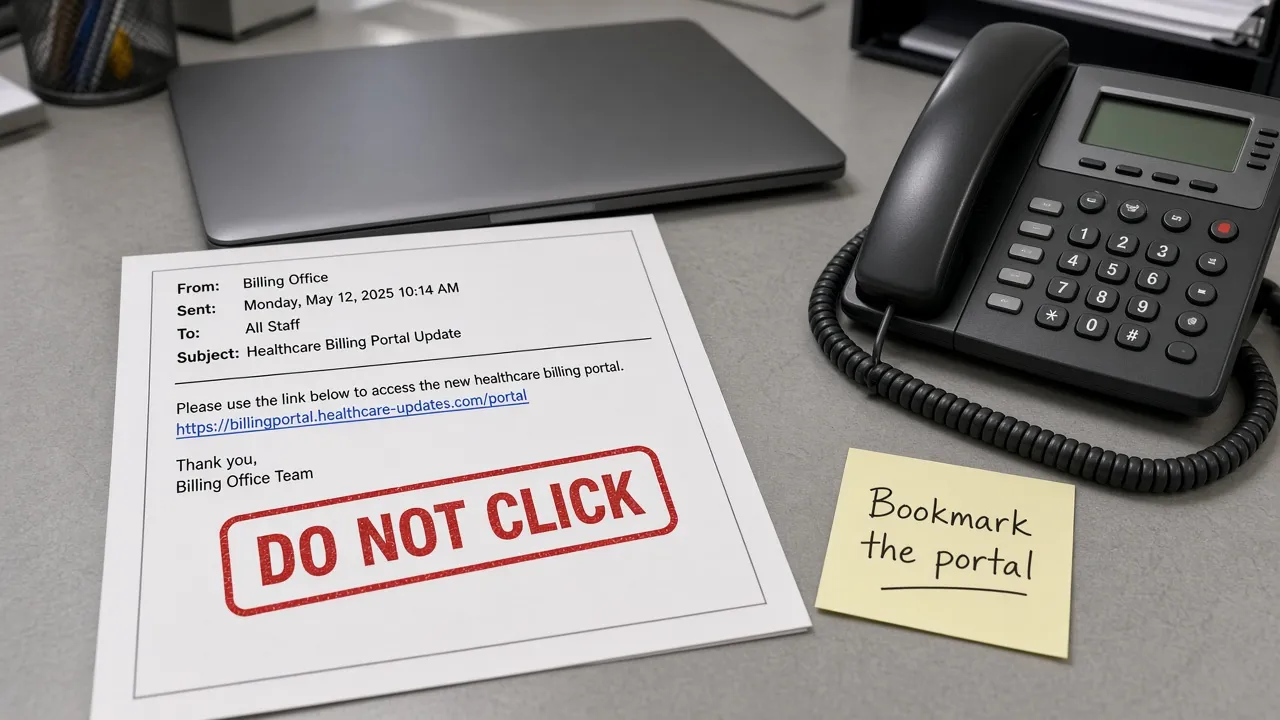
Texas Health and Human Services Commission alerted STEPS primary entity contacts on October 8, 2026 (11:36 a.m. CDT) that scammers are impersonating the Provider Finance Department (PFD) with the HHSC PFD logo. The lure asks recipients to verify information, sign a document, and click a button — then threatens to suspend or revoke a license. HHSC says that threat is fraudulent. Licenses and contracts are not at risk if you ignore the message.
HHSC PFD did not send these emails. This is brand impersonation, not a reported compromise of STEPS or hhs.texas.gov.
Official bulletin: ALERT for STEPS Providers: Be Aware of Email Phishing Scam Using HHSC PFD Logo
Snapshot
| Field | Detail |
|---|---|
| Official alert | HHSC GovDelivery — Oct 8, 2026, 11:36 a.m. CDT |
| Audience | STEPS primary entity contacts |
| Platform breach | Not reported — PFD did not send the lure |
| CourtListener | 0 matching STEPS / PFD-phishing dockets (searched Oct 8, 2026) |
| PFD support | costinformationpfd@hhs.texas.gov · 1-737-86-STEPS (78377) |
HHSC published these identifiers so providers can recognize this wave. They are not an invitation to click the lure:
| Field | Value HHSC published |
|---|---|
| Sender | donnafulfer839@gmail.com |
| Subject | Primary Entity Contacts and STEPS Access Information |
A Gmail From line is already enough to reject it. Official PFD mail uses a .gov address such as name@hhs.texas.gov. Automated STEPS Portal notices may come from noreplypfdsteps@hhs.texas.gov.
How HHSC says to verify PFD mail
Type the portal you already bookmarked. Do not use a button in unexpected mail.
| Check | What to look for |
|---|---|
| Domain | Address in brackets must be @hhs.texas.gov (or another .gov HHSC host) |
| STEPS Portal | Automated notices: noreplypfdsteps@hhs.texas.gov |
| Hover | Destination must be a .texas.gov host or an approved portal |
| Urgency | License-revoke / “sign this now” language is a phishing tell |
HHSC’s other tells match classic BEC: generic greeting, missing signature contacts, linked text that does not match the hover target, odd grammar, unexpected attachments.
PFD already posted a February 25, 2026 GovDelivery on its STEPS transition page about a PFD-logo phishing wave. Treat October’s STEPS-PEC lure as a new send, not proof that last winter’s campaign ended.
If you already clicked or entered information: tell your IT team, reset passwords on hosts you type, and scan the device. Then confirm with PFD at the number above — not a number inside the Gmail.
Two IAMOnline logins, one phishing window
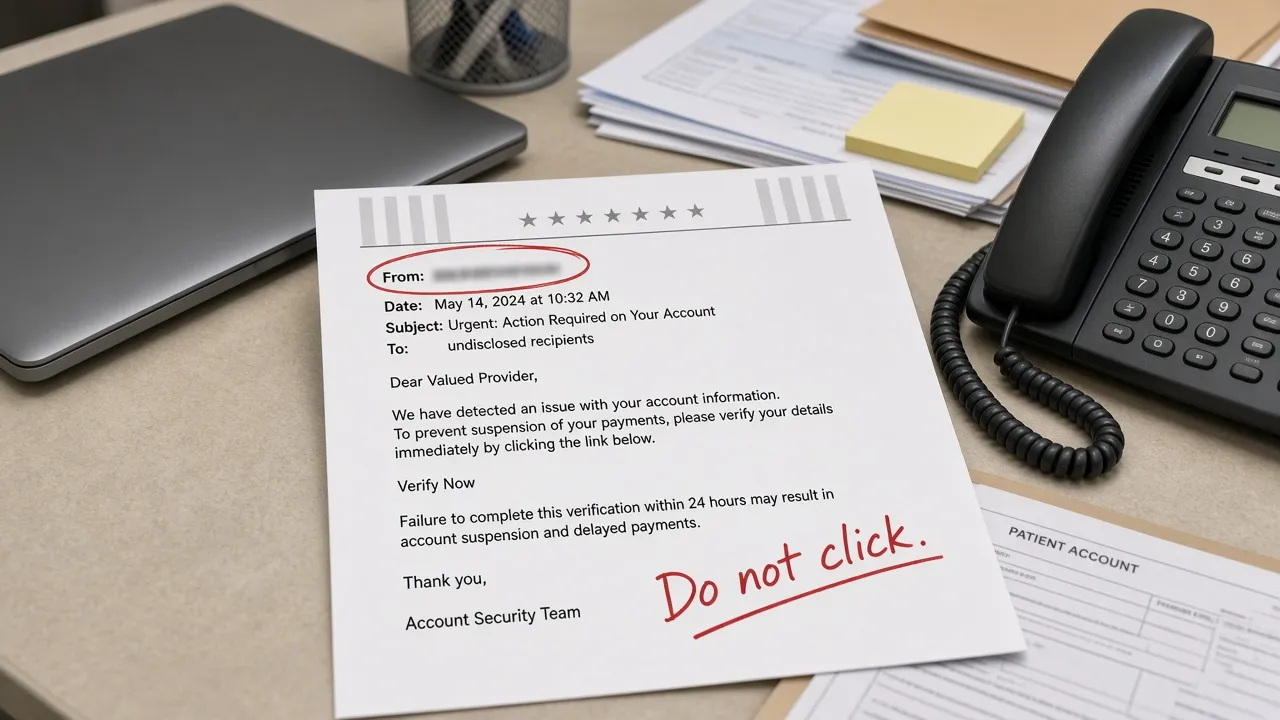
STEPS registration uses HHSC IAMOnline. Texas Medicaid billing apps use a separate TMHP IAMOnline account. Confusing those two logins is exactly what a “Primary Entity Contacts and STEPS Access Information” subject is built to exploit. Bookmark each portal from a known-good page:
| System | Type this |
|---|---|
| PFD / STEPS | pfd.hhs.texas.gov |
| HHSC | hhs.texas.gov |
| TMHP | tmhp.com |
The TMHP IAMOnline MFA cutover is a different story: a scheduled login change. This post is the Oct 8 impersonation alert.
MFA: YubiKey and Google Authenticator
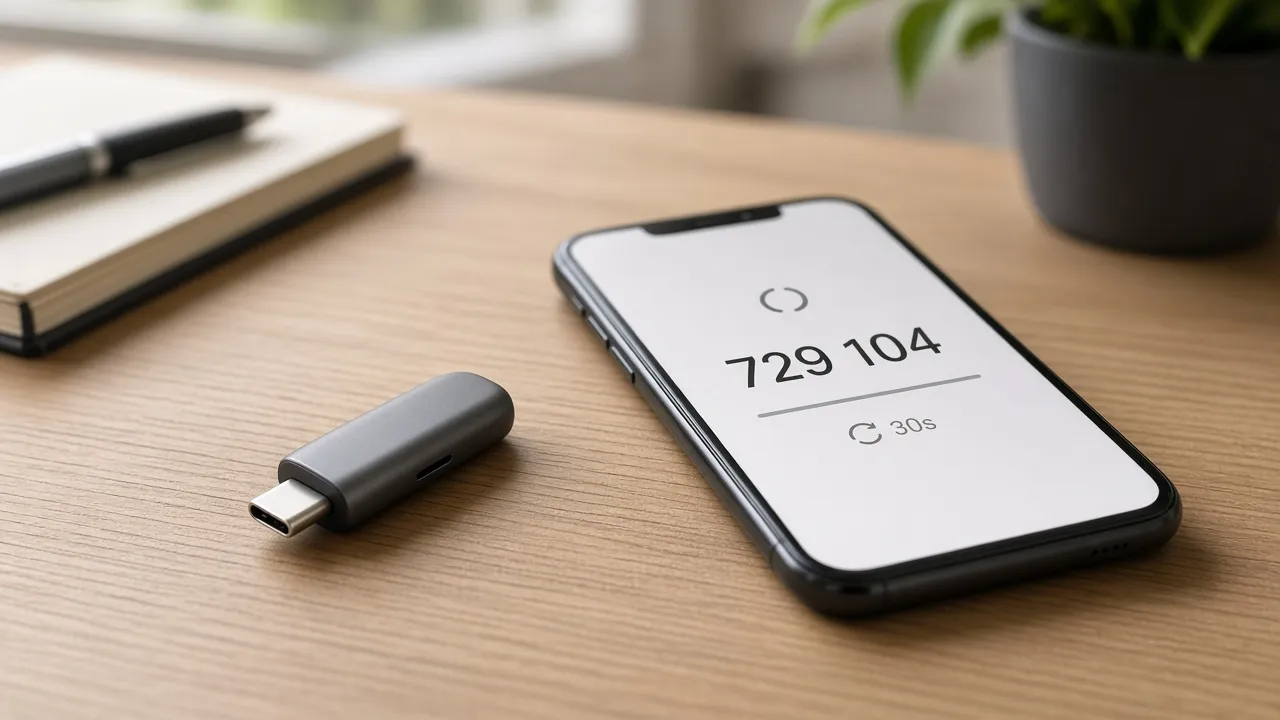
A hardware key does not un-click a fake “sign this document” page. It does stop a lot of replay after someone phishes email OTP. Grades match our MFA directory. Email OTP remaining is Fail even when an authenticator app is optional.
| Grade | Meaning |
|---|---|
| Fail | SMS, voice, or email OTP remains a documented factor |
| Pass | Self-serve Google Authenticator-style open TOTP |
| Strong | FIDO2 / YubiKey-class security key for sign-in |
| Login | Grade | YubiKey | Google Authenticator |
|---|---|---|---|
| HHSC IAMOnline (STEPS) | Fail | No | Not documented |
| TMHP IAMOnline | Fail | No | Optional |
| Okta (vendor) | Strong | Yes | Yes |
| HHS staff VPN / Microsoft 365 | Fail | No | App PDFs exist; SMS / voice remain |
HHSC IAMOnline documents password, a security question, email, and optional Okta Verify. Okta Verify is a vendor-locked app (code or push) — that is not open TOTP. Okta Verify setup does not name Google Authenticator or YubiKey.
TMHP IAMOnline auto-enrolls email MFA and offers Okta Verify or Google Authenticator. Email remaining keeps the grade at Fail. Prefer the authenticator on a managed phone.
Okta’s own account can be Strong. The HHSC tenant still lets email through. Staff HHS MFA for VPN and Office 365 is a different stack (phone call or text). Do not treat that page as STEPS MFA.
Directory: MFA support directory · Category → Healthcare.
Recommended MFA tools
| Product | Best for | Get it |
|---|---|---|
| YubiKey 5C NFC | USB-C laptops + NFC phones | Amazon |
| YubiKey 5 NFC | USB-A desktops + NFC phones | Amazon |
| Proton Pass | Passkeys + authenticator-style TOTP | Proton Pass |
We may earn a commission if you buy a YubiKey or sign up for Proton Pass through the links above.
Independent cybersecurity audits
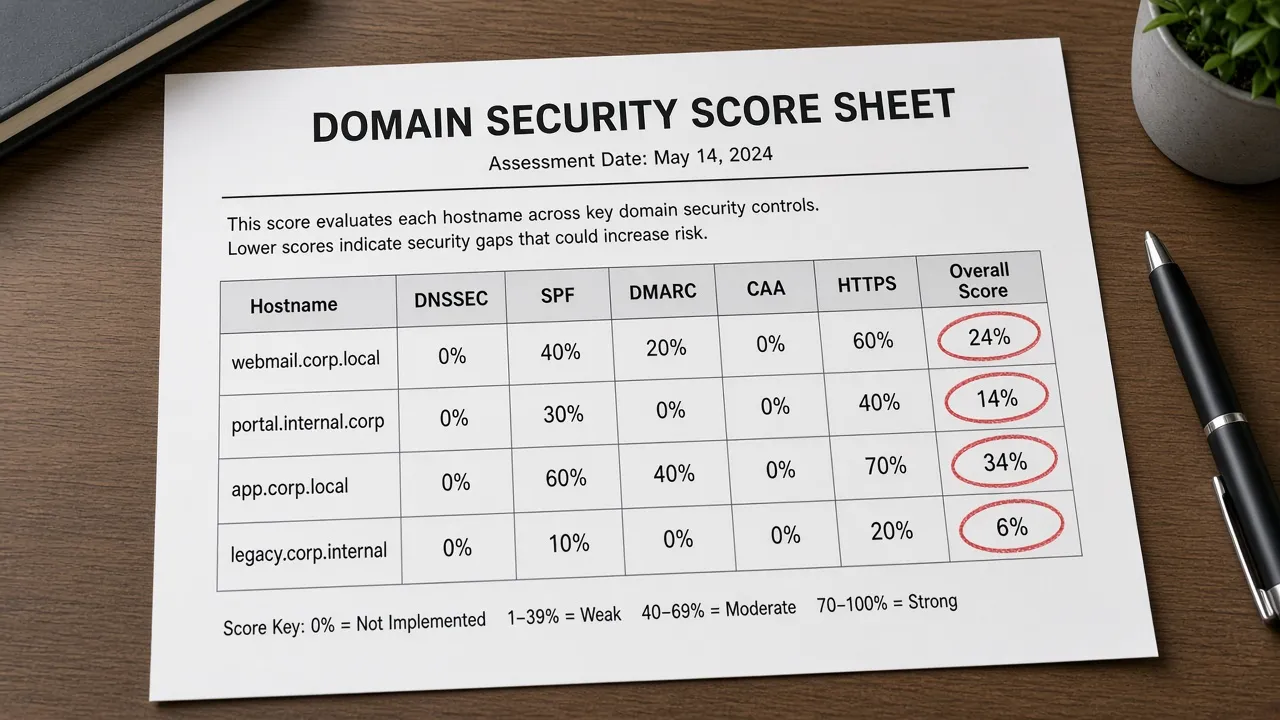
We audited the HHSC public site, the PFD host, TMHP, and the GovDelivery bulletin host on October 8, 2026. 100% is the ideal — none reach it. These scores are public email / transport / website posture. They do not mean STEPS was breached.
| Organization | Domain | Overall | vs 100% |
|---|---|---|---|
| TMHP | tmhp.com | 74% | −26 |
| HHSC | hhs.texas.gov | 48% | −52 |
| GovDelivery | govdelivery.com | 47% | −53 |
| HHSC PFD | pfd.hhs.texas.gov | 35% | −65 |
| Domain | Identity | Transport | Website |
|---|---|---|---|
| tmhp.com | 65% | 15% | 90% |
| hhs.texas.gov | 0% | 15% | 90% |
| govdelivery.com | 35% | 45% | 37% |
| pfd.hhs.texas.gov | 0% | 45% | 43% |
Audit links: tmhp.com · hhs.texas.gov · govdelivery.com · pfd.hhs.texas.gov
hhs.texas.gov Identity 0% is why a Gmail + stolen PFD logo is plausible in the inbox. Type hhs.texas.gov and the PFD STEPS page. Do not trust a “verify entity contacts” button even when the logo looks right.
tmhp.com still leads this set at 74%, with Email Infrastructure 100%, but Transport stays at 15% — the same recurring gap we flagged on the IAMOnline cutover post.
Website stack
Passive homepage + Certificate Transparency probes (October 8, 2026). Versions only.
| Domain | Stack note |
|---|---|
| hhs.texas.gov | Drupal 11 behind 11.4.8; Sectigo TLS expires 2027-01-06 |
| pfd.hhs.texas.gov | Drupal 11 behind 11.4.8; Let’s Encrypt TLS expires 2027-01-06 |
| tmhp.com | Drupal 10 (latest Drupal is 11.4.8); HTTP→HTTPS redirect not confirmed on probed hosts |
| govdelivery.com | WordPress 7.1.2 (wordpress.org 7.1.3); DigiCert TLS expires 2027-01-05 |
A Drupal 10 Medicaid portal is not the same as an unsupported CMS, but it is a public signal that tmhp.com is not on the current major line. GovDelivery being one patch behind WordPress core is a bulletin-host note, not proof the Oct 8 alert is fake.
Blacklist and lookalikes
Email blacklist checks (public DoH, October 8, 2026): hhs.texas.gov, pfd.hhs.texas.gov, tmhp.com, and govdelivery.com were clear on mail/domain lists we can query. pfd.hhs.texas.gov has no MX of its own (content host).
Registered lookalikes (BEC profile — not proof this Gmail wave used them):
| Brand scanned | To review | Likely owned | BEC staging |
|---|---|---|---|
| hhs.texas.gov | 13 | 0 | 2 |
| tmhp.com | 12 | 0 | 1 |
| govdelivery.com | 1 | 4 | 0 |
| Lookalike | Technique | Signal |
|---|---|---|
| texas.cloud / texas.us | TLD swap of texas.gov | NS + MX (BEC staging) |
| tmshp.com | Insertion | NS + MX (BEC staging) |
| govdelivery.co | TLD swap | Registered (NS + A + MX) |
| govdelivery.info / .net / .org / .us | TLD swap | Redirect to www.govdelivery.com |
The hhs.texas.gov pass expands the registrable parent texas.gov. Hosts such as texas.com are ordinary commercial TLD swaps — not evidence they were used in this STEPS lure. Type hhs.texas.gov, pfd.hhs.texas.gov, tmhp.com, and the GovDelivery bulletin. Continuous monitoring: Cybersquat Domain Monitoring.
CourtListener RECAP searches for STEPS, Provider Finance, and this impersonation wave did not return a matching docket. Unrelated HHS / McKesson civil cases are a different story.
What STEPS providers should do
- Delete the Gmail. Do not click, sign, or “verify entity contacts” from it.
- Open STEPS from a saved bookmark or by typing pfd.hhs.texas.gov.
- Keep HHSC IAMOnline and TMHP IAMOnline in separate password-manager entries.
- On TMHP IAMOnline, add Google Authenticator on top of email MFA. On HHSC IAMOnline, enroll Okta Verify if your tenant allows it — and treat email codes as phishable.
- If you clicked: tell IT, reset passwords on typed hosts, scan the device, then call 1-737-86-STEPS.
Related coverage
- TMHP IAMOnline MFA for Texas Medicaid
- PA AG MyChart phishing
- McKesson vishing lawsuits
- Texas healthcare AG breach tracker
- MFA support directory
Sources: HHSC GovDelivery bulletin 42e7780, Oct 8, 2026 · PFD STEPS transition · HHSC IAMOnline Okta Verify · IAMOnline security methods · HHS staff MFA · TMHP IAMOnline MFA notice · Okta YubiKey. Independent EmailMeNow audits, website-tech, blacklist, cybersquat, and CourtListener searches October 8, 2026. Domain scores: audit.emailmenow.com only. No lure URLs, exploit PoCs, or sample pages in this post.