Google promoted Chrome 154 to the desktop stable channel on September 22, 2026. The Chrome Releases note lists 108 security fixes, including 11 Critical. Builds are 154.0.8037.57 on Linux and 154.0.8037.57/.58 on Windows and Mac. The same-day Android 154 package (154.0.8037.57) carries the same security fixes unless Google notes otherwise.
Malwarebytes (Sept 24) and SecurityWeek recapped the same bulletin. Google has not reported in-the-wild exploitation for this batch. That is not a reason to wait: a crafted page hitting ANGLE, GPU, or WebGL is enough of a reason to relaunch.
If About Chrome still shows 150 or 148, you are not on this patch set.
Official notes: Stable Channel Update for Desktop, Sept 22
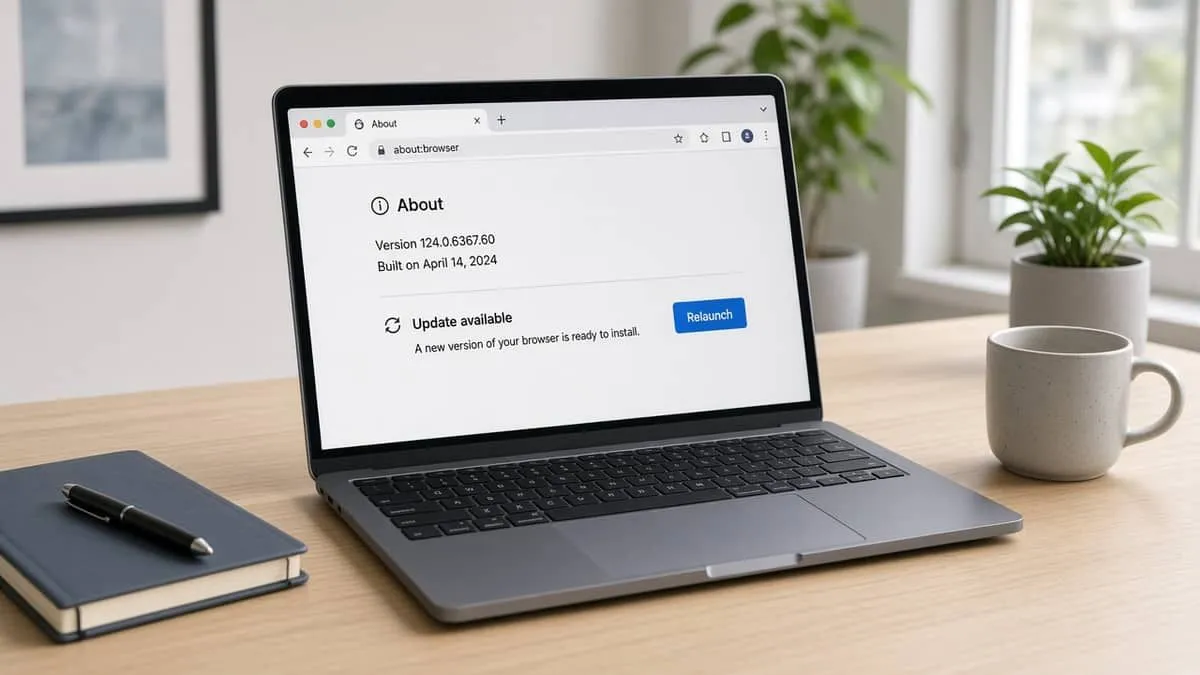
Snapshot
| Field | Detail |
|---|---|
| Desktop stable | Sept 22, 2026 — Chrome 154.0.8037.57 (Linux) / .57/.58 (Windows, Mac) |
| Android | 154.0.8037.57 on Google Play (same security set) |
| Totals | 108 fixes — 11 Critical, 25 High, 47 Medium, 25 Low |
| Who found them | Google 76; external researchers 32 (PCWorld / SecurityWeek) |
| Bounties so far | $18,000 posted; many external items still TBD |
| In the wild (at release) | Not reported |
| CourtListener | 0 matching RECAP dockets for this patch cycle (searched Sept 28, 2026) |
Chrome 155 on Android (155.0.8059.16, Sept 23) is an Early Stable slice for a small share of Play users. Google describes stability and performance, not a second 108-fix bulletin. Do not chase Beta. Get 154 first, then let 155 roll out.
Extended Stable moved to 152.0.7977.140 the same day. That channel is a back-level Chromium, not 154.
Critical fixes to take seriously
A malicious webpage is the usual trigger. We do not publish exploit steps. Names and components come from Google’s list:
| CVE | Component | Class |
|---|---|---|
| CVE-2026-95350 | ANGLE | Buffer overflow |
| CVE-2026-95281 | ANGLE | Buffer overflow |
| CVE-2026-95284 | ANGLE | Buffer overflow |
| CVE-2026-95349 | WebGL | Buffer overflow |
| CVE-2026-95357 | GPU | Out-of-bounds write |
| CVE-2026-95322 | GPU | Out-of-bounds write |
| CVE-2026-95329 | WebGL | Out-of-bounds write |
| CVE-2026-95339 | ServiceWorker | Use after free |
| CVE-2026-95313 | Fullscreen | Use after free |
| CVE-2026-95356 | WindowDialog | Use after free |
| CVE-2026-95310 | AdFilter | Use after free |
Nine of the eleven Critical items were external reports. High-severity follow-ons include use-after-free in Extensions-adjacent UI, V8 type-confusion / out-of-bounds write, and PDFium. Treat Chromium-based Edge and other forks as separate patch clocks.
How to update
Type these paths. Do not use an “urgent Chrome update” link from email, search ads, or a pop-up.
Desktop (Windows, macOS, Linux)
| Step | Action |
|---|---|
| 1 | Open Chrome |
| 2 | Menu ⋮ → Help → About Google Chrome, or paste chrome://settings/help |
| 3 | Wait for the check to finish, then Relaunch |
| 4 | Confirm 154.0.8037.57 or .58 (or newer) |
macOS: Chrome menu → About Google Chrome.
Linux: If the in-browser updater is stuck, use Google’s repo package or google.com/chrome — never a third-party “Chrome download” page.
Android
| Step | Action |
|---|---|
| 1 | Open the Play Store app (search it; do not follow an SMS) |
| 2 | Profile → Manage apps → find Chrome → Update |
| 3 | In Chrome: ⋮ → Settings → About Chrome |
| 4 | Confirm 154.0.8037.57 or newer |
iOS Chrome 154 is on the App Store (Google posted 154.0.8037.41 on Sept 15; later 154 builds may already be live). Check About in the app.
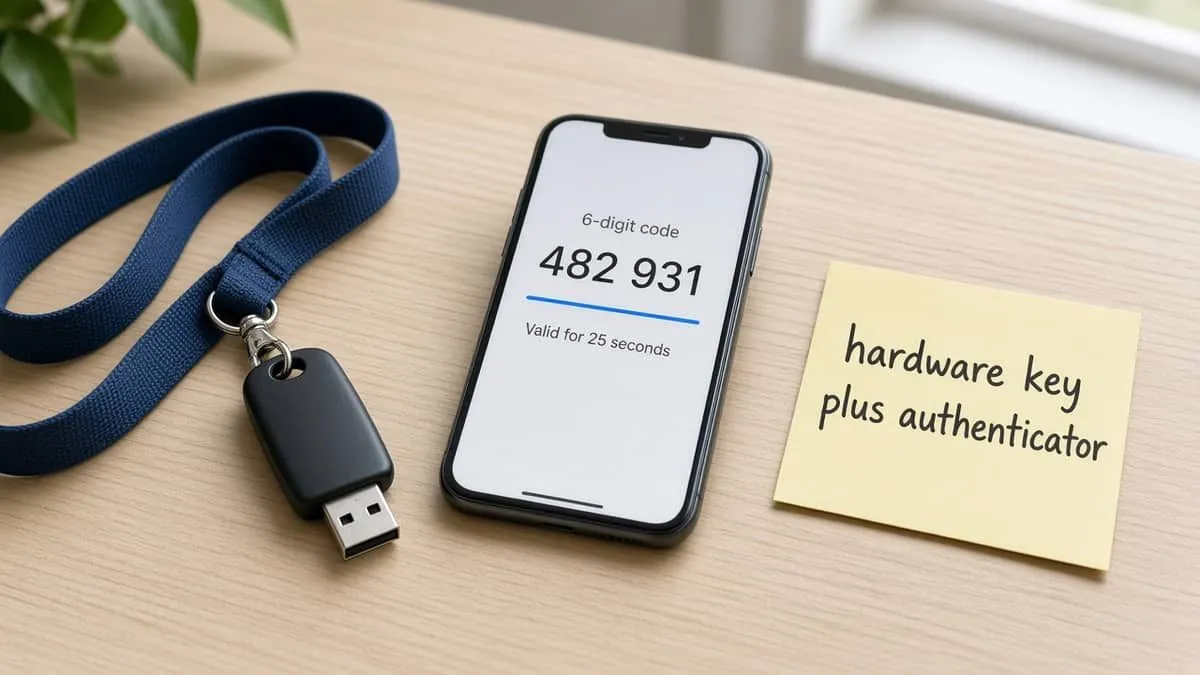
MFA: YubiKey and Google Authenticator
A hardware key does not install this patch. It does stop a lot of the fake-update phishing that follows a 108-fix headline: a page that looks like Google sign-in, then a “Chrome installer.”
| Grade | Meaning |
|---|---|
| Fail | SMS, email OTP, or no public key / open TOTP |
| Pass | Self-serve Google Authenticator-style open TOTP |
| Strong | FIDO2 / YubiKey-class security key for sign-in |
| Platform | Grade | YubiKey | Authenticator |
|---|---|---|---|
| Google Account | Strong | Yes | Yes |
| Malwarebytes Account | Fail | No | No |
Google documents passkeys, Authenticator, and security keys. Chrome sync uses that account. Malwarebytes Account email verification is email OTP (Fail). MFA does not make a sideloaded “Chrome setup” binary safe.
Directory: MFA support directory · Category → Email & Identity.
Recommended MFA tools
| Product | Best for | Get it |
|---|---|---|
| YubiKey 5C NFC | USB-C laptops + NFC phones | Amazon |
| YubiKey 5 NFC | USB-A desktops + NFC phones | Amazon |
| Proton Pass | Passkeys + authenticator-style TOTP | Proton Pass |
We may earn a commission if you buy a YubiKey or sign up for Proton Pass through the links above.
Independent cybersecurity audits
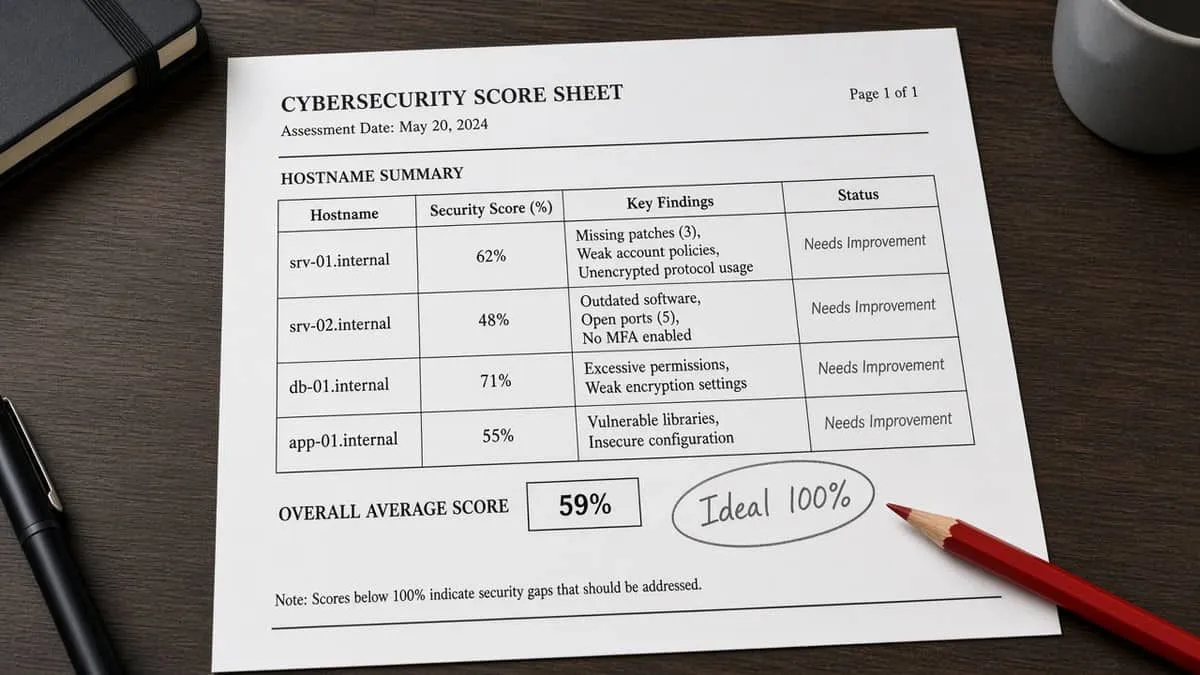
We audited the official-notes host, the newsletter source, Google’s consumer domain, and the Chrome download portal on September 28, 2026. 100% is the ideal — none reach it. These scores are public email / transport / website posture. They do not mean Chrome 154 failed to ship.
| Organization | Domain | Overall | vs 100% |
|---|---|---|---|
| Chrome Releases host | googleblog.com | 82% | −18 |
| Malwarebytes | malwarebytes.com | 71% | −29 |
| google.com | 55% | −45 | |
| Chrome download portal | chrome.google.com | 35% | −65 |
| Domain | Identity | Transport | Website |
|---|---|---|---|
| googleblog.com | 90% | 15% | 95% |
| malwarebytes.com | 90% | 45% | 43% |
| google.com | 50% | 70% | 37% |
| chrome.google.com | 0% | 45% | 43% |
Audit links: googleblog.com · malwarebytes.com · google.com · chrome.google.com
chrome.google.com Identity 0% is why fake “update Chrome” sites work. Type google.com/chrome or use About Chrome. Do not trust a download button in a newsletter even when the newsletter is real.
Website stack
Passive homepage + Certificate Transparency probes (September 28, 2026). Versions only.
| Domain | Stack note |
|---|---|
| google.com | CMS undetected; Google Trust Services TLS expires 2026-10-22 (~24 days); HTTP→HTTPS redirect not confirmed on probed hosts |
| chrome.google.com | CMS undetected; HTTP→HTTPS redirect not confirmed on probed hosts |
| malwarebytes.com | WordPress, generator version hidden; Amazon Trust TLS expires 2027-03-19 |
| googleblog.com | CMS undetected; Google Trust Services TLS expires 2026-12-11 |
A short Google leaf date is a certificate calendar note, not a Chrome outage.
Blacklist and lookalikes
Email blacklist checks (public DoH, September 28, 2026): google.com, chrome.google.com, malwarebytes.com, and googleblog.com were clear on mail/domain lists we can query.
Registered lookalikes (BEC profile — not proof this patch cycle used them):
| Brand scanned | To review | Likely owned | BEC staging |
|---|---|---|---|
| google.com | 31 | 9 | 0 |
| malwarebytes.com | 9 | 6 | 0 |
| googleblog.com | 5 | 0 | 0 |
| Lookalike | Technique | Signal |
|---|---|---|
| geoogle.com | Insertion | NS + A + MX |
| google.app / .biz / .io | TLD swap | Registered; .ai / .us redirect to Google |
| maalwarebytes.com | Insertion | A |
| malwarebytes.app | TLD swap | NS + A + MX |
| googleblog.biz / .info / .io | TLD swap | NS only |
A chrome.google.com squat pass mostly repeats google.com insertions. Type google.com, google.com/chrome, chromereleases.googleblog.com, and malwarebytes.com. Continuous monitoring: Cybersquat Domain Monitoring.
CourtListener RECAP searches for Chrome 154 and the Critical CVE identifiers did not return a matching patch-cycle docket. Unrelated “Chrome Hearts” trademark suits are a different story.
Related coverage
- Chrome 150 — 382 fixes
- Chrome 148 — 151 fixes
- Adblock for YouTube extension advisory
- RatHat Android overlays
- MFA support directory
Sources: Chrome Releases — Stable desktop, Sept 22, 2026 · Chrome for Android 154 · Malwarebytes, Sept 24 · SecurityWeek · PCWorld · TechRepublic · Google passkeys / Authenticator · Malwarebytes Account email verification. Independent EmailMeNow audits, website-tech, blacklist, cybersquat, and CourtListener searches September 28, 2026. Domain scores: audit.emailmenow.com only. No exploit PoCs or sample pages in this post.