A new macOS threat can freeze the screen and trick people into entering their Mac password. If someone gives it that password, attackers may keep access to the computer and steal personal information later.
Security firm Group-IB named the malware ClickLock Stealer — a nod to ClickFix social engineering plus a coercive “locker” that kills visible apps until the victim complies. Malwarebytes and MacRumors independently covered the same campaign in mid-to-late July 2026.
Unlike Apple macOS Tahoe / iOS / Safari patch notes (vendor CVEs), ClickLock needs no exploit: victims paste a command into Terminal themselves.
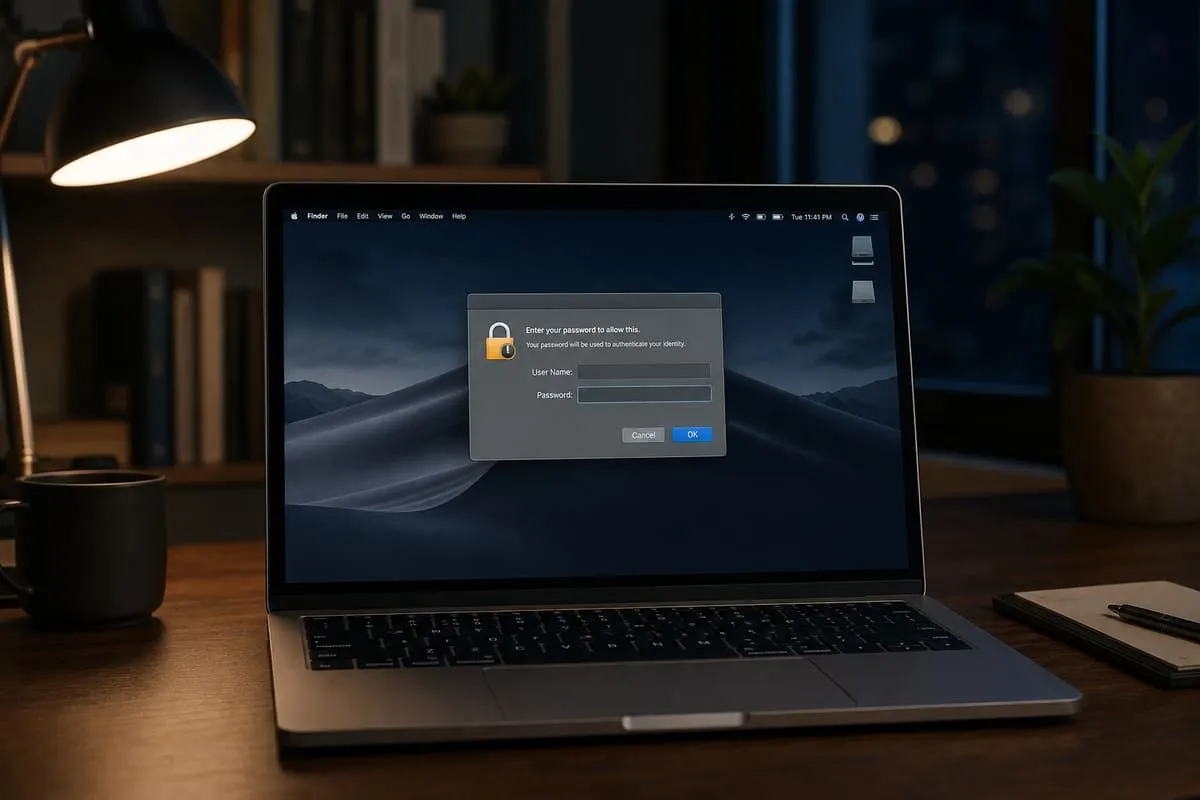
Snapshot
| Field | Detail |
|---|---|
| Malware | ClickLock Stealer (named by Group-IB) |
| Platform | macOS (user-level; no privilege escalation required) |
| First VT sample | June 9, 2026 (zero detections at analysis time) |
| Activity window | About two months as of Group-IB’s report — since May 2026 |
| Scale | ≥100 victims in 33 countries (>50% in Europe) |
| Delivery | Assessed ClickFix pages (fake Cloudflare / verification / “cleanup”) |
| Exfil / C2 | Telegram bot; payloads on compromised WordPress hosts |
| Persistence | LaunchAgents + modified GSocket backdoor (disguised as iCloud-style process) |
| Apple mitigation | macOS Tahoe 26.4+ warns when pasting Terminal commands from a website/chat |
How the scam works
- Fake verification page — Victim lands on a phishing page that looks like Cloudflare CAPTCHA, browser “human check,” or a Mac cleanup utility (ClickFix pattern).
- Paste into Terminal — The page tells the user to open Terminal, paste a command, and press Return.
- Distraction animation — The script shows a fake Cloudflare-style progress bar while modules download in the background.
- Fake password dialog — An
osascriptprompt uses the victim’s real username and a downloaded Apple icon. - Refuse → freeze — Canceling installs LaunchAgents. On next login, a kill loop (~every 210 ms) closes Finder, Dock, Terminal, Activity Monitor, browsers, and more — leaving mainly the password dialog. Group-IB reports loops configured for up to ~83 hours.
- Comply → steal everything — A correct password is validated locally, then sent with a system fingerprint. Modules harvest browsers, password-manager extensions, crypto wallets, Keychain (including Chrome Safe Storage after a forced Keychain prompt), shell history, and more — then ZIP and send to Telegram.
- Quiet backdoor — Stealer modules self-delete; a GSocket-based reverse shell can remain for later access.
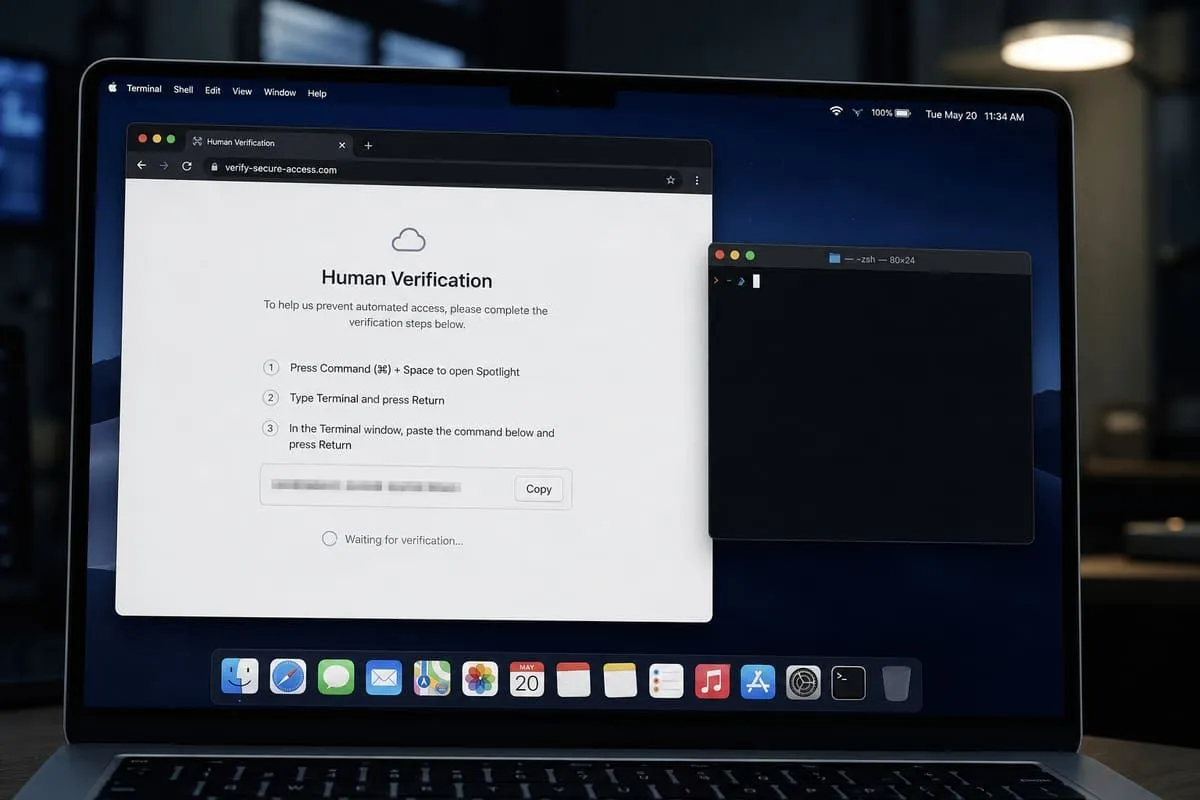
What gets stolen
| Category | Examples Group-IB lists |
|---|---|
| Browsers | Data from 8 browsers |
| Crypto extensions | 31 wallet browser extensions |
| Password managers | 7 password-manager extensions |
| Desktop wallets | 8 desktop wallet apps |
| System secrets | macOS Keychain, shell history, FTP credentials |
| Chains | Blockchain addresses across 6 chains |
A background loop can also suppress Notification Center for roughly six hours, muting Gatekeeper-style warnings while the attack runs.
What Mac users should do
- Never paste Terminal commands from a website, chat, or “verification” page — even if it shows Cloudflare branding.
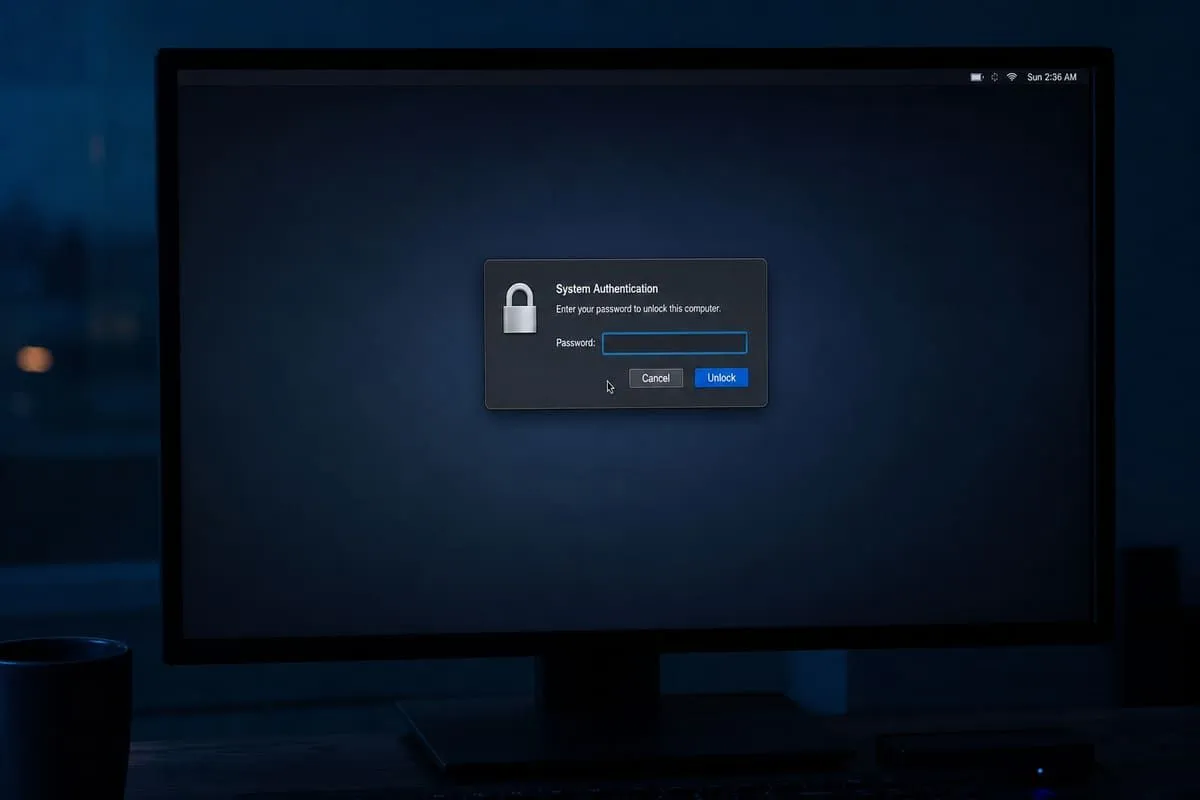
- If apps keep closing and an unexpected password prompt appears: do not type the password. Hold the power button to force shutdown, then boot Safe Mode to investigate.
- Check
~/Library/LaunchAgents/for unexpected plists (Group-IB cites names such ascom.authirity.plist/com.chromer.plist) and look for a hidden staging path like~/.cacheb/. - On macOS Tahoe 26.4 or later, heed the paste warning Apple added for ClickFix-style Terminal paste.
- If you already entered the password or approved Keychain access: treat the Mac as compromised — change passwords from a clean device, revoke browser sessions, rotate crypto wallets, and reimage when in doubt.
- Keep endpoint protection current; Malwarebytes reports detection as MacOS.Stealer.ClickLock.
Why Texas businesses should care
Texas firms often put client work, QuickBooks, Microsoft 365, and crypto / payment tools on personal or company Macs. A partner or bookkeeper who pastes a “Cloudflare check” into Terminal can hand attackers the login password, browser vault, and a persistent backdoor — useful for later BEC and wire fraud of the kind we track in Texas OAG breach reports.
This is the same class of trust abuse as WhatsApp fake-document RMM malware and password-manager policy phishing: the user does the dangerous step, not a zero-day in Apple’s stack.
Independent cybersecurity audits
We audited domains tied to this story on July 22, 2026. 100% is the ideal overall score — none of these hosts reach it. Scores reflect public email / transport / website posture, not whether ClickFix pages are safe to obey.
| Organization | Domain | Overall | Identity | Transport | Website | vs 100% ideal |
|---|---|---|---|---|---|---|
| Cloudflare | cloudflare.com | 88% | 90% | 45% | 100% | −12 |
| Malwarebytes | malwarebytes.com | 72% | 90% | 45% | 45% | −28 |
| Apple | apple.com | 70% | 50% | 15% | 100% | −30 |
| Telegram | telegram.org | 70% | 95% | 15% | 37% | −30 |
| 1Password | 1password.com | 68% | 45% | 15% | 98% | −32 |
| Group-IB | group-ib.com | 60% | 30% | 15% | 92% | −40 |
| GSocket project | gsocket.org | 28% | 0% | 15% | 37% | −72 |
How to read this table
- cloudflare.com scores highest here — attackers impersonate Cloudflare verification UI; a strong corporate domain does not make a phishing “check” legitimate.
- apple.com website headers score well; transport (15%) is the weak public signal — and ClickLock’s fake dialog steals trust from Apple’s brand, not from apple.com’s DNS.
- 1password.com is included because ClickLock harvests password-manager extension data; vault vendors are high-value targets when a Mac login password is also stolen.
- gsocket.org is the open-source toolkit family attackers abuse for the backdoor — a low public audit score is a hygiene signal, not proof that GSocket itself is malware.
- telegram.org is the exfil channel Group-IB describes; domain posture ≠ bot abuse risk.
Audit links
Website stack note
Passive website-tech probes on July 22, 2026 completed for 7 of 7 audited domains (1 notable):
| Domain | Stack signal |
|---|---|
| gsocket.org | PHP 8.1.34 EOL (unsupported since 2025-12-31) — TLS still valid (~179 days, Sectigo) |
| group-ib.com | WordPress (version hidden); PHP 8.2.30 supported |
| malwarebytes.com | WordPress (version hidden) |
| 1password.com | Next.js (version not exposed) |
| apple.com / cloudflare.com / telegram.org | No notable public CMS / PHP / short-horizon TLS flags |
gsocket.org showing EOL PHP is a public hygiene signal on the project site for a toolkit attackers abuse as a backdoor — it does not mean every GSocket install is malicious, and it does not change the primary advice: never paste Terminal commands from a verification page.
These passive observations are point-in-time public signals. They do not prove exploitability, identify a breach path, or establish that a detected major version is unsupported beyond the EOL note above.
Priority actions for IT teams
- Block ClickFix behavior — train users never to paste shell commands from the browser; prefer MDM profiles that discourage Terminal paste-from-web where feasible.
- Hunt LaunchAgents — alert on new plists under
~/Library/LaunchAgents/and odd hidden dirs such as~/.cacheb/. - Watch Telegram API egress and unexpected
gs-netcat/ GSocket-style reverse shells from Mac endpoints. - EDR detections — look for rapid repeated process kills (Finder/Dock/browsers) paired with
osascriptpassword dialogs. - Incident response — if password was entered: isolate, reimage, rotate credentials from a clean device, and revoke sessions across Microsoft 365 / banking / crypto.
Related trackers
- Apple macOS Tahoe / iOS / Safari security update
- LastPass / Bitwarden policy phishing
- WhatsApp fake document RMM malware
- Breach monitoring resources
Check your domain free at audit.emailmenow.com, or see automated reports and monitoring.
Sources: Group-IB — ClickLock Stealer: Paste Once, Lose Everything · Malwarebytes — New ClickLock Stealer locks your Mac · MacRumors — ClickLock malware coerces Mac passwords · BleepingComputer — ClickLock traps users into revealing login password